

Your QA team runs the same regression suite every sprint, burns two days on manual exploratory testing, and still ships bugs that a pattern-matching model could catch in seconds. The gap between what AI can do for quality assurance today and what most teams actually use it for is enormous. This article walks through the concrete steps, tools, and trade-offs of weaving AI into your existing QA workflows so you capture the speed gains without losing control over quality or security.
Photo by Elements Interactive from Pexels
TL;DR:- AI in QA automates repetitive test generation, flaky-test triage, and defect classification, freeing your team for exploratory and risk-based testing.
- Implementation starts with a focused pilot on one high-pain area (regression, visual testing, or log analysis), not a full-stack overhaul.
- The real challenges are AI bias in test prioritization, data security when feeding production logs to models, and organizational trust in AI-generated verdicts.
What AI Actually Does in QA
Forget the marketing slides showing a robot pressing a "Test" button. AI in quality assurance means applying machine learning, natural language processing, and pattern recognition to tasks that currently eat your team's hours: generating test cases from requirements, classifying failures, predicting which code changes are most likely to introduce regressions, and maintaining test scripts that break every time the UI shifts.
The core value is not replacing testers. It is redirecting their attention. A model that auto-triages 200 nightly test failures into "known flaky," "environment issue," and "likely real defect" saves your senior QA engineer from spending the first two hours of every morning on noise.
"According to recent statistics, 75% of QA teams report that AI improves their ability to identify defects.">, What Is AI for Quality Assurance?
Three categories where AI delivers measurable results right now:
- Test generation from specs, user stories, or existing code paths.
- Visual regression testing that compares screenshots pixel-by-pixel and ignores irrelevant layout shifts.
- Failure classification that groups test results by root cause instead of dumping a flat list of red builds on your dashboard.
How AI Improves Testing Efficiency
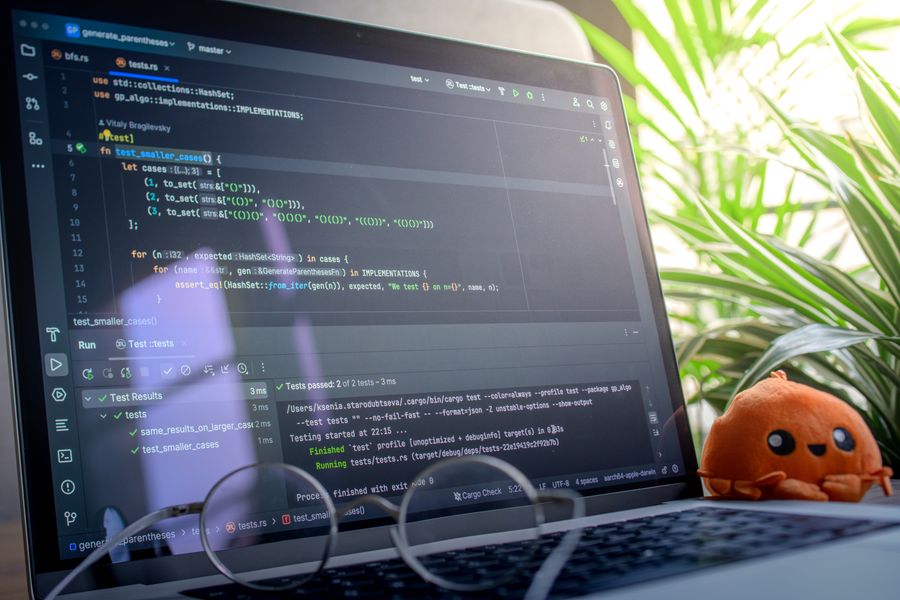
Manual regression testing scales linearly with your feature set. AI-assisted testing does not. Here is where the numbers shift:
- Faster test cycles. Automated test generation from code diffs means new tests appear within minutes of a pull request, not after a sprint planning session.
- Reduced manual errors. A model trained on your historical defect data catches patterns humans miss after the 50th test run of the day.
- Smarter prioritization. Risk-based test selection runs the tests most likely to fail first, cutting feedback time from hours to minutes on large suites.
- Self-healing locators. AI-powered frameworks update CSS selectors and XPaths when the UI changes, eliminating the single biggest source of flaky end-to-end tests.
The efficiency gain is not uniform. Unit tests benefit less because they are already fast and cheap. The biggest ROI sits in integration tests, end-to-end UI tests, and cross-browser/cross-device matrices where the combinatorial explosion makes manual coverage impossible.
Steps to Implement AI in QA
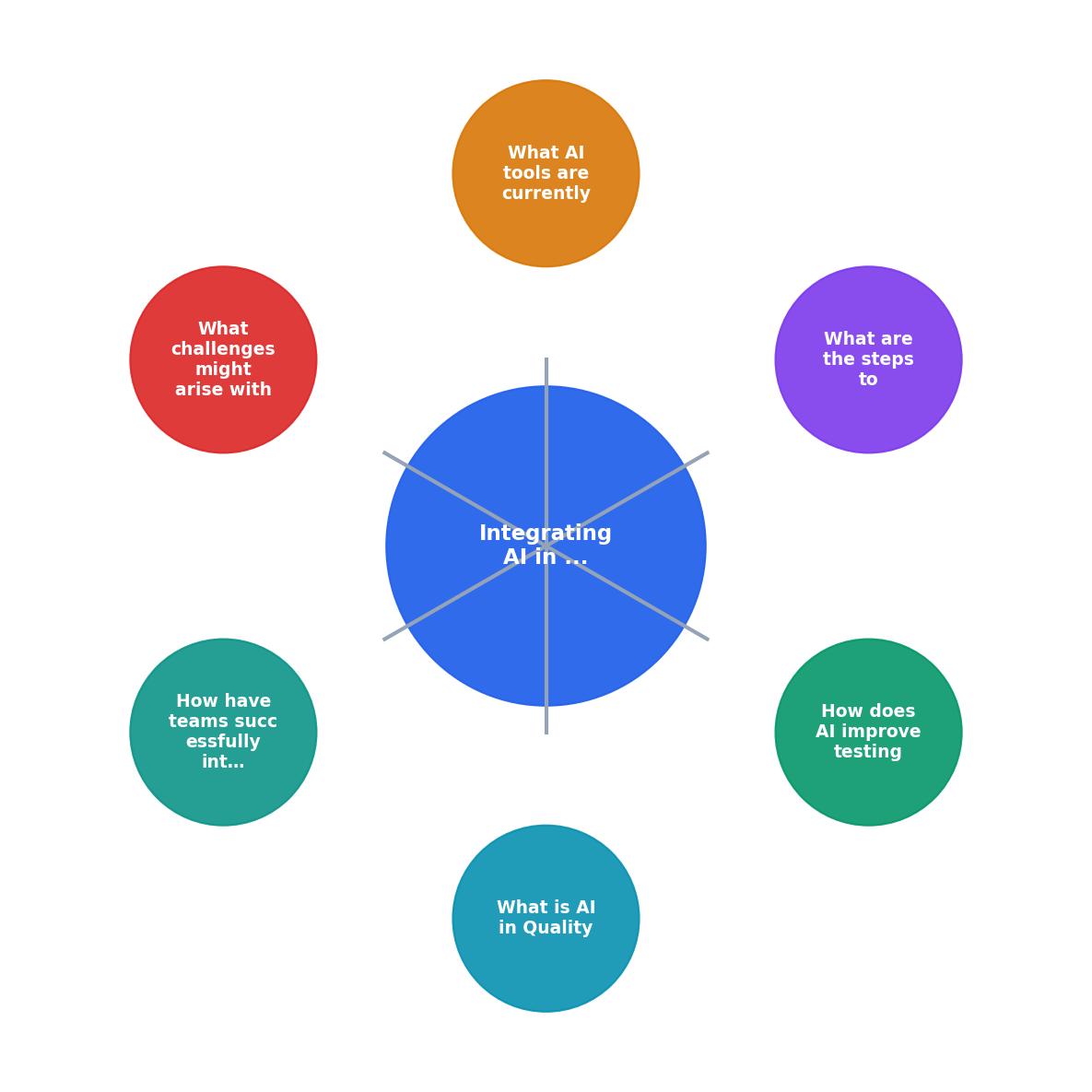
The diagram above outlines the high-level flow. Here is how each step works in practice:
1. Audit current pain points. Map where your team spends the most time on repetitive QA tasks. Common answers: flaky test triage, test data setup, regression suite maintenance, and manual exploratory passes on stable features.
2. Select a pilot scope. Pick one pain point, not five. A focused pilot on visual regression testing or failure classification produces results in two to four weeks. A broad "AI everything" initiative produces a vendor evaluation spreadsheet and nothing else.
3. Evaluate tools against your stack. Check language support, CI/CD integration, data residency, and pricing model. A tool that requires sending production screenshots to a third-party cloud may violate your compliance requirements.
4. Integrate into CI/CD. The AI tool runs as a pipeline step, not a separate dashboard someone checks manually. If it does not plug into GitHub Actions, GitLab CI, or whatever you use, it will be ignored within a month.
5. Train on your data. Most AI QA tools improve with historical test results, defect logs, and code change metadata. Feed them at least three months of data for meaningful pattern recognition.
6. Measure and iterate. Track defect escape rate, mean time to triage, and false positive rate weekly. Adjust confidence thresholds. Remove the tool if it adds noise instead of reducing it.
AI Tools Used in QA Today
The tooling landscape splits into a few categories. Here is a realistic snapshot of what teams actually deploy:
| Category | Tools | Best For |
|---|---|---|
| Visual regression | Applitools Eyes, Percy (BrowserStack) | UI-heavy apps, cross-browser testing |
| Test generation | Codium AI, Diffblue Cover | Unit/integration test scaffolding from code |
| Self-healing locators | Testim, Mabl, Healenium | Reducing flaky E2E test maintenance |
| Failure classification | Launchable, BuildPulse | Triaging large nightly test suites |
| API testing with AI | Postbot (Postman), Katalon | Generating and validating API test cases |
No single tool covers the full QA pipeline. Most teams combine two or three: one for test generation, one for execution intelligence, and one for reporting/triage.
The following dashboard illustrates what a typical AI-enhanced QA metrics view looks like for a mid-size engineering team running about 4,000 tests nightly:
AI-Enhanced QA Dashboard (Example: 4,000-test suite)
Challenges With AI in QA

AI in QA is not a free lunch. Three categories of risk demand attention before you roll anything out to the full team.
AI Bias in Test Prioritization
A model trained on historical defect data inherits the biases of that data. If your team historically under-tested the payments module because "it never breaks," the AI will deprioritize it too. Bias compounds over time: fewer tests means fewer detected defects, which reinforces the model's belief that the module is safe.
Mitigation: Periodically run full, unfiltered test suites. Compare AI-prioritized results against the full run. If the delta grows, retrain or adjust weighting.
Data Security and Privacy
Feeding production logs, user session replays, or screenshots to a cloud-based AI tool means sensitive data leaves your perimeter. For teams under SOC 2, HIPAA, or GDPR, this is a compliance event, not a convenience feature.
- Audit what data each tool ingests and where it is stored.
- Prefer tools that offer on-premise or VPC-hosted models.
- Anonymize or mask PII before it enters any AI pipeline.
Organizational Trust
QA engineers who have spent years building expertise will not trust a model that says "skip these 400 tests" on day one. And they should not. Trust builds through transparency: show the model's reasoning, track its accuracy over time, and give the team a manual override.
Successful Integration Examples
Teams that get this right share a pattern: small scope, clear metrics, and executive patience.
E-commerce platform (200+ microservices). Adopted Launchable for test selection in CI. Reduced average pipeline time from 48 minutes to 19 minutes by running only the tests statistically likely to fail for each changeset. Defect escape rate stayed flat over six months, proving the model was not skipping real failures.
Fintech startup (15 engineers). Used Applitools for visual regression across four browsers. Eliminated a weekly two-day manual visual QA pass. The tool flagged 23 real visual regressions in the first quarter that the team's previous screenshot-diff script missed entirely.
Healthcare SaaS (SOC 2 compliant). Deployed Diffblue Cover for automated unit test generation on a legacy Java codebase with 11% test coverage. Reached 47% coverage in eight weeks. The generated tests caught four latent bugs in date-handling logic that had been in production for over a year.
Future Trends in AI for QA
Three developments worth tracking if you are planning your QA strategy for the next 12 to 24 months:
- Autonomous test agents. Models that explore an application like a user, discover flows, and generate tests without predefined scripts. Early versions exist in tools like Mabl and QA Wolf. Expect rapid improvement as LLM-based agents mature.
- Shift-left defect prediction. AI that flags likely defects at the pull request stage, before any test runs, based on code complexity metrics and historical patterns. Launchable and CodeScene are moving in this direction.
- LLM-powered test maintenance. Instead of self-healing locators (a narrow fix), LLMs that understand the intent of a test and rewrite the entire test when the feature changes. This is the gap between "fix the selector" and "update the test because the checkout flow now has a new step."
The Vibe Coding Bible at vibecodingbible.org covers how to build these AI-integrated engineering workflows across your entire team, from code generation through testing and deployment.
AI QA Implementation Checklist
AI QA Integration Checklist
Your progress is saved automatically in your browser.
FAQ
Frequently Asked Questions
Additional Resources
- What Is AI for Quality Assurance? - Integrating AI technologies into existing QA processes can be complex. Organizations must ensure that their current systems are compatible with AI solutions, ...
- AI in Quality Assurance: Shifting From Manual to ... - This article explores in-depth the power of AI in quality assurance and how QA teams can shift from unscalable manual testing to cutting-edge autonomous ...
- AI in Quality Assurance: Test smarter, not harder - Blog - Transform enterprise QA with AI. Learn how agentic testing eliminates manual bottlenecks, reduces costs, and accelerates software delivery.