
AI can ship your app 80% of the way there. The remaining 20% is where most founders get stuck: something breaks, you don't know why, and you're staring at error messages that look like alphabet soup. Debugging AI-generated code without a technical background feels impossible, but it's not. You don't need a CS degree to figure out what went wrong, you need the right approach, the right tools, and permission to think like a detective instead of a programmer.
Photo by Daniil Komov from Pexels
TL;DR:- Non-engineers can debug AI code using error messages, AI diagnostic tools, and visual interfaces without deep technical knowledge.
- Common issues include API failures, database connection problems, missing environment variables, and logic errors, all identifiable through systematic checking.
- Tools like VS Code's built-in debugger, browser developer tools, and AI-assisted diagnostics level the playing field for non-technical builders.
- Practical strategies: reproduce the error, isolate variables, ask AI to explain, and document what you find for faster future fixes.
Why debugging matters for non-engineers
Shipping broken code costs you. A user hits a bug, they leave. Your app crashes under load, you lose revenue. Security holes in code you don't fully understand become your liability. Debugging isn't optional polish, it's the difference between a viable product and a failed launch.
The stakes are real. When you depend on AI to write your product, understanding how to fix it when it breaks separates builders who survive from those who don't. You don't need to be able to write the fix yourself. You need to understand what's broken, communicate it clearly to AI or your team, and verify the solution works.
Understanding the debugging process
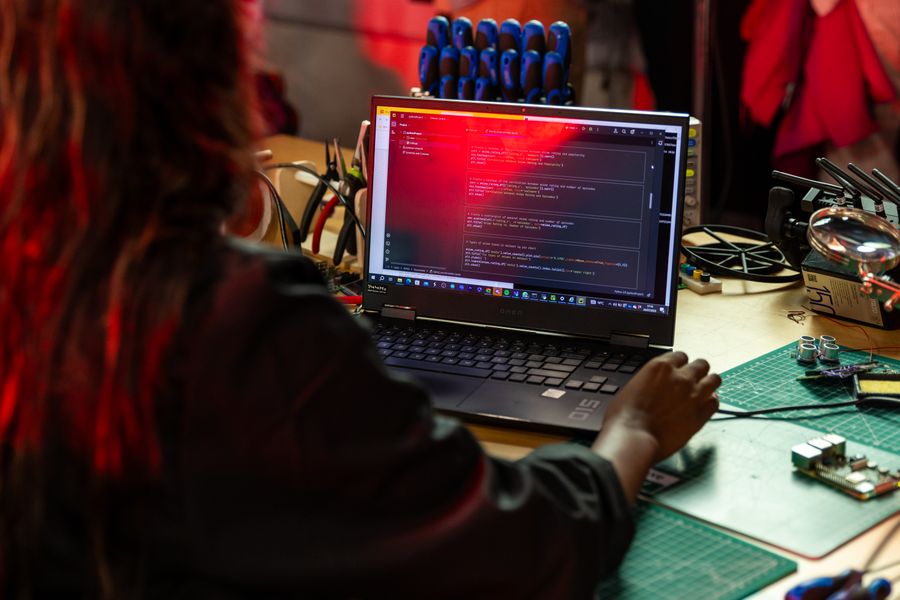
Debugging follows a predictable flow. You observe a symptom (the app is slow, a button doesn't work, the database won't connect). You form a hypothesis about the cause. You test that hypothesis. You either confirm it or rule it out, then move to the next hypothesis. This is not different from troubleshooting a car that won't start. It's methodical, not mystical.
The error message is your first clue. Most developers skip or ignore error messages. Don't. Read them. They tell you exactly what went wrong, where it went wrong, and sometimes why. An error like "Cannot read property 'email' of undefined" means the code tried to grab an email from something that doesn't exist. That's actionable information.
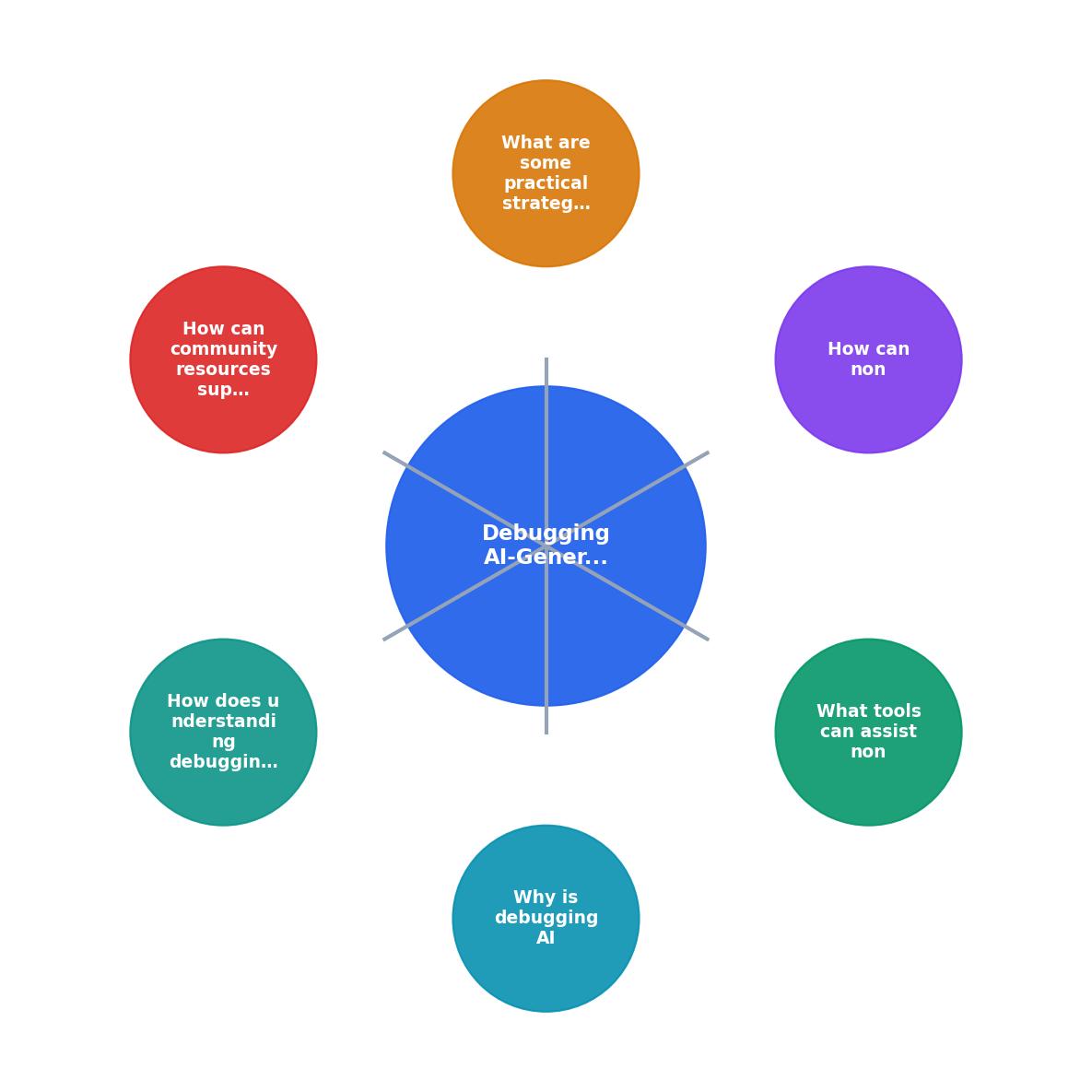
Common issues in AI-generated code
AI doesn't write broken code on purpose. It writes code that looks right but breaks under specific conditions. Knowing what to look for cuts your debugging time in half.
API and network failures are the most common culprit. Your AI-generated code talks to an external service (Stripe, Twilio, a database). The service is down, slow, or returns an unexpected response. The code doesn't know how to handle it, so it crashes silently or throws a vague error. Solution: check if the service is actually up, verify your API credentials, confirm the request format matches what the service expects.
Environment variable mismatches break apps constantly. AI writes code that uses a variable (like a database password or API key), but the variable isn't set where the code runs. Your development machine has it, but production doesn't. Or you renamed it in one place but forgot the other. The code runs fine locally, fails in production. Solution: print out the variable to confirm it exists and has the right value.
Database connection issues feel mysterious until you've seen a few. The code can't reach the database, or it times out, or the connection pool is exhausted. Often it's a firewall rule, a password change, or the database being down. Sometimes it's the code opening too many connections and not closing them. Solution: test the connection manually, check logs, verify firewall settings.
Logic errors are where the code technically runs but produces wrong output. A discount doesn't apply when it should, a user can access data they shouldn't, a calculation is off by one. These are hard to spot because there's usually no error message. The code executed fine, it just did the wrong thing. Solution: trace the exact input that caused the wrong output, follow the logic step by step, compare against what should happen.
Tools that help non-engineers debug
You don't need expensive debugging software. Start with what you have.
Browser developer tools are built into every browser. Press F12 and you've unlocked a debugging suite. The Console tab shows JavaScript errors in plain English. The Network tab shows every request your app makes, did it actually send the data? Did the server respond? What did it respond with? This alone solves 30% of app problems.
VS Code's debugger is remarkably good for a free tool. You can set breakpoints (tell the code to pause here), step through line by line, and watch variables change in real-time. You don't need to understand the code to use this. You just watch what happens and spot where it diverges from what should happen.
AI diagnostic tools are your secret weapon. Paste an error message into Claude or ChatGPT and ask what it means. Screenshot the browser console and ask the AI to explain. Describe the symptom and ask AI to list hypotheses. The model's job is to translate technical error messages into plain language and suggest next steps. Use this aggressively.
Logging is the non-engineer's best friend. Ask your AI to add console.log() statements (or equivalent for your language) that print out values at key points. Now you can see what the code is actually doing versus what it should be doing. This is safer than debugging with your brain.
"The latter puts the model in "slop-code-generation" mode.">, Debugging with AI is an A+ experience!
Practical strategies for non-engineers
Debugging without a technical background works if you follow a system. Here's what works in practice.
Reproduce the error consistently. Don't try to fix a one-time random crash. Trigger it deliberately. Click the same buttons in the same order. Enter the same data. Once you can make it happen on demand, you've already narrowed the problem significantly. Many bugs disappear once you try to reproduce them, those are usually timing or state issues.
Isolate the broken part. If your entire app is slow, start with the specific feature. If the checkout fails, don't debug the whole app. Go to the checkout and make a small purchase with test data. Reduce noise. Focus fire on the one broken piece.
Check the obvious first. Is the service running? Are your credentials correct? Is the database up? Is the internet actually working? Non-engineers skip this out of embarrassment. Don't. Half of bugs are the obvious thing you didn't verify.
Use AI to explain what went wrong. Paste the error, describe what you were doing, and ask AI to tell you in plain English what that error means and what three things could cause it. You now have a checklist of three hypotheses to test.
Document what you find. Write down: What were you doing when it broke? What error did you see? What did you try? What worked? This discipline saves your future self hours. It also makes it way easier to communicate the problem to someone else or to AI.
Community and AI support resources
You're not alone in this. Thousands of founders are debugging AI-generated code right now, many with no technical training.
Stack Overflow is imperfect but useful. Search for your error message. Often someone hit it before. Read the top-voted answers, they usually explain not just the fix but why the problem happened. This builds your mental model.
GitHub Issues in open-source projects often have debugging threads. Search your error. You might find the exact issue someone else reported with solutions in the comments.
Discord and Slack communities around AI tools like Cursor, Claude, and Lovable have channels for debugging help. Post your error and your context. People answer. This is free, real-time support from builders in your exact situation.
AI itself has gotten genuinely good at rubber-ducking (explaining problems back to you). Create a new chat, paste your code and error, and ask Claude to walk through what the code does step by step. Nine times out of ten, explaining the problem helps you see the solution.
Building debugging confidence
The first time you debug an error, it feels impossible. The second time, it's still hard. By the tenth time, you realize it's just a process. Confidence comes from repetition and small wins.
Start simple. When something breaks, spend 15 minutes on it yourself before asking for help. Read the error. Check the obvious. Use browser tools. Ask AI. Most times you'll figure it out. When you don't, you'll at least have done the legwork that someone else needs to help you, which gets you to a solution faster.
Debugging AI-generated code is actually easier than understanding why it works in the first place. You don't need to grasp every line. You just need to know what went wrong and trace backward to the cause. This is well within reach for a non-engineer with the right approach and tools.
Your Debugging Workflow
This card shows the workflow non-engineers use when debugging AI code. It's linear, repeatable, and doesn't require a computer science degree, just patience and the willingness to follow the process.
Steps for Non-Engineers Debugging AI-Generated Code
Your progress is saved automatically in your browser.
FAQ
Frequently Asked Questions
Additional Resources
- Debugging with AI is an A+ experience! - When AI + no-code runs perfectly, it fades into the background — everything just works. Without documentation, debugging feels like archaeology.
- Debugging AI-Generated Code: Practical Strategies That ... - Many developers discover that debugging AI-generated code takes longer than writing it themselves. The good news is that it doesn't have to.
- The 3 Levels of Debugging With AI - Here, we want to think about how AI debugging works, from “lazy” AI debugging to interactive debugging agents that actively explore your code's ...