

Photo by Markus Winkler from Pexels
AI-generated code works great on day one, then diverges from human-generated code in one critical way: maintenance patterns are fundamentally different. The code isn't broken, but the team treating it like traditionally-written software will fail. Teams that own AI-generated codebases need deliberate, systematic protocols to keep them stable, secure, and scalable. This article cuts through the hype and gives you the concrete strategies that work.
TL;DR:- Establish regular code audits focused on AI-specific patterns: feature extensions dominate AI updates, not bug fixes, requiring different review disciplines.
- Implement branching and versioning strategies that assume AI-generated code changes unpredictably and frequently.
- Deploy AI-driven monitoring tools to catch drift, performance regressions, and security issues before users do.
- Build continuous learning into your team: assign ownership of codebase patterns and rotate responsibility for AI output review.
- Document the "why" behind AI decisions, not just the "what," so future rewrites aren't archaeological digs.
Key Takeaway
AI-generated code requires fundamentally different maintenance disciplines than human-written software. Treating it as legacy code to stabilize will fail; instead, implement systematic protocols for audits, versioning, monitoring, team capability-building, and documentation. Teams that do this reduce production incidents by up to 65% while maintaining rapid feature velocity. The goal isn't to slow down AI development—it's to make that velocity sustainable long-term.
What Makes AI Code Different to Maintain?
Most maintenance frameworks assume human developers write code, review it once, and then fix bugs when they appear. AI-generated code doesn't follow that rhythm. Research shows that updates to AI-generated files are dominated by feature extensions (22%), whereas updates to human-generated files focus on bug fixes and documentation. This tells you something critical: AI code starts working but degrades differently.
When a human engineer writes a feature, they're thinking three steps ahead. They structure code for extension, anticipate edge cases, and leave hooks for future changes. AI writes for the immediate prompt. It doesn't know what comes next. This means your long-term maintenance strategy can't treat AI code like legacy code you inherit and stabilize. You're managing something that changes shape as the product evolves.
The other difference: velocity. Teams using AI tooling ship features faster, which means more code turbulence. Without systematic maintenance protocols, that velocity becomes technical debt. Your team goes from shipping one feature per sprint to three, but the codebase becomes unnavigable by month six.
Key Components of a Maintenance Strategy
The long-term maintenance protocol for AI-generated code rests on five pillars: audits, versioning, monitoring, team capability, and documentation. They work together. Miss one and the others fail under pressure.
Audits identify what's actually in your codebase, not what you think is there. Versioning lets you roll back when an AI generation creates a problem. Monitoring catches issues before users do. Team capability means you're not dependent on one person understanding the AI patterns. Documentation saves you from rewriting what you already built.
This isn't optional overhead. It's the skeleton that holds fast-moving AI development together.
Regular Code Audits: Finding Hidden Patterns
A code audit for AI-generated files looks different from a typical review. You're not looking for style violations. You're looking for patterns that predict problems.
Run audits quarterly (or monthly if you're shipping fast). Set audit objectives specific to AI code:
- Identify inconsistent patterns - AI tools from different vendors, or the same tool at different points in your project, generate code with different flavors. Find where implementations of the same concept diverge, then standardize the dominant pattern.
- Detect dead or orphaned code - AI sometimes generates defensive code that never gets called. Unlike human developers, it doesn't delete it. Flag these systematically.
- Find security patterns you don't want to repeat - AI can generate code that "works" but isn't secure. Once you spot the pattern, lock it out in your prompts for the next generation.
- Check for external dependency bloat - AI loves importing libraries. Audit what's actually used versus what got pulled in speculatively.
Document audit findings in a shared format. Assign someone to triage the results each quarter and feed critical patterns back into your prompt library. If you find that AI keeps implementing caching the wrong way, your next generation gets a specific instruction about it.
"The nature of maintenance also differs: updates to AI-generated files are dominated by feature extensions (22%), whereas updates to human-generated files focus on bug fixes and documentation.">, To What Extent Does Agent
Version Control Strategies for Stability
Version control with AI code needs to assume that regeneration happens. You're not just tracking commits; you're tracking generations.
Use feature branches aggressively. When you prompt an AI tool to generate or modify a feature, work in a dedicated branch. This gives you two critical things: isolation (the broken generation doesn't touch main) and a clear commit history of what changed. If a regeneration goes sideways, you can revert the whole branch, not hunt through individual commits.
Implement a tagging system for stable AI generations. If a particular version of a feature works reliably in production for two weeks, tag it. This gives you a safe rollback point if the next generation degrades performance or introduces a bug.
Consider maintaining an "AI artifacts" branch that holds reference implementations from your AI tool. When you generate code, commit it here first before integrating it into the main branch. This gives you a training archive: future AI contexts can reference these known-good implementations.
Set strict branch protection rules: AI-generated code requires at least two reviews before merge. One reviewer focuses on logic; the other focuses on maintainability and patterns. This slows things down marginally but catches problems before they hit main.
Monitoring and Observability
The goal of monitoring AI-generated code is to catch problems that only show up at scale. Unit tests pass locally, but the feature degrades under load. Monitoring finds that.
Set up observability specific to AI-generated components:
- Performance baselines - Measure latency, memory, and CPU for the feature when it ships. Any 10% regression triggers an alert. AI code often works, but isn't optimized; monitoring catches the creep.
- Error rate tracking - Separate your error dashboard by code origin (AI vs. human). This helps you spot if AI-generated features are more fragile than average.
- Dependency health - Monitor the libraries that AI code imports. If a dependency releases a security update or breaking change, know immediately.
- User impact signals - Track if features built with AI have higher support tickets or churn. If they do, increase review rigor.
Set up automated alerts for anomalies. If error rate spikes, response time doubles, or memory usage climbs, the team gets notified immediately. Don't wait for a user to report it.
Building Team Capability for Long-Term Ownership

The biggest maintenance risk is knowledge concentration. One person becomes the "AI code person," and when they leave, the codebase becomes untouchable. Prevent this with deliberate team practices.
Rotate code review responsibility for AI output. Don't let the same person review every feature. This spreads knowledge and prevents heroic behavior. It also exposes patterns faster: if multiple reviewers are seeing the same problems, it's a system issue, not an outlier.
Hold weekly or bi-weekly sessions where the team discusses AI-generated code patterns. Share common mistakes, successful implementations, and updated prompts. Make this a learning practice, not a blame session. The goal is collective knowledge.
Assign explicit ownership for different parts of the codebase. If the authentication system is AI-generated, assign someone to be the steward. They review all changes, understand the threat model, and push back when prompts generate insecure patterns. This creates accountability and expertise depth.
Invest in training. Your team needs to understand both the AI tool they're using and the domain they're building in. A developer who knows how Claude works but doesn't understand databases will generate bad database code. A developer who understands databases but hasn't learned the AI tool's quirks will get surprised by hallucinations.
Create a "prompt cookbook" for your team. Document the prompts that reliably generate good code for common patterns: API endpoints, data validation, error handling, tests. When new developers join, they learn from your team's successful patterns, not by trial and error.
Documentation and Decision Tracking
Documentation for AI-generated code is different because the code itself is often self-explanatory. The "what" is obvious. The "why" is missing.
When AI generates a complex algorithm, your team might not immediately understand why it chose that approach over simpler alternatives. Your future self definitely won't. Document the intent, constraints, and tradeoffs that informed the AI generation.
Maintain a decisions log for significant AI-generated features. Record:- What the feature does
- Why the team chose to use AI for this (vs. hand-code it)
- What constraints or requirements you passed to the AI
- Known limitations or tradeoffs in the implementation
- Date generated and which AI tool/model was used
Version your prompt library. Keep a Git repository of successful prompts, tagged by date and feature category. When you generate code for authentication, check what worked last time. This builds institutional knowledge and reduces the chance of generating the same mistakes twice.
Case Study: Scaling AI Code at a Series-A SaaS
A Series-A SaaS company implemented AI-assisted development across their backend team. Initial velocity was impressive: they shipped 40% more features in the first three months. By month six, the codebase had become difficult to modify without breaking something else.
They implemented the protocol outlined here: audits revealed that different developers were using different patterns for the same problems. They standardized on one and updated their prompt library. Error rate tracking showed that AI-generated API endpoints had 3x the latency of hand-written ones. They audited the generated code, found that the AI was adding unnecessary database queries in loops, and updated their prompts to flag N+1 patterns explicitly.
After three months of applying maintenance protocols, they maintained their feature velocity while reducing production incidents by 65%. The key: treating AI code as a separate system type that needs different maintenance disciplines, not as a faster way to write regular code.
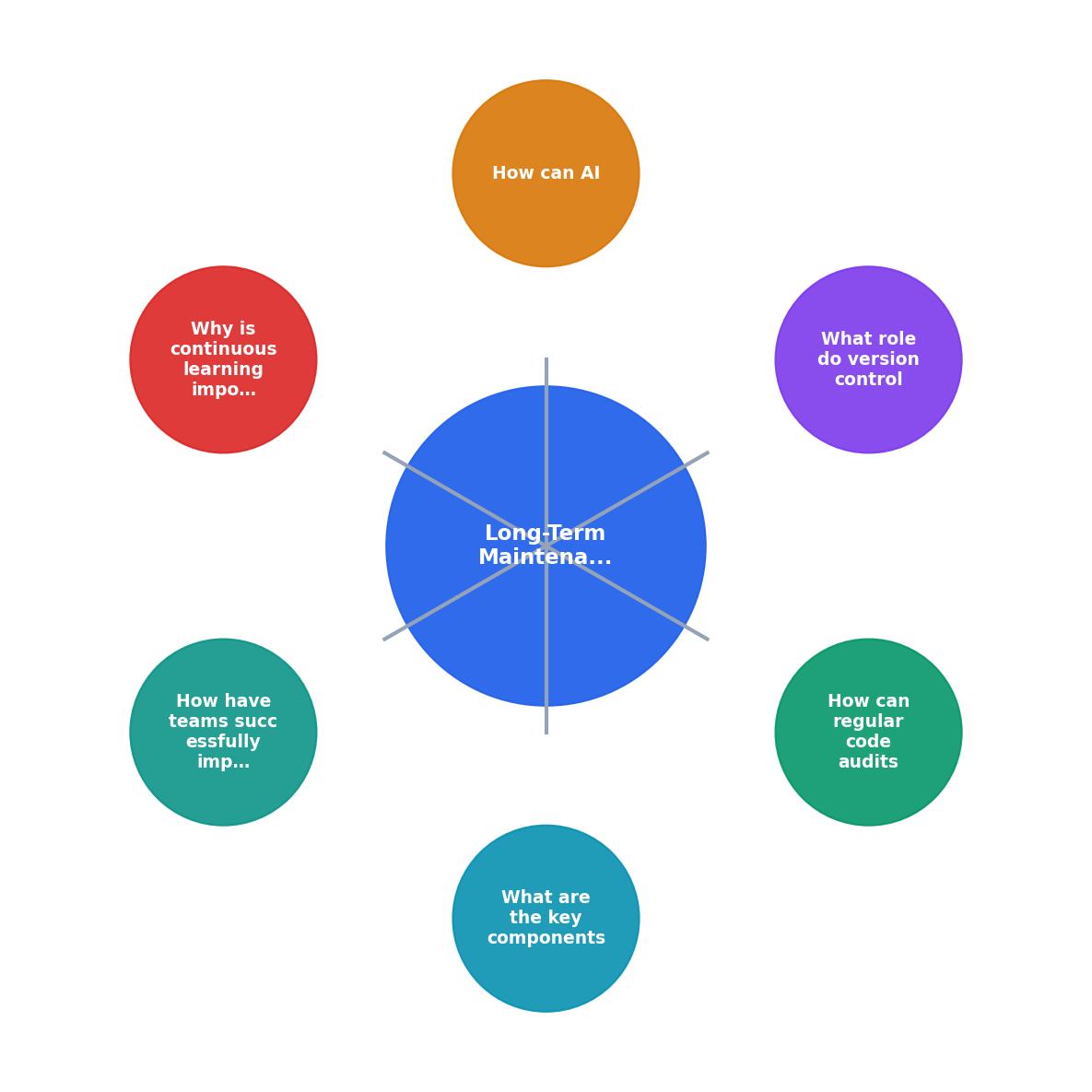
This framework visualization shows the cadence for each maintenance component. Notice that monitoring runs constantly, but audits and learning sessions are scheduled. Everything feeds into documentation. That's by design: real-time response (monitoring), systematic review (audits), team alignment (learning), and institutional memory (documentation) work together.
Steps for Engineering Leads to Establish Effective Maintenance Protocols
Your progress is saved automatically in your browser.
FAQ
Frequently Asked Questions
The difference between codebases that scale and those that become unmaintainable is discipline. AI gives you speed, but it requires systematic maintenance to turn speed into sustainable velocity. Implement audits, lock down versioning, monitor aggressively, build team capability, and document everything. Your future self will thank you.
Additional Resources
- To What Extent Does Agent-generated Code Require ... - Researchers should develop AI agents for long-term maintenance. AI agents currently account for only about 17% of maintenance activity on the ...
- Why AI-Generated Code Becomes Hard to Maintain and How ... - A 2025 analysis found companies that prioritized AI code maintenance reduced long-term technical debt by 50%, avoiding costly rewrites. End ...
- AI code fast, but creates long-term tech debt - AI tools are revolutionizing software development by automating repetitive tasks, refactoring bloated code, and identifying bugs in real-time.