
Open source projects run the internet, yet most non-engineers assume they need a computer science degree to contribute a single line of code. That assumption is outdated. With vibe coding and AI assistants, anyone who can describe what they want in plain English can generate working pull requests, fix documentation bugs, and even add features to real repositories used by thousands of developers.
Photo by Digital Buggu from Pexels
TL;DR:- Non-engineers can contribute to open source by using AI tools like Cursor, Claude, and GitHub Copilot to generate, modify, and test code changes.
- Start with small, well-labeled issues (typos, docs, "good first issue" tags) and let the AI handle syntax while you focus on intent.
- The combination of vibe coding and open source builds real skills, a public portfolio, and connections in the developer community.
Vibe coding meets open source
Vibe coding is the practice of describing what you want software to do in natural language and letting an AI tool produce the code. You guide the direction. The AI handles syntax, boilerplate, and language-specific conventions. For non-engineers, this removes the single biggest barrier to open source: not knowing how to write code from scratch.
Open source projects live on platforms like GitHub, GitLab, and Codeberg. Each project has a public issue tracker where maintainers list bugs, feature requests, and improvements anyone can pick up. Traditionally, picking up an issue meant reading the codebase, understanding the framework, and writing a solution. Vibe coding compresses that process. You paste the relevant file into an AI chat, describe the change, and get a working diff back.
"By this metric, 60-70% of code is either obvious or boilerplate.">, The Joy of Code in the Age of Vibe Engineering
That statistic matters. If most code in a project is straightforward, a non-engineer with an AI assistant can handle a significant chunk of contribution work without deep expertise.
How to pick your first project

Not every open source project is beginner-friendly. Some have strict contribution gates, complex build systems, or maintainers who ghost new contributors. Here is how to filter for projects where you will actually succeed:
- Search for "good first issue" labels on GitHub. These are issues maintainers have explicitly tagged as approachable. Sites like goodfirstissue.dev aggregate them across thousands of repos.
- Pick a project you already use. If you use a note-taking app, a static site generator, or a browser extension daily, you already understand the product. That domain knowledge is more valuable than you think.
- Check the CONTRIBUTING.md file. Every serious project has one. It tells you how to set up the dev environment, how to format commits, and what the review process looks like. If a project lacks this file, move on.
- Look at recent activity. A project with no merged pull requests in six months is likely abandoned. Check the "Pulse" tab on GitHub for a quick health check.
- Start with documentation or translation issues. These require zero build setup and let you learn the contribution workflow (fork, branch, commit, PR) without touching application code.
Roughly 70% of open issues in popular projects involve documentation, configuration, testing, or UI text. These are ideal entry points for vibe coders.
AI tools that do the heavy lifting
Several AI tools are built for exactly this workflow. Each has a different strength:
- Cursor is a code editor with built-in AI chat. You open a project folder, highlight a file, and ask the AI to make changes. It generates diffs you can accept or reject inline. Ideal for modifying existing files in a repo you have cloned.
- GitHub Copilot integrates into VS Code and JetBrains IDEs. It autocompletes code as you type and can generate entire functions from comments. Useful when you know roughly where a change goes but need help with syntax.
- Claude (via API or chat) excels at longer reasoning. Paste an entire file, describe the bug, and get a corrected version with an explanation. Great for understanding why a change works, not just what to change.
- ChatGPT with Code Interpreter can run Python and JavaScript in a sandbox. You can test a fix before committing it.
- Lovable and v0 generate full UI components from descriptions. If an open source project needs a new settings page or a dashboard widget, these tools produce React or HTML output you can adapt.
| Tool | Best For | Learning Curve |
|---|---|---|
| Cursor | Editing existing codebases | Low |
| GitHub Copilot | Inline autocomplete | Low |
| Claude | Understanding + generating code | Low |
| ChatGPT Code Interpreter | Testing fixes in sandbox | Medium |
| Lovable / v0 | UI component generation | Low |
The contribution workflow, step by step
Here is the exact process a non-engineer follows to go from zero to merged pull request. The diagram below shows it at a glance:
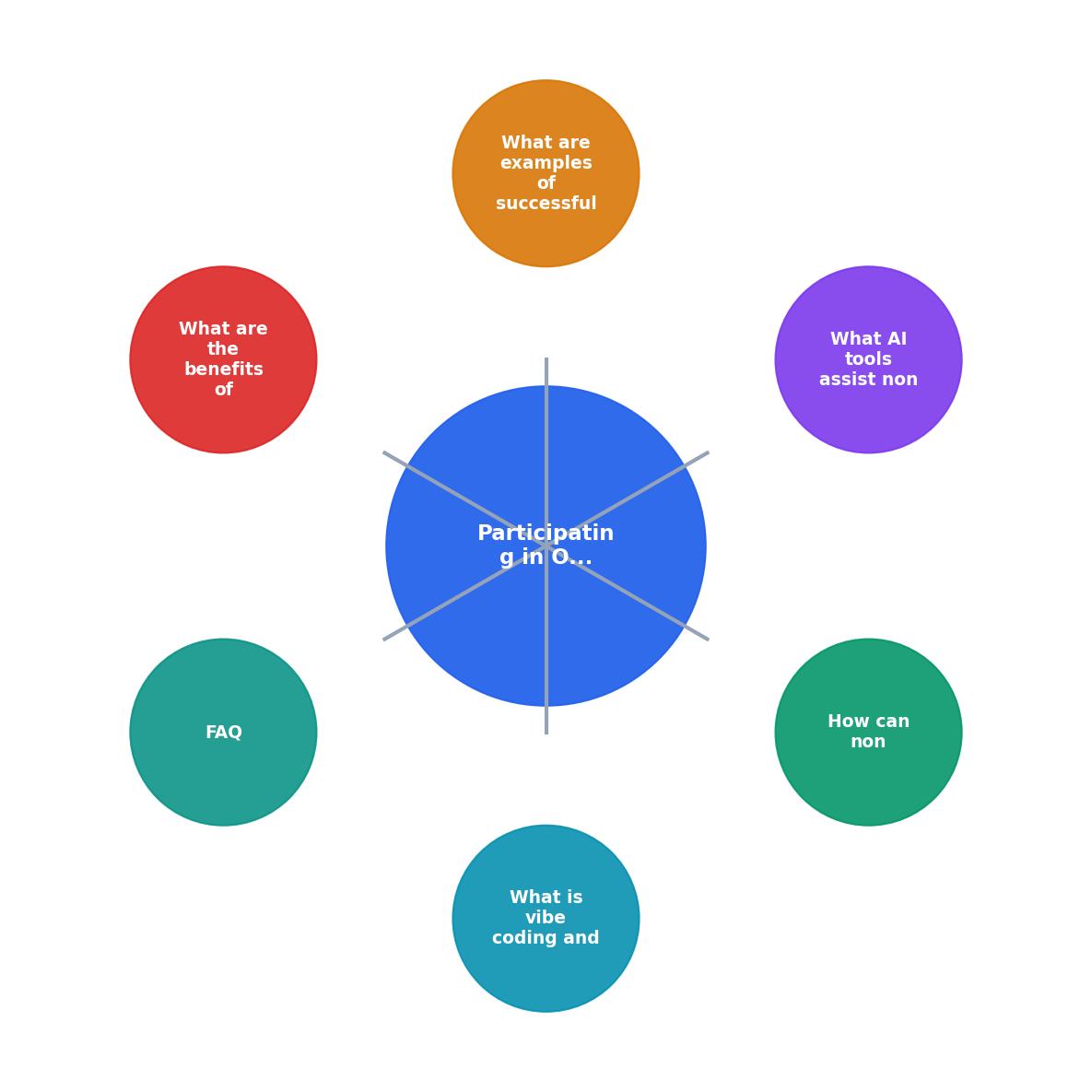
The steps break down like this:
- Find issue on the project's issue tracker. Filter by "good first issue" or "help wanted."
- Fork repo to your own GitHub account. This creates your personal copy.
- Clone locally using
git clone. Open the folder in Cursor or VS Code. - Read context. Open the relevant files. Paste them into your AI tool with the issue description.
- Generate fix. Ask the AI to produce the change. Review the output. Ask follow-up questions if something looks off.
- Test locally. Run the project's test suite (usually
npm test,pytest, ormake test). If tests pass, you are good. - Commit and push. Write a clear commit message referencing the issue number.
- Open PR. On GitHub, create a pull request from your fork to the original repo. Describe what you changed and why.
- Respond to review. Maintainers may request changes. Use the AI to iterate.
Real contributions non-engineers have made
Non-engineer contributions are more common than most people realize. Here are patterns that repeat across projects:
- Documentation rewrites. A product manager at a SaaS company rewrote the getting-started guide for an open source CLI tool. She used Claude to generate code examples in three languages she did not know. The PR was merged in two days.
- Accessibility fixes. A UX designer added ARIA labels and keyboard navigation to a React component library. She described each component's purpose to Copilot, which generated the correct
aria-*attributes. - Localization. A marketing professional translated an entire open source app's UI strings into Portuguese and Spanish. She used AI to verify that interpolation variables (
{count},%s) were preserved correctly. - Bug reproduction scripts. A QA analyst wrote a minimal reproduction script for a tricky bug in a Node.js framework. She described the steps to Claude, which generated a standalone
.jsfile that triggered the issue reliably. The maintainer used it to fix the root cause within hours. - Configuration templates. A DevOps-curious founder contributed Docker Compose files and environment variable templates to a self-hosted analytics tool. Cursor generated the YAML from her plain-English description of the deployment setup.
The following card shows a typical breakdown of contribution types in a mid-sized open source project. Notice how many categories do not require deep programming knowledge:
Typical Open Source Contribution Breakdown
Why this matters for your career
Contributing to open source as a non-engineer creates compounding returns:
- Public proof of work. Every merged PR is visible on your GitHub profile. Hiring managers, co-founders, and clients can see exactly what you built.
- Accelerated learning. Reading real codebases teaches you patterns no tutorial covers. You see how production software handles errors, organizes files, and manages state.
- Community connections. Maintainers remember helpful contributors. Those relationships lead to job referrals, beta access, and collaboration opportunities.
- Confidence. The first merged PR changes your self-image. You stop thinking of yourself as "not technical" and start thinking of yourself as someone who ships.
The Vibe Coding Bible at vibecodingbible.org covers this entire workflow in depth, from setting up your first dev environment to structuring AI prompts that produce merge-ready code.
Your first contribution plan
Non-Engineer Open Source Contribution Checklist
Your progress is saved automatically in your browser.
FAQ
Frequently Asked Questions
Additional Resources
- The Joy of Code in the Age of Vibe Engineering - Open source software was central to that journey. It's how I learned, and contributing back has always mattered to me — not as virtue signaling ...
- Vibe Coding Does Not Make You a Developer - Sorry, but vibe-coding does not make you a developer. Nor is it, really at its core, anything new. I'm sorry to burst your balloon, ...
- What Is Vibe Coding and How Do You Get Started If You're ... - Let's revisit the vibe coding topic as an orientation for folks who think of themselves as non-technical (not for long!) and help you understand ...