

Your AI API works perfectly when one person uses it. Then you get 100 requests per second, and suddenly it times out, drops responses, or costs triple what you budgeted. Vertical scaling, upgrading a single server's CPU, memory, or GPU, is your first line of defense before horizontal scaling (adding more servers) becomes necessary. This guide walks you through when to scale vertically, how to do it without downtime, and what tools make it automatic.
Photo by cottonbro studio from Pexels
TL;DR:- Vertical scaling means upgrading CPU, RAM, or GPU on your existing server to handle more load.
- Monitor latency, error rates, and resource utilization to know when to scale.
- Most AI APIs hit memory or compute limits first, upgrade those before network bandwidth.
- Use containerized deployments and load balancers to scale with zero downtime.
- Set up auto-scaling policies so vertical upgrades happen automatically when thresholds are hit.
Why your API needs vertical scaling now
Most AI API builders start small. A single cloud instance running Claude via API, Llama locally, or OpenAI-compatible inference handles the first weeks fine. But the moment your app gains traction, a viral post, a product launch, a B2B customer onboarding, traffic spikes. Without vertical scaling, you face three problems:
First, latency explodes. Response times creep from 200 milliseconds to 2 seconds, then 10 seconds. Users see spinners. Frustrated users leave. Second, errors spike. Your API starts dropping requests, timing out, or returning 503 Service Unavailable. Third, costs blow up because you're wasting compute on retries and inefficient resource use.
Vertical scaling solves this by giving your single instance more horsepower: more CPU cores to process requests in parallel, more RAM to cache frequently requested models, more GPU VRAM to run larger models faster. It's not a permanent solution for massive scale, but it buys you time to architect properly.
The window where vertical scaling makes sense is roughly when you're hitting 50-80% resource utilization consistently. At that point, your current machine is the bottleneck. Upgrading to the next tier, say, from 4 CPU cores to 8, or 16 GB RAM to 32 GB, often gives you 1.5x to 3x throughput for 30-50% more cost. Clean trade-off.
Common mistakes and misconceptions
Mistake 1: Scaling CPU when you need RAM. Developers often upgrade processor power first because it sounds like the right move. But most AI API latency comes from memory swapping, not CPU contention. If your instance is swapping to disk, adding more CPU cores won't help, you'll just process swapped-out data faster, which is still painful. Check actual resource usage before you spend money.
Mistake 2: Not using containers. Scaling vertically is easiest with Docker or Kubernetes. If your API runs on a bare EC2 instance, scaling usually means stopping the instance, resizing it, and restarting, downtime happens. Containerized deployments let you spin up a new instance with the larger spec, drain traffic from the old one, and shut down the old one. Zero downtime.
Mistake 3: Ignoring connection limits. A bigger server doesn't help if your API framework (Flask, FastAPI, Express) has connection pooling limits set too low. You upgrade to a 32-core machine but your WSGI server only spawns 8 workers. Requests queue up and time out anyway. Always right-size your concurrency settings to match your hardware.
Mistake 4: Setting thresholds too high. Waiting until CPU is 95% used before scaling is reactive scaling, your users already see slowdowns by then. Proactive scaling kicks in at 60-70% utilization, giving you a buffer before problems start.
How to know when to scale vertically
Start by measuring. You can't scale intelligently without data.
Track these metrics:
- Latency (p95 and p99). How long does the 95th percentile request take? The 99th? If p95 latency is above your SLA (say, 1 second for a chat API), you have a problem. Most production APIs target p95 under 500 ms for inference.
- Error rate. How many requests fail? Count 5xx errors, timeouts, and rate-limit hits. Anything above 0.1% for a production API is a warning sign.
- CPU utilization. Most cloud platforms report this as a percentage. If you're consistently above 60-70%, upgrade.
- Memory utilization. Watch RSS (resident set size) and swap usage. If you're swapping to disk, memory is your constraint.
- GPU utilization (if applicable). For LLM APIs, GPU VRAM is often the limit. If your GPU is 80%+ full, you can't fit concurrent requests.
Once you see the pattern, e.g., every Tuesday at 2 PM traffic spikes and latency goes from 150 ms to 800 ms, you know scaling is needed.
Step-by-step vertical scaling approach

Step 1: Analyze the bottleneck
Before you upgrade anything, run a load test. Use a tool like Apache JMeter, Locust, or k6 to simulate realistic traffic. Ramp up requests per second until you see latency degrade. Watch which resource maxes out first: CPU, RAM, GPU, or network.
Example: You spin up your API on a t3.medium (2 vCPU, 4 GB RAM) and test with 50 requests per second. Memory hits 90%, but CPU is only at 30%. Conclusion: upgrade RAM, not CPU.
Step 2: Choose your new instance size
Cloud providers offer tiered options. AWS has t3, t4g, c6i, r6i families. Google Cloud has e2, n2, c2 machines. Azure has B, D, and E series. Pick one tier up from your current size. Usually that means doubling one or both of CPU/RAM.
Rules of thumb:- For inference-heavy APIs (LLMs, vision models), go memory-first. Upgrade to an r-class (memory-optimized) instance.
- For CPU-heavy workloads (data processing, encryption), upgrade to a c-class (compute-optimized).
- Most AI APIs are memory-heavy. Start there.
Step 3: Set up a new instance in parallel
Don't just stop your current instance and resize it. Create a new instance with the larger spec. Deploy your API code to it. Test it locally or on a canary route.
This is why containerization matters. If you're using Docker, deploying to the new instance is fast:- Build your Docker image.
- Push to a registry (Docker Hub, ECR, GCR).
- Pull and run on the new instance.
- Done in minutes.
Step 4: Route traffic with zero downtime
Use a load balancer in front of your API instances. AWS ELB, Google Cloud Load Balancing, or NGINX all work. Route new traffic to the bigger instance. Let the old instance drain existing connections. Once no active requests remain on the old instance, shut it down.
Most load balancers support connection draining (AWS) or graceful shutdown windows. Give it 30-60 seconds.
Step 5: Monitor the new baseline
Once scaled, track the same metrics again. Latency should drop. Error rates should return to near-zero. CPU and memory should sit in a comfortable zone (40-60% utilization). If not, something else is the bottleneck, database latency, external API calls, or inefficient code.
Tools and workflows that automate scaling

Manual scaling works once or twice, but it doesn't scale. Automate it.
Kubernetes and auto-scaling
If you run your API on Kubernetes (EKS on AWS, GKE on Google Cloud, AKS on Azure), the Horizontal Pod Autoscaler (HPA) watches CPU and memory. When usage hits a threshold, it spins up new pods (additional instances). When traffic drops, it scales down.
Configuration is simple. Here's what a basic policy looks like:
apiVersion: autoscaling/v2
kind: HorizontalPodAutoscaler
metadata:
name: ai-api-scaler
spec:
scaleTargetRef:
apiVersion: apps/v1
kind: Deployment
name: ai-api
minReplicas: 2
maxReplicas: 10
metrics:
- type: Resource
resource:
name: cpu
target:
type: Utilization
averageUtilization: 70
- type: Resource
resource:
name: memory
target:
type: Utilization
averageUtilization: 80
This scales horizontally (adds more pods), but the principle applies to vertical scaling: as each pod's utilization rises, add more. Kubernetes can also scale the underlying node size vertically using Karpenter or Cluster Autoscaler.
AWS Auto Scaling and target tracking
AWS Auto Scaling Groups let you define a desired capacity and scaling policies. You can set target tracking: "keep CPU at 70%". When usage climbs, ASG launches new instances. When it drops, instances terminate.
For vertical scaling specifically, use AWS Instance Refresh. You define a new launch template with a larger instance type. Instance Refresh gradually replaces old instances with new ones, maintaining availability.
Google Cloud Managed Instance Groups
GCP's Managed Instance Groups (MIGs) work similarly. Create an autoscaling policy targeting CPU or custom metrics. When thresholds are hit, new instances launch automatically.
Application-level auto-scaling
Some frameworks handle this natively. FastAPI with Gunicorn can spawn worker processes based on load. Some observability platforms (Datadog, New Relic) offer intelligent scaling recommendations based on historical patterns.
Process diagram: Scaling workflow
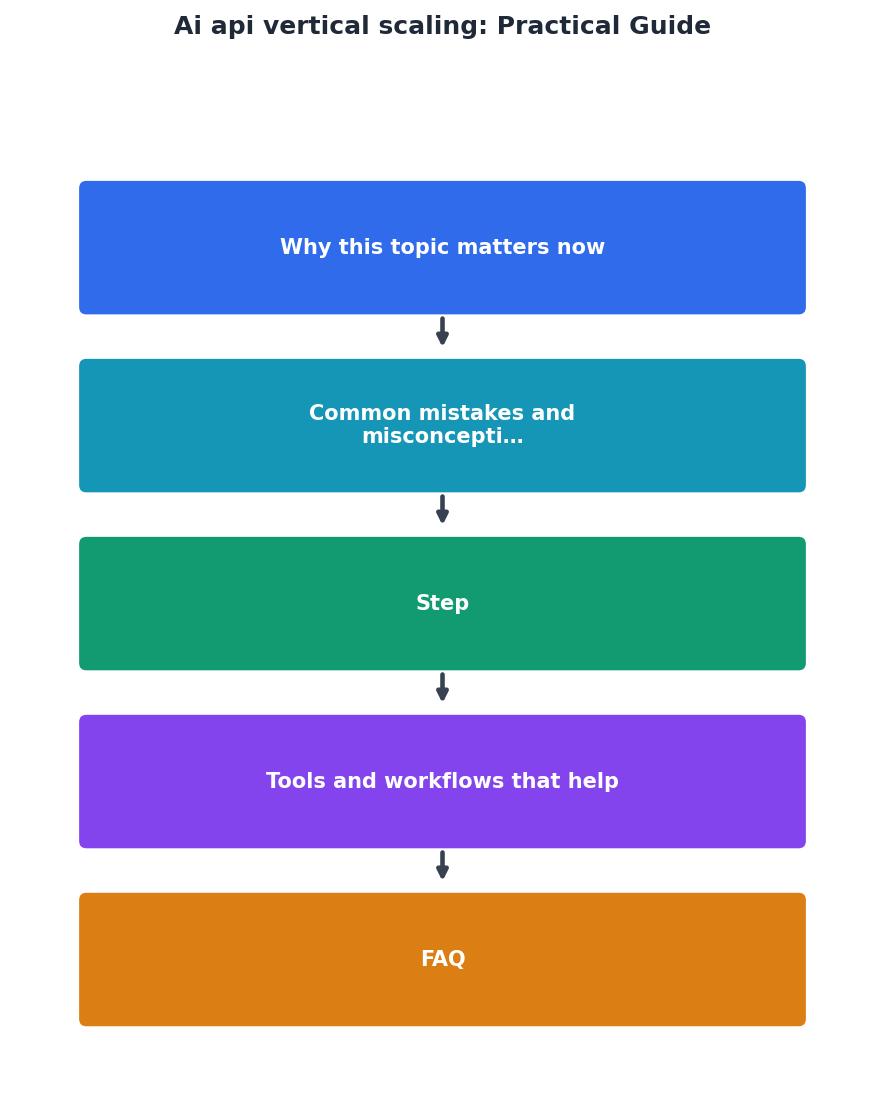
The ideal flow: Monitor → Detect → Scale → Validate → Optimize. Repeat as traffic changes.
Interactive scaling impact calculator
Understanding the trade-off between instance size and cost matters. Here's what typical upgrades look like for AI APIs:
Example scaling scenario: A typical AI chat API handles 20 req/s on 4vCPU/8GB (65% CPU, 75% memory utilization). Upgrading to 8vCPU/16GB pushes throughput to roughly 42 req/s with utilization back to comfortable levels. Cost is 40% higher, but you've doubled throughput, better economics than adding a second instance.
Common pitfalls during scaling events
The cascade problem. Your API scales up, database doesn't. Database connection pool fills, requests queue, timeouts spike. Scale the database too, or add a connection pooler (PgBouncer for PostgreSQL, RabbitMQ for queuing).
The DNS cache issue. Clients cache DNS records. If you change your API's IP during scaling, some clients still hit the old address. Use a load balancer with a stable IP so clients never see the change.
The storage bottleneck. You scale CPU and RAM but didn't account for disk I/O. If your API logs heavily or reads/writes to disk, disk speed becomes the limit. Consider SSDs, or move logging to a centralized service (CloudWatch, Datadog).
"If it drops to 30%, it terminates instances to save costs.">, Scaling APIs: Best Practices for High Traffic
That's how auto-scaling policies work: they're not just about scaling up, they're about scaling down intelligently when traffic falls, keeping costs in check.
When to stop scaling vertically and switch to horizontal
Vertical scaling has a ceiling. The largest single-instance cloud servers top out around 96 vCPU cores and 1.5 TB of RAM. Beyond that, you need horizontal scaling, multiple instances behind a load balancer.
Switch to horizontal when:- You're at or near maximum instance size for your cloud provider.
- Adding another vCPU gives < 10% throughput improvement (diminishing returns).
- Your database or external service is now the bottleneck, not compute.
- Cost per upgrade exceeds cost of two smaller instances.
Vertical Scaling Implementation Checklist
Your progress is saved automatically in your browser.
FAQ
Frequently Asked Questions
What's the biggest scaling mistake you've made, and how did you recover from it? Share in the comments, real war stories help others avoid the same trap.
Additional Resources
- A Practical Guide to Scaling AI - OpenAI's practical roadmap identifies four mental shifts: move from tools to systems, accept rapid product velocity, surface solutions from ...
- Scaling APIs: Best Practices for High Traffic - This guide will cover the essential best practices for scaling APIs, from foundational architectural principles to modern infrastructure ...
- AI Scaling: Steps, Tools, and Scaling Laws - How to scale AI: A practical roadmap · Step 1: Choose a high-value workflow and define success · Step 2: Standardize data and access · Step 3: Productionize with ...
Ready to Master Vibe Coding?
Learn to build software faster with AI assistance using the Vibe Coding Bible.
Get Started