AI Code Quality Assurance: Checklists and Best Practices
AI code generators produce functions in seconds that used to take hours. But speed without verification creates a specific kind of technical debt: code that looks correct, passes a quick glance, and then breaks in production under edge cases no one tested. Engineers who treat AI output as a first draft and run it through a structured QA process ship faster and sleep better. This guide gives you the checklists, tool recommendations, and review strategies to make that happen.


AI code generators produce functions in seconds that used to take hours. But speed without verification creates a specific kind of technical debt: code that looks correct, passes a quick glance, and then breaks in production under edge cases no one tested. Engineers who treat AI output as a first draft and run it through a structured QA process ship faster and sleep better. This guide gives you the checklists, tool recommendations, and review strategies to make that happen.
Photo by Elements Interactive from Pexels
TL;DR:- AI-generated code requires the same (or stricter) QA rigor as hand-written code.
- Automated testing, static analysis, and structured peer reviews catch the subtle bugs AI introduces.
- A repeatable checklist turns ad-hoc quality checks into a reliable engineering process.
Why QA for AI code is non-negotiable
AI models optimize for plausible output, not correctness. A function generated by Copilot or Claude might handle the happy path perfectly and silently ignore null inputs, race conditions, or authentication checks. The risk compounds when multiple AI-generated modules interact: each one "works" in isolation, but the integration surface is untested.
That number should make you pause. Skipping QA on AI output is not a time-saver. It is a delayed incident report. The goal is not to slow down AI-assisted development. It is to build a verification layer that runs as fast as the generation itself.
Components of a QA process
A solid QA process for AI-generated code has five layers. Each one catches a different category of defect:
- Static analysis catches style violations, type errors, and known anti-patterns before the code runs.
- Unit tests verify individual functions against expected inputs and outputs, including edge cases.
- Integration tests confirm that AI-generated modules work together with existing code.
- Peer review applies human judgment to logic, naming, security, and architectural fit.
- Runtime monitoring detects regressions after deployment through logging, alerts, and observability.
"The code should be readable, maintainable, and adhere to established coding standards.">, Enhance your code quality with our guide to code review checklists
Automated testing strategies

Automated tests are the fastest feedback loop you can build around AI output. Here is a concrete approach:
Write tests before generating code. Give the AI your test file as context. When Cursor or Copilot sees test_calculate_tax_with_zero_income, it generates an implementation that targets those assertions. This is test-driven generation, and it works.
- Empty or null inputs
- Boundary values (0, -1, MAX_INT)
- Concurrent access if the function touches shared state
- Malformed data (wrong types, unexpected encoding)
mutmut (Python) or Stryker (JavaScript/TypeScript) modify your code and check whether your tests catch the change. If a mutation survives, your test suite has a gap. This is especially valuable for AI code because the bugs are often subtle: an off-by-one error, a missing await, a swapped comparison operator.
Run tests in CI on every commit. No exceptions. GitHub Actions, GitLab CI, or CircleCI can execute your full suite in under five minutes for most projects. If AI-generated code breaks a test, the commit gets blocked before it reaches main.
Peer reviews for AI code

Code review changes when AI is the author. The reviewer is no longer checking a colleague's thought process. They are verifying output from a system that has no understanding of the project's architecture, business rules, or security requirements.
Flag AI-generated code in PRs. Some teams use a [generated] tag in commit messages or PR labels. This signals to reviewers that extra scrutiny is needed on logic and integration, not just style.
Focus reviews on these areas:
- Security: Does the code sanitize inputs? Does it handle authentication and authorization correctly? AI frequently generates SQL queries without parameterization or exposes internal error messages to users.
- Error handling: AI loves the happy path. Check for missing
try/catchblocks, unhandled promise rejections, and silent failures. - Naming and readability: AI-generated variable names are often generic (
data,result,temp). Rename them to reflect domain meaning. - Duplication: AI does not know what already exists in your codebase. It will re-implement a utility function that lives three directories away.
Tools that support AI code QA
The right toolchain makes QA fast enough that it does not feel like a bottleneck. Here is a practical stack organized by layer:
| Layer | Tool examples | What it catches |
|---|---|---|
| Linting | ESLint, Ruff, Pylint | Style violations, unused imports, type issues |
| Type checking | TypeScript tsc, mypy, Pyright | Type mismatches, null reference risks |
| Security scanning | Semgrep, Bandit, Snyk Code | Injection flaws, hardcoded secrets, vulnerable patterns |
| Unit testing | Jest, pytest, Vitest | Logic errors, edge case failures |
| Mutation testing | Stryker, mutmut | Weak test assertions, untested branches |
| Dependency audit | npm audit, Safety, Dependabot | Known vulnerabilities in packages AI chose |
fetch without the auth header wrapper," Semgrep enforces it automatically on every AI-generated file.
The following dashboard shows a typical QA pipeline status for a project using AI-assisted development:
QA Pipeline Status (example project)
QA process at a glance
This diagram shows how each stage feeds into the next, creating a pipeline that catches defects progressively:
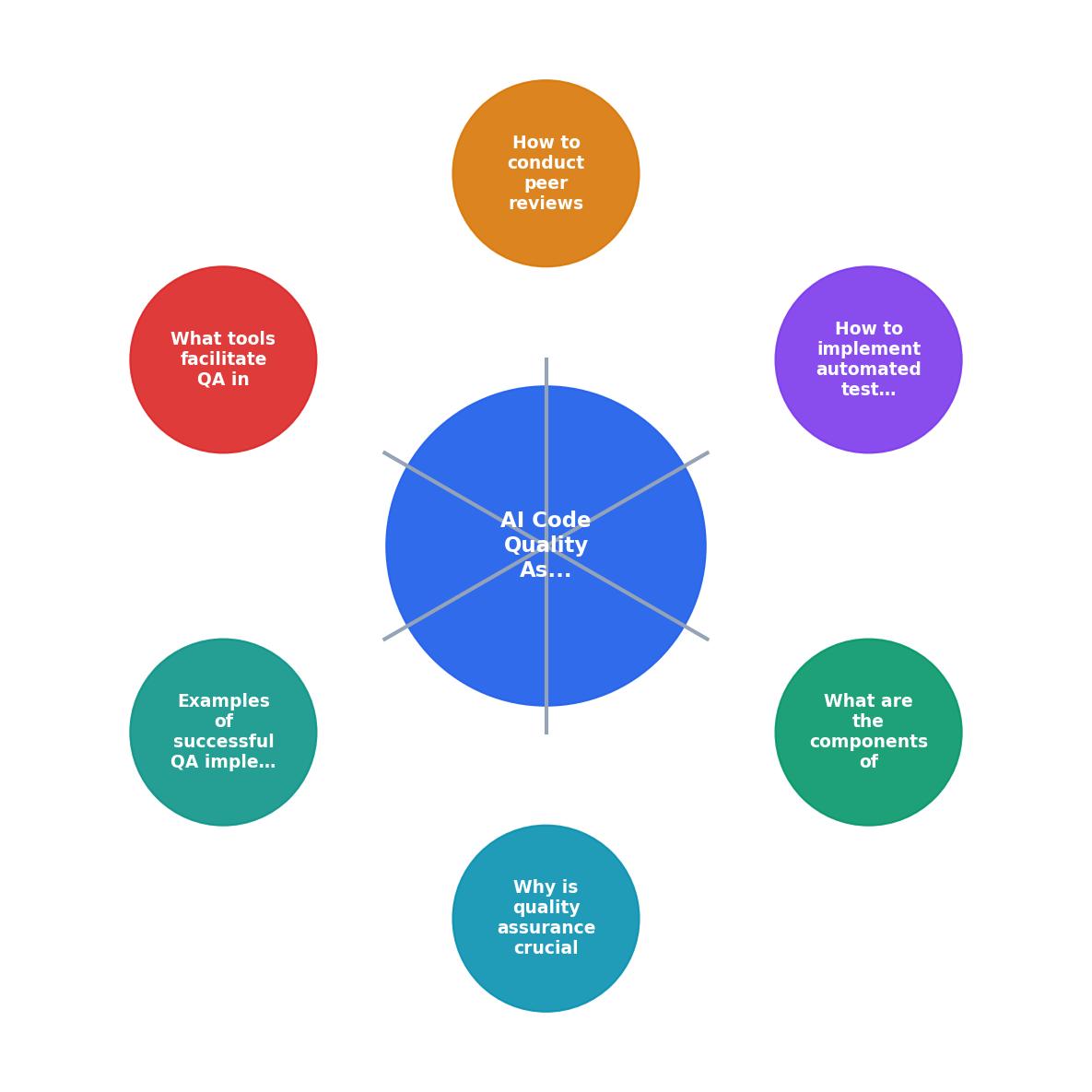
The key insight: each stage uses the short labels shown in the diagram (Lint, Type Check, Security Scan, Unit Test, Mutation Test, Peer Review, Deploy). Failures at any stage send the code back to the AI for regeneration with the error context included in the prompt. This loop is what turns AI from a code generator into a reliable development partner.
Real-world QA wins
A fintech startup running a 12-person engineering team adopted this exact pipeline after shipping an AI-generated payment module that silently truncated decimal values. The bug cost them three days of manual transaction reconciliation. After implementing Semgrep rules for numeric precision and adding mutation tests for all financial calculations, they caught 23 similar issues in the first week. Their deployment confidence score (measured by the ratio of reverted deploys) improved from 71% to 96% over two months.
Another team at a SaaS company used the peer review tagging system described above. Reviewers spent 30% less time on AI-generated PRs because the [generated] label told them exactly where to focus: security, error handling, and integration points rather than style and formatting (already handled by linting).
AI Code QA Checklist
Your progress is saved automatically in your browser.
FAQ
Frequently Asked Questions
Additional Resources
- Enhance your code quality with our guide to code review ... - Use this checklist for any code review to ensure the code is maintainable, well-documented, and free from obvious errors.
- What to Add to Your Code Review Checklist? - Milestone - Essential items for your code review checklist · 1. Code quality and readability · 2. Functionality and logic · 3. Performance and efficiency · 4. Security and ...
- 10 Best Practices That Will Transform Your Code Review ... - Unlock 10 best practices to transform your code review process, improve quality, boost collaboration, and streamline development.
Ready to Master Vibe Coding?
Learn to build software faster with AI assistance using the Vibe Coding Bible.
Get Started