Best Online Courses for Learning Vibe Coding
You built something with Cursor or Claude last weekend and it actually worked. Then Monday came, the app broke in a way you could not debug, and you realized the gap between generating code and shipping code is a canyon. The right online course closes that canyon by teaching you how AI-assisted development actually works under the hood, without requiring a computer science degree. Here is a curated breakdown of the courses worth your time and money in 2026.

You built something with Cursor or Claude last weekend and it actually worked. Then Monday came, the app broke in a way you could not debug, and you realized the gap between generating code and shipping code is a canyon. The right online course closes that canyon by teaching you how AI-assisted development actually works under the hood, without requiring a computer science degree. Here is a curated breakdown of the courses worth your time and money in 2026.
Photo by Lee Campbell from Pexels
TL;DR:- The best vibe coding courses live on Udemy, Coursera, and edX, each targeting different skill levels and budgets.
- Look for courses that teach prompt engineering, AI code review, and deployment basics together, not just "how to talk to ChatGPT."
- Pair any course with a structured reference like the Vibe Coding Bible to fill the gaps between tutorials and production-ready shipping.
What Vibe Coding Actually Means
Vibe coding is the practice of building software by describing what you want to an AI tool (Cursor, GitHub Copilot, Claude, Lovable, v0) and iterating on the output until it works. The term caught fire because it captures how non-engineers ship real products today: you set the direction, the AI writes the code, and you steer.
But steering requires skill. Without understanding error handling, database basics, or security fundamentals, you end up with an app that demos well and collapses under real traffic. That is exactly what good vibe coding courses address. They teach you the 20% of engineering knowledge that prevents 80% of production disasters.
This number comes up repeatedly in community surveys and course reviews: most people who start building with AI get stuck once the project grows past a single-page app. A structured course gives you the mental models to push through that wall.
Top Platforms for Vibe Coding Courses

Three platforms dominate the vibe coding course landscape right now. Each has a distinct model:
- Udemy offers the widest selection. Courses range from $12.99 to $84.99 (frequent sales drop prices to under $20). Instructors publish independently, so quality varies wildly. The upside: you can find hyper-specific courses like "Ship a SaaS with Cursor in 30 Days" or "AI-Assisted Full-Stack for Designers."
- Coursera partners with universities and companies. Expect more structured syllabi, peer-graded assignments, and optional certificates. Monthly subscription runs around $49-$79. Courses from Duke, DeepLearning.AI, and Google cover prompt engineering and AI-assisted development with academic rigor.
- edX sits between the two. University-backed content (Harvard CS50 variants, MIT modules) with a professional certificate track at $149-$300. The vibe coding offerings here lean more toward foundational CS concepts enhanced with AI tooling.
"Real insight: Most developers use 10% of Copilot's power.">, I Tried 20+ Vibe Coding Courses on Udemy: Here Are My Top 10 Recommendations for
That quote captures why courses matter. Knowing a tool exists is not the same as knowing how to use it well. A good course shows you the workflows, shortcuts, and mental models that turn a 10% user into an 80% user.
How These Courses Compare
Here is a snapshot of what you get across the three platforms for a typical vibe coding course:
| Feature | Udemy | Coursera | edX |
|---|---|---|---|
| Price range | $13-$85 (sales common) | $49-$79/month | $149-$300 (certificate) |
| Course length | 8-40 hours | 20-60 hours | 30-80 hours |
| Certificate | Yes (completion) | Yes (graded) | Yes (professional) |
| Hands-on projects | Varies by instructor | Structured assignments | Lab-based |
| AI tools covered | Cursor, Copilot, Claude | Copilot, ChatGPT API | Copilot, foundational AI |
| Best for | Quick, specific skills | Structured learning path | Deep fundamentals |
A few things stand out. Udemy wins on speed and specificity. If you want to learn how to build a specific type of app with a specific AI tool, someone on Udemy has probably recorded exactly that. Coursera wins on structure. If you need a learning path that builds week over week with accountability, the subscription model keeps you moving. edX wins on depth. If you want to understand why things work, not just how, the university-backed content goes deeper into fundamentals.
The interactive dashboard below summarizes the key trade-offs at a glance:
Udemy
Coursera
edX
Choosing the Right Course

Picking a course is not about finding the "best" one. It is about finding the one that matches where you are right now. Here is a decision framework:
- If you have never written code before: Start with a Coursera specialization that pairs Python basics with AI tooling. You need foundational vocabulary before prompt engineering makes sense.
- If you can build prototypes but they break: Grab a Udemy course focused on your specific stack (Next.js + Cursor, for example) and supplement it with the Vibe Coding Bible for the production-readiness chapters.
- If you want a credential for your resume: edX professional certificates carry weight with employers who recognize university branding.
- If you learn by doing, not watching: Look for courses with at least 60% hands-on project time. Check the curriculum breakdown before buying.
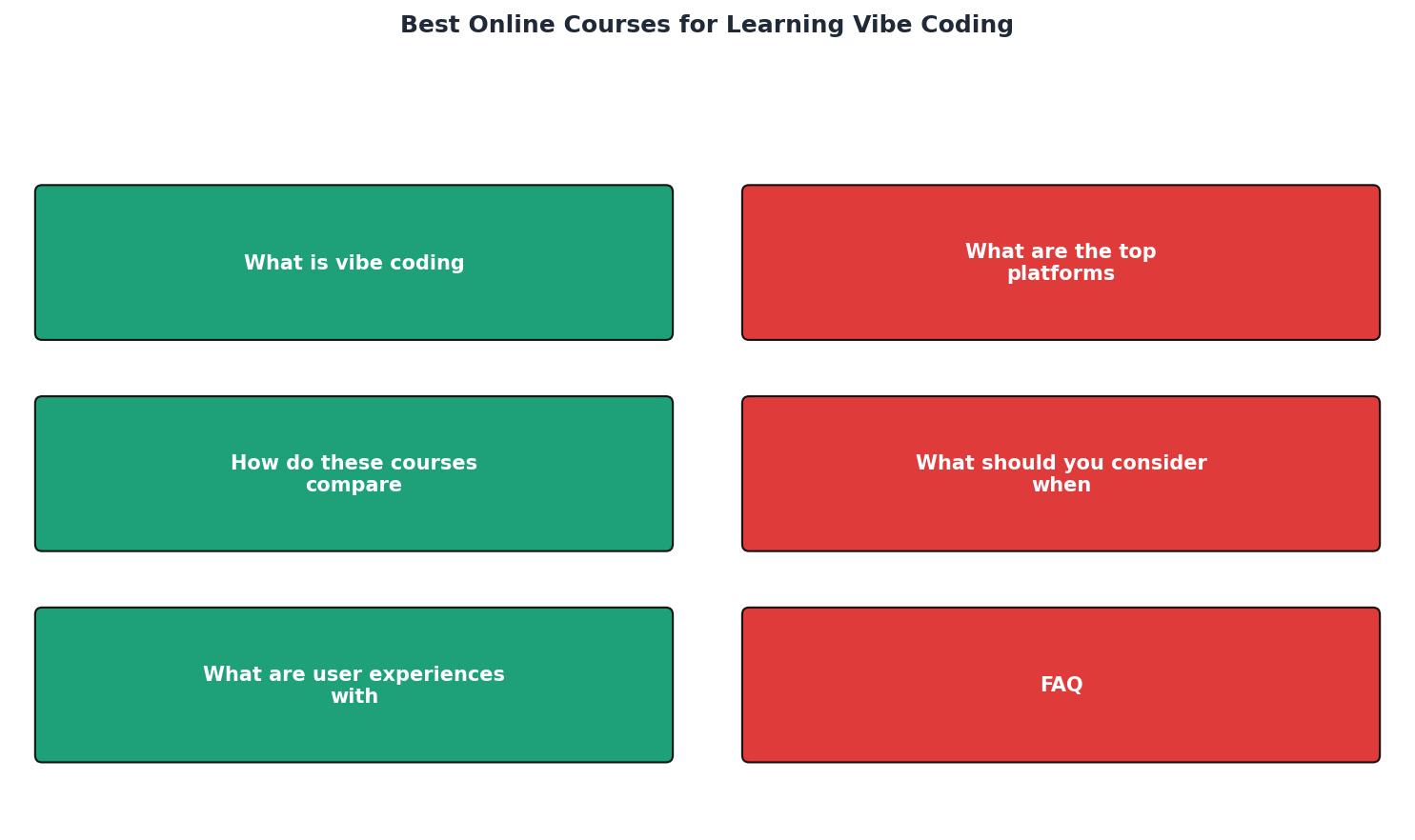
The process is straightforward: Assess your skill level, Pick a platform, Complete the course projects, Apply skills to a real project, and Iterate. The diagram above maps these steps visually. The critical step most people skip is "Apply skills to a real project." Courses teach concepts. Building teaches judgment.
What Real Learners Say

Community feedback across Reddit, Discord servers, and course review sections reveals consistent patterns:
- Udemy learners praise the speed. Many report going from zero to a deployed MVP in under two weeks. The complaint: some courses become outdated fast because AI tools update constantly.
- Coursera learners value the structure and peer interaction. The complaint: pacing can feel slow if you already know the basics.
- edX learners appreciate the depth. The complaint: higher cost and longer time commitment.
Ratings cluster around 4.2 to 4.6 for the top courses on each platform. The differentiator is not the rating number but the type of review. Look for reviews from people with a similar background to yours. A five-star review from a senior developer means something different than a five-star review from a product manager learning to code.
Course Selection Checklist
How to Pick Your Vibe Coding Course
Your progress is saved automatically in your browser.
FAQ
Frequently Asked Questions
What course or platform has worked best for your vibe coding journey so far? Drop your experience below.
Additional Resources
- I Tried 20+ Vibe Coding Courses on Udemy: Here Are My ... - After testing 20+ courses, here are the ones that actually deliver on the Vibe Coding promise. They not just cover concepts and technique but ...
- Learn Vibe Coding: Build Apps with AI-Powered Coding - Courses · 1. Vibe Coding Fundamentals: Tools and Best Practices. Vibe Coding Fundamentals: Tools and Best Practices · 2. Structure Vibe Coding to Save Build Time.
- Vibe Coding Fundamentals - This course is ideal for people new to coding. You will learn how to build applications using artificial intelligence. No prior knowledge of coding is needed.
Ready to Master Vibe Coding?
Learn to build software faster with AI assistance using the Vibe Coding Bible.
Get Started