Building a CRUD App with AI: A Step-by-Step Guide
You have an idea for a contact manager, a simple inventory tracker, or a client database. You open your editor, stare at a blank file, and realize you have no clue where to start with routes, models, or database connections. AI coding assistants like GitHub Copilot and Cursor now handle the heavy lifting so you can go from zero to a working CRUD app in a single afternoon, even without a computer science background.


You have an idea for a contact manager, a simple inventory tracker, or a client database. You open your editor, stare at a blank file, and realize you have no clue where to start with routes, models, or database connections. AI coding assistants like GitHub Copilot and Cursor now handle the heavy lifting so you can go from zero to a working CRUD app in a single afternoon, even without a computer science background.
Photo by Mikhail Nilov from Pexels
TL;DR:- A CRUD app (Create, Read, Update, Delete) is the backbone of almost every data-driven product.
- AI tools like Copilot, Cursor, and Claude generate boilerplate code, data models, and route handlers from plain-English prompts.
- This guide walks you through building a functional contact manager app step by step, from environment setup to a running prototype.
What is a CRUD app?
Every app that stores and manipulates data relies on four operations: Create a new record, Read existing records, Update a record, and Delete a record. A to-do list, a CRM, an e-commerce product catalog, a blog admin panel: they are all CRUD apps at their core.
Understanding this pattern matters because once you build one CRUD app, you can build dozens. The data model changes, the UI changes, but the underlying operations stay the same. AI assistants exploit this repetition. They have seen millions of CRUD implementations, which makes them exceptionally good at generating the code you need.
Set up your development environment

Before writing a single line of code, get three things in place:
- Visual Studio Code (or Cursor, which is a VS Code fork with built-in AI). Download from code.visualstudio.com or cursor.com.
- GitHub Copilot extension (if using VS Code). Install it from the Extensions marketplace, sign in with your GitHub account, and verify the Copilot icon appears in the status bar.
- Python 3.11+ and pip. Open a terminal and run
python --versionto confirm. If you prefer JavaScript, install Node.js 20+ instead.
Create a project folder and a virtual environment:
mkdir contact-manager && cd contact-manager
python -m venv venv
venv\Scripts\activate
pip install fastapi uvicorn sqlmodel
That gives you a web framework (FastAPI), a server (Uvicorn), and an ORM with built-in validation (SQLModel). Three dependencies, zero configuration files.
Define your data model

A data model describes the shape of the information your app stores. For a contact manager, you need fields like name, email, phone, and company.
Open models.py and type a comment describing what you want. With Copilot active, write:
# SQLModel for a Contact with id, name, email, phone, company
Copilot will suggest something close to this:
from sqlmodel import SQLModel, Field
from typing import Optional

class Contact(SQLModel, table=True):
    id: Optional[int] = Field(default=None, primary_key=True)
    name: str
    email: str
    phone: Optional[str] = None
    company: Optional[str] = None
Review the output. Does every field have the right type? Are optional fields marked Optional? This takes ten seconds instead of five minutes of reading documentation.
"The downside to this approach is that you won't have your fields specified in the docs UI.">, My First CRUD App With Fast API. A step
To fix that, create a separate ContactCreate schema without the id field and use it as the request body type. Copilot handles this if you prompt: # Pydantic model for creating a contact without id. The generated schema keeps your API docs clean and your validation tight.
table=True) from your request/response schemas. AI tools generate both if you ask explicitly.Integrate AI-generated code

With the model in place, create main.py and let AI generate the four CRUD endpoints. Type a comment like:
# FastAPI CRUD endpoints for Contact model using SQLModel
Copilot or Cursor will produce route handlers for POST /contacts, GET /contacts, GET /contacts/{id}, PUT /contacts/{id}, and DELETE /contacts/{id}. Accept the suggestions one by one, reading each before pressing Tab.
Three rules for integrating AI-generated code:
- Read before accepting. Copilot sometimes imports libraries you have not installed or uses deprecated patterns.
- Test immediately. Run
uvicorn main:app --reloadand openhttp://127.0.0.1:8000/docsto hit every endpoint with the interactive Swagger UI. - Commit often. After each working endpoint, run
git add . && git commit -m "add create endpoint". Small commits let you roll back when AI suggestions break something.
Build the contact manager
Here is the full flow condensed into a process diagram:
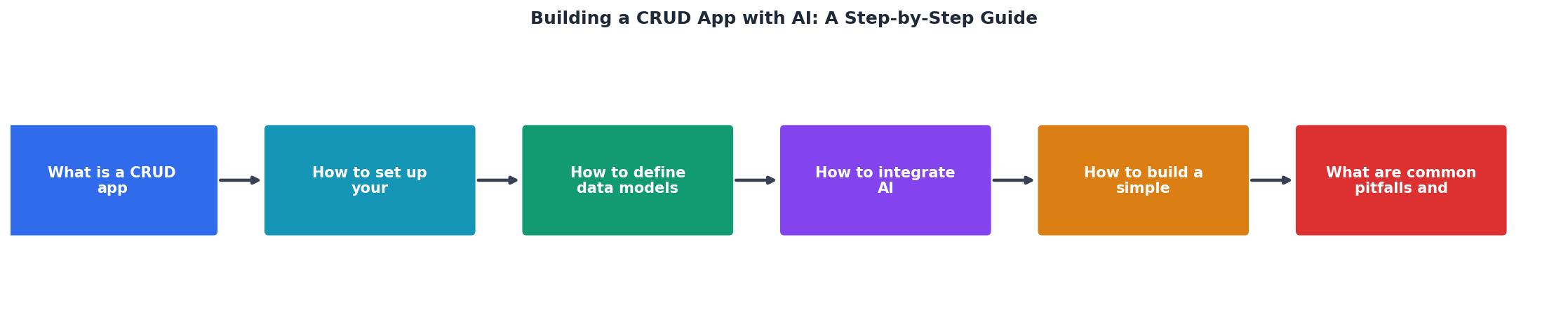
Follow the steps shown in the diagram: Setup your environment, Model your data, Generate endpoints with AI, Test via Swagger UI, Refine edge cases, and Deploy.
For the contact manager specifically:
- Create a contact by sending a POST request with
{"name": "Jane Doe", "email": "jane@example.com"}. - Read all contacts with GET
/contacts. Verify Jane appears in the response list. - Update Jane's company by sending PUT to
/contacts/1with{"company": "Acme Inc"}. - Delete the contact with DELETE
/contacts/1. Confirm a 200 response and an empty list on the next GET.
The following card shows a typical breakdown of time spent on each phase when building a CRUD app with AI assistance versus doing it manually:
CRUD App Build Time: Manual vs AI-Assisted
Common pitfalls and fixes
Even with AI doing the typing, things go wrong. Here are the mistakes that trip up most first-time builders:
- No input validation. Copilot sometimes skips validation. If your
emailfield accepts"not-an-email", add a PydanticEmailStrtype or a regex validator. Ask AI:# Add email validation to ContactCreate. - SQLite in production. The default SQLModel setup uses SQLite, which is fine for prototyping. For anything with real users, switch to PostgreSQL. Update your connection string and install
asyncpg. - Missing error handling. AI-generated endpoints often return a raw 500 error when a record is not found. Add explicit
404responses:if not contact: raise HTTPException(status_code=404). - No authentication. A CRUD app without auth means anyone can delete your data. Add FastAPI's
Dependswith a simple API key check before going live.
Checklist for your CRUD app
CRUD App with AI: Build Checklist
Your progress is saved automatically in your browser.
FAQ
Frequently Asked Questions
/docs to send real requests. Add input validation, error handling, and authentication before deploying. Commit small changes to Git so you can roll back. Treat AI output as a first draft, not a finished product.What was the first CRUD app you tried building, and where did you get stuck? Share your experience in the comments.
Additional Resources
- My First CRUD App With Fast API. A step-by-step guide - A step-by-step guide · Fast API vs Django · Installation · Create First APP & Route · Swagger UI · Path Parameters · POST, PUT & DELETE Requests ...
- AI Build a Basic CRUD Application with Flask Prompts - Create a basic CRUD application using Flask that handles 'Create', 'Read', 'Update', and 'Delete' operations for a simple database, such as a list of items ...
- The Best Tools for Building CRUD Applications in 2026 - Step 1: Set up your project · Step 2: Connect to your data source · Step 3: Design the user interface · Step 4: Define CRUD operations · Step 5: ...
Ready to Master Vibe Coding?
Learn to build software faster with AI assistance using the Vibe Coding Bible.
Get Started