Choosing the Right AI Tool for Your Coding Needs
You picked an AI coding tool, generated a working prototype in an afternoon, and then spent three weeks fighting bugs the tool introduced. The problem was never the AI itself. It was a mismatch between the tool's strengths and your project's actual requirements. Picking the right AI tool upfront saves you from that painful rework cycle and gets your product to launch faster.


You picked an AI coding tool, generated a working prototype in an afternoon, and then spent three weeks fighting bugs the tool introduced. The problem was never the AI itself. It was a mismatch between the tool's strengths and your project's actual requirements. Picking the right AI tool upfront saves you from that painful rework cycle and gets your product to launch faster.
Photo by Daniil Komov from Pexels
TL;DR:- Match AI tools to your specific project type, tech stack, and experience level instead of chasing hype.
- Use a decision matrix scoring features, integration ease, cost, and output quality to compare options objectively.
- Start with one tool, measure its impact on your workflow for two weeks, then decide whether to commit or switch.
The tool you pick shapes what you ship
Every AI coding tool makes trade-offs. GitHub Copilot excels at inline autocomplete inside VS Code. Cursor gives you a full agentic coding environment with multi-file edits. Claude and ChatGPT handle architecture discussions and code generation through conversation. Lovable and v0 generate entire front-end components from prompts. Each tool optimizes for a different workflow, and choosing the wrong one means fighting the tool instead of building your product.
The stakes are real. A tool that generates React components beautifully will frustrate you if your project runs on Python and Flask. A conversational AI that writes great algorithms will slow you down if you need rapid UI prototyping. Tool selection is a project decision, not a personal preference.
Key criteria for tool selection

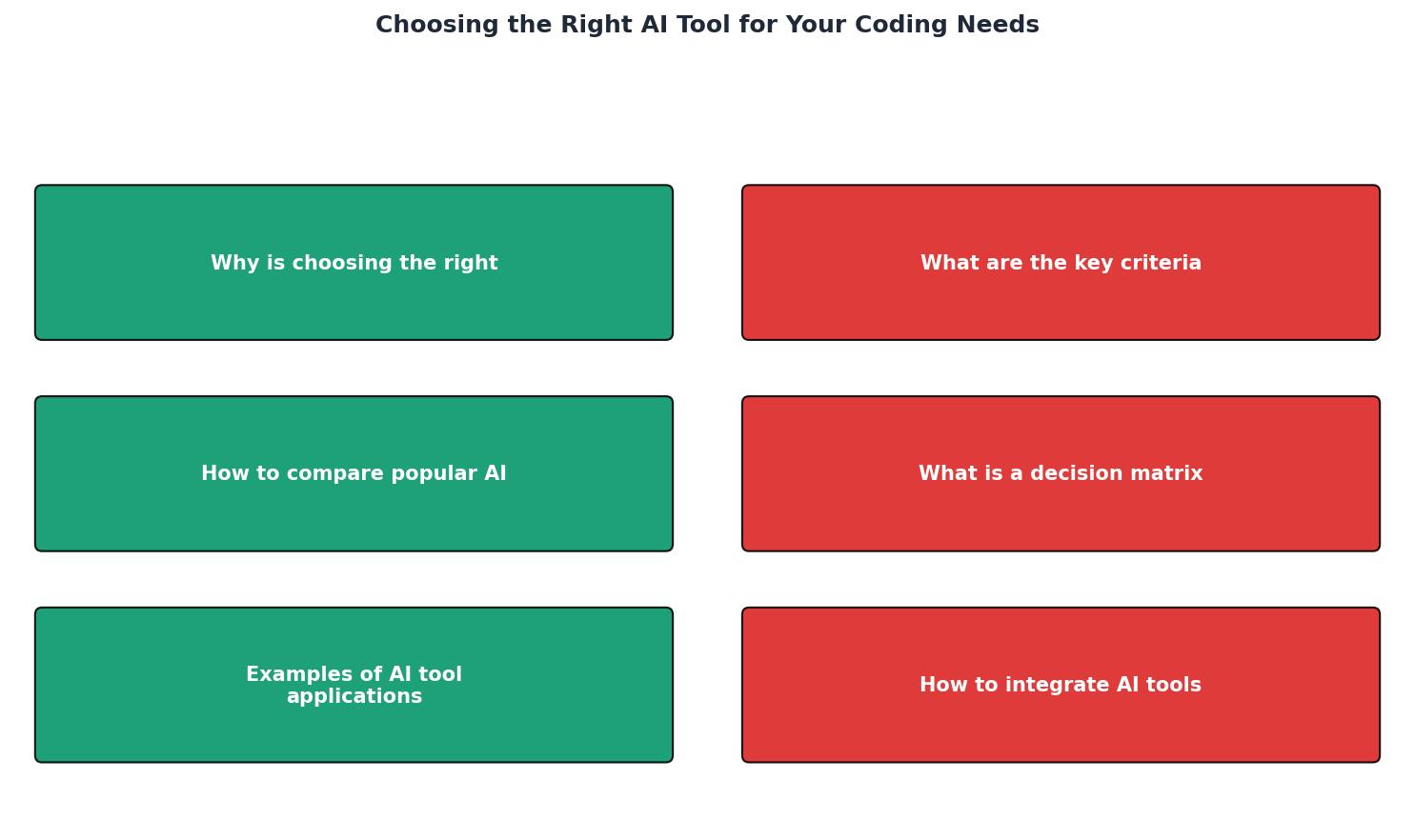
Before you compare any tools, define what you actually need. These six criteria cover the ground that matters:
- Language and framework support - Does the tool generate quality output in your stack? Copilot handles dozens of languages. Lovable focuses on React/Next.js. Cursor works across stacks but shines with TypeScript and Python.
- Integration with your editor - Tools that live inside your IDE (Copilot, Cursor, Cody) reduce context switching. Chat-based tools (Claude, ChatGPT) require copy-pasting code back and forth.
- Output quality for your use case - Autocomplete tools produce line-by-line suggestions. Agentic tools generate entire files. Conversational tools explain and iterate. Match the output style to your workflow.
- Cost relative to your budget - Free tiers exist (Copilot Free, Gemini Code Assist). Paid plans range from $10/month (Copilot Individual) to $40/month (Cursor Business). Enterprise plans go higher.
- Context window and codebase awareness - Can the tool understand your full project, or does it only see the current file? Cursor and Augment Code index your entire repository. Copilot works file-by-file with limited context.
- Privacy and data handling - Some tools send your code to cloud servers for processing. Others offer local or zero-retention modes. If you work with sensitive data, this matters.
Comparing popular AI tools
Here is how the leading tools stack up across the criteria that matter most for builders shipping real products:
| Feature | GitHub Copilot | Cursor | Claude (API/Chat) | Lovable/v0 |
|---|---|---|---|---|
| Best for | Inline autocomplete | Multi-file agentic edits | Architecture, debugging | UI prototyping |
| Editor | VS Code, JetBrains, Neovim | Cursor (VS Code fork) | Browser, API | Browser |
| Languages | 30+ languages | 30+ languages | Any (text-based) | React/Next.js |
| Context | Single file + neighbors | Full repository | Conversation window | Component-level |
| Starting price | Free tier available | $20/month | Free tier available | Free tier available |
| Offline mode | No | No | No | No |
"MIT field experiments found that deploying GitHub Copilot to enterprise developers increased completed tasks by approximately 25% on average, with larger gains for less-experienced engineers.">, 11 Best AI Coding Tools for Data Science & ML in 2026
That 25% gain came from developers using a tool that fit their workflow. The same tool in the wrong context produces far less improvement.
Build a decision matrix

A decision matrix turns subjective opinions into a structured comparison. You list your criteria, weight them by importance, score each tool, and multiply. The tool with the highest weighted score wins.
Here is how to build one in five steps:
- List criteria - Write down the six criteria from the previous section (or your own).
- Assign weights - Give each criterion a weight from 1 (nice to have) to 5 (deal-breaker). If you build React apps, "Language support" gets a 5. If budget is tight, "Cost" gets a 5.
- Score each tool - Rate every tool from 1 to 5 on each criterion. Be honest. If you have not tried a tool, use its documentation and community reviews.
- Calculate weighted scores - Multiply each score by its weight. Sum the results per tool.
- Compare and decide - The highest total score is your starting point. If two tools tie, pick the one with the better score on your highest-weighted criterion.
Decision Matrix Example
| Criterion (Weight) | Copilot | Cursor | Lovable |
|---|---|---|---|
| Language support (5) | 20 | 25 | 15 |
| Editor integration (4) | 16 | 20 | 8 |
| Output quality (5) | 15 | 20 | 20 |
| Cost (3) | 15 | 9 | 12 |
| Context awareness (4) | 8 | 20 | 12 |
| Privacy (2) | 6 | 6 | 6 |
| Total | 80 | 100 | 73 |
In this scenario, Cursor wins because the builder values full-repo context and multi-file editing over raw cost savings. Your weights will differ. That is the entire point of the matrix.
Real-world tool applications

Different projects call for different tools. Here are three concrete scenarios:
Scenario 1: Landing page for a new product. You need a polished React page fast. Lovable or v0 generates the entire component from a text description. You tweak colors and copy in the browser. Total time: under two hours. Using Copilot here would be slower because you would write the JSX yourself with autocomplete suggestions.
Scenario 2: Backend API with complex business logic. You are building a payment processing service in Python. Cursor lets you describe the flow in natural language, generates the route handlers, and updates related files when you change the data model. Claude (via API or chat) helps you think through edge cases before you write a single line. Lovable cannot help here at all.
Scenario 3: Debugging a production issue at 2 AM. Your app throws a cryptic error in a dependency you have never read. Paste the stack trace into Claude or ChatGPT. Get an explanation, a fix, and a test case in under five minutes. Autocomplete tools like Copilot are useless for this because they do not analyze errors conversationally.
The pattern is clear: match the tool to the task, not the other way around.
Integrate tools into your workflow
Buying a subscription is step one. Making the tool part of your daily process is where the value compounds.
- Start with one tool. Do not install Copilot, Cursor, and three browser-based AIs on day one. Pick the winner from your decision matrix and use it exclusively for two weeks.
- Set up context properly. If your tool supports
.cursorrules,AGENTS.md, or similar project-level instructions, write them on day one. Tell the AI about your stack, conventions, and patterns. This single step dramatically improves output quality. - Review every suggestion. AI tools generate plausible code that sometimes contains subtle bugs. Read what the tool produces. Run your tests. Do not blindly accept multi-file changes.
- Track your velocity. Note how many features you ship per week before and after adopting the tool. If the number does not go up after two weeks, revisit your decision matrix.
- Combine tools for different tasks. Once you have a primary tool, add a secondary one for tasks it handles poorly. Many builders use Cursor for daily coding and Claude for architecture discussions and debugging.
The Vibe Coding Bible at vibecodingbible.org covers this integration process in depth, including how to write effective project-level AI instructions and review AI-generated code without a CS background.
AI Tool Selection Checklist
Your progress is saved automatically in your browser.
FAQ
Frequently Asked Questions
.cursorrules), and accepting AI output without review. Each of these erodes the productivity gains the tool should provide.What criteria matter most in your AI tool selection process? Share your decision matrix results and which tool came out on top.
Additional Resources
- 11 Best AI Coding Tools for Data Science & ML in 2026 - The best AI coding tools for data science and machine learning in 2026 combine architectural understanding with workflow-aware context.
- The Best AI Coding Assistants: A Full Comparison of 17 Tools - The best AI coding assistant tools in 2025 come from GitHub Copilot, Cursor, Qodo, Qwen3 Coder, and Tabnine, among others.
- 8 best AI coding tools for developers: tested & compared! - Choose tools based on your specific needs 2. Consider model selection and pricing strategy 3. Context management matters 4. Maintenance ...
Ready to Master Vibe Coding?
Learn to build software faster with AI assistance using the Vibe Coding Bible.
Get Started