How to Contribute AI-Generated Code to Open-Source Projects
You generated a clean feature with Copilot or Claude in twenty minutes. The code works, the tests pass locally, and you want to upstream it. But the moment you open a pull request on someone else's repository, a different set of rules kicks in. Maintainers care about provenance, style consistency, and long-term maintainability in ways that your personal projects never demanded.


You generated a clean feature with Copilot or Claude in twenty minutes. The code works, the tests pass locally, and you want to upstream it. But the moment you open a pull request on someone else's repository, a different set of rules kicks in. Maintainers care about provenance, style consistency, and long-term maintainability in ways that your personal projects never demanded. Getting this right means your contribution lands instead of rotting in a stale PR.
Photo by RealToughCandy.com from Pexels
TL;DR:- Treat AI-generated code as a rough draft: review every line, run the project's full test suite, and match existing style before opening a PR.
- Disclose AI usage when the project's contribution guidelines require it, and document non-obvious logic the AI introduced.
- Engage with maintainer feedback quickly; AI code that sits undefended gets closed fast.
Why AI code needs extra prep
Open-source maintainers already reject a large share of human-written PRs for style violations, missing tests, or unclear intent. AI-generated code adds another layer of scrutiny. The output often looks plausible but introduces subtle issues: unused imports, inconsistent naming conventions, or logic that works for the happy path but ignores edge cases the project already handles elsewhere.
The fix is straightforward. You treat AI output the same way you treat a junior developer's first draft: read it critically, reshape it to fit the codebase, and verify it against the project's actual requirements. The AI accelerated the typing. You still own the engineering.
Prepare the code for submission
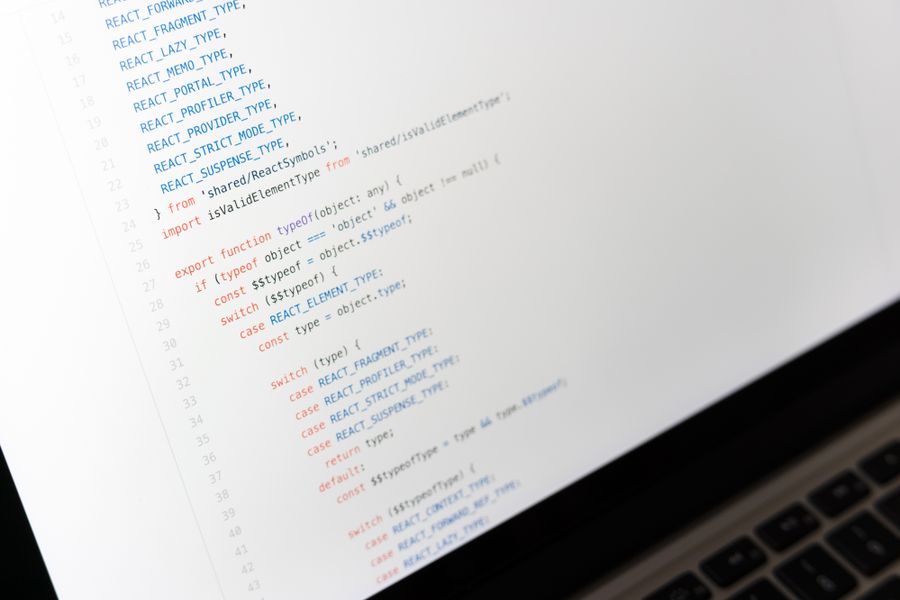
Before you touch the "New Pull Request" button, run through a concrete preparation sequence. Skipping any step is how AI-assisted PRs earn a bad reputation.
- Read the
CONTRIBUTING.md(or equivalent). Every mature project spells out formatting rules, commit message conventions, and required checks. Some projects, like the Linux kernel and Rust compiler, now explicitly address AI-generated contributions. - Match the existing code style. If the repo uses
snake_caseand your AI output arrived incamelCase, rename everything. Run the project's linter (eslint,ruff,rubocop, whatever is configured) and fix every warning. - Remove AI artifacts. Copilot and ChatGPT sometimes insert comments like
// placeholder: add error handling lateror generic docstrings that describe intent rather than behavior. Strip them. If a genuine task remains, file an issue instead of leaving a stale comment in the code. - Run the full test suite locally. Not just your new tests. The entire suite. AI-generated code can silently break unrelated tests through shared state or import side effects.
- Write a clear commit message. Describe what the change does and why. If the project requires a
Signed-off-byline or a DCO (Developer Certificate of Origin), include it.
Ensure code quality
Code quality in open source means more than "no bugs." It means the next contributor can read your code six months from now and understand it without asking you.
- Review every function the AI wrote. Read it line by line. Ask yourself: does this handle
null? What happens with an empty list? Does it respect the project's error-handling pattern (exceptions vs. result types vs. error codes)? - Check for duplicated logic. AI tools don't know the codebase. They frequently reimplement utility functions that already exist in the project. Search the repo before adding a new helper.
- Add tests that match the project's testing style. If the project uses
pytestwith fixtures, don't submit a file full ofunittest.TestCaseclasses. Mirror the patterns you see in existing test files. - Benchmark if relevant. For performance-sensitive projects (databases, compilers, game engines), a PR that introduces a regression will get rejected regardless of how clean the code looks.
Manual review catches the majority of quality issues that AI tools miss on their own. Static analysis helps, but human judgment on architectural fit is irreplaceable.
Follow project guidelines
Every open-source project has its own culture. Some are strict about commit squashing. Others require issue references in every PR title. A few demand that you discuss the change in an issue before writing any code.
Here is a typical contribution workflow mapped out step by step:
The steps in the diagram: Fork repo, Read guidelines, Create branch, Write & review code, Run tests, Open PR, Respond to feedback, Merge.
Key guidelines to watch for:
- AI disclosure policies. Projects like the Apache Software Foundation require contributors to confirm they have the right to submit the code. Some projects explicitly ask whether AI tools were used. Be honest. Hiding AI involvement and getting caught later damages trust permanently.
- Licensing compatibility. AI models trained on copyleft code can produce output that carries licensing obligations. If the project is MIT-licensed and your AI tool generated code that closely mirrors a GPL library, you have a problem. When in doubt, rewrite the function from scratch using the AI output only as a reference.
- Scope limits. Don't submit a 2,000-line PR that refactors half the codebase. Maintainers prefer small, focused changes. If the AI generated a large diff, split it into logical commits.
"Most importantly, open research and tools can be scrutinized, verified, reproduced, and built upon by the wider community.">, Medium
Document AI logic clearly

Documentation separates a contribution that gets merged from one that gets ignored. When AI generates a non-obvious algorithm or an unusual approach, explain it.
- In the PR description, state what the code does, why you chose this approach, and whether AI assisted in generating it (if the project asks).
- In inline comments, explain why, not what. The code already shows what it does. A comment like
// Using binary search here because the input list is always sorted by the callersaves the next reader ten minutes of investigation. - In commit messages, reference the issue number and summarize the behavioral change. "Fixes #412: adds retry logic to HTTP client with exponential backoff" tells the maintainer everything they need in one line.
Benefits of contributing AI code
Contributing AI-assisted code to open source is not just altruism. It sharpens your engineering skills in ways that private repos never will.
- Rigorous code review. Maintainers of popular projects like React, Django, or Kubernetes will catch issues you missed. That feedback loop accelerates your growth faster than any course.
- Portfolio proof. Merged PRs on well-known repositories demonstrate that you can write production-quality code, AI-assisted or not.
- Community connections. Regular contributors get invited to maintainer discussions, conferences, and job opportunities that never hit public job boards.
- Better AI prompting skills. When you repeatedly reshape AI output to meet strict project standards, you learn to write prompts that produce cleaner code from the start.
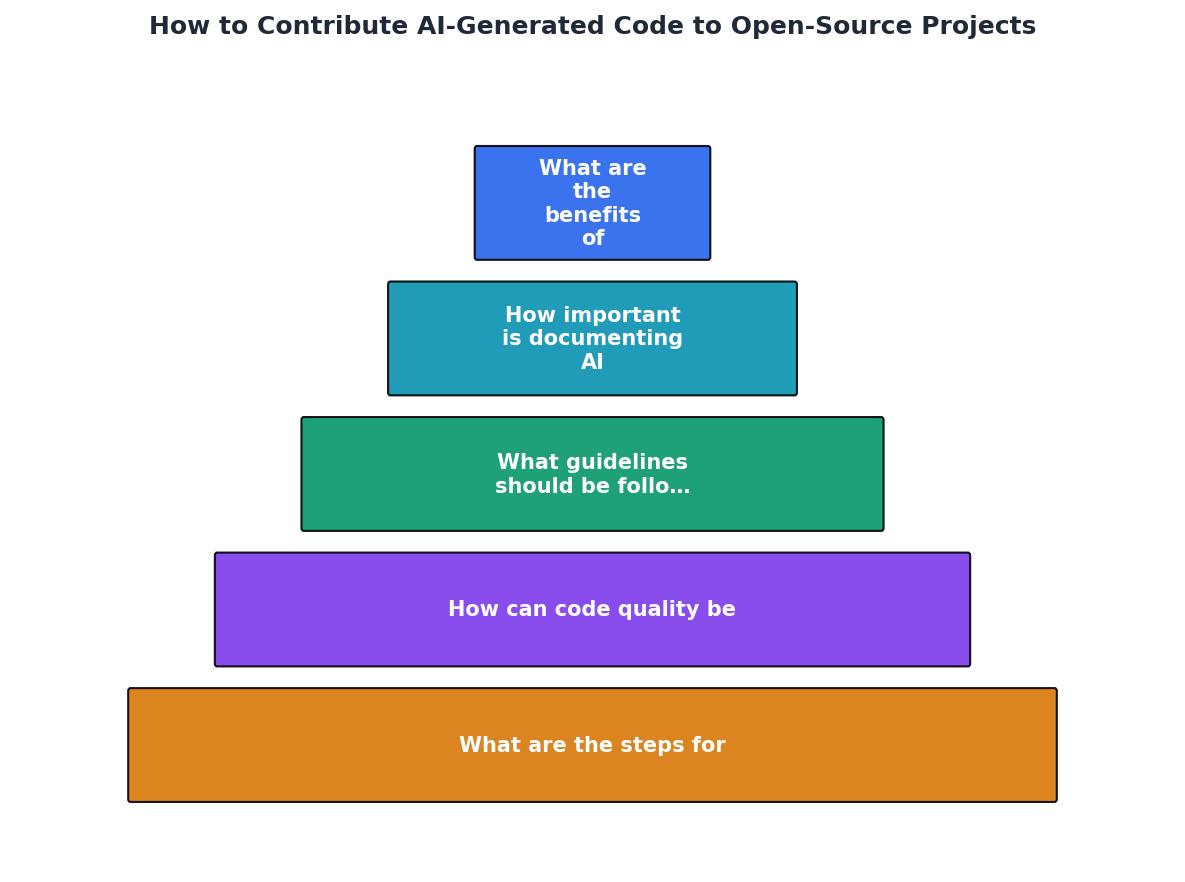
The following dashboard shows a realistic snapshot of what consistent open-source contribution looks like over a quarter when you use AI to accelerate the initial coding phase.
Example: Quarterly AI-Assisted OSS Contributions
A merge rate around 64% is solid for any contributor. The key differentiator is preparation quality, not whether AI was involved.
Roadmap: Contributing AI Code to Open Source
Your progress is saved automatically in your browser.
FAQ
Frequently Asked Questions
CONTRIBUTING.md. Pay attention to commit message format, branch naming, required CI checks, and any AI disclosure requirements. Licensing compatibility matters too: confirm that your AI-generated code doesn't inadvertently introduce copyleft obligations into a permissive-licensed project.For deeper guidance on integrating AI into professional engineering workflows, the Vibe Coding Bible covers the full spectrum from prompt engineering to production-grade code review.
Additional Resources
- How Contributing to Open Source Projects Helped me Build ... - Option 1: Create Your Own OSS Project · Attend tech meetups focused on your interests · Post about your project on LinkedIn, X, or any other ...
- Contribute to Open Source with AI: Best Practices - how to use ai to contribute to opensource: - find a bug or an improvement by yourself ✓ - come up with a solution ✓ - ask ai to implement ...
- Using AI to Contribute to Open Source - Contributors should however disclose whenever a non-trivial amount of code or text has been generated using an AI/LLM. Trying to pass off the ...
Ready to Master Vibe Coding?
Learn to build software faster with AI assistance using the Vibe Coding Bible.
Get Started