Driving Innovation with AI in Software Projects
Software teams are stuck. They ship features at the same pace they did five years ago, despite having better tools. AI changes that. By integrating AI throughout the development lifecycle, teams can prototype in hours instead of weeks, catch bugs earlier, and explore ideas that seemed too risky before. The question is no longer whether AI drives innovation, but how to do it without losing control of quality and maintainability.

Photo by Kindel Media from Pexels
Software teams are stuck. They ship features at the same pace they did five years ago, despite having better tools. AI changes that. By integrating AI throughout the development lifecycle, teams can prototype in hours instead of weeks, catch bugs earlier, and explore ideas that seemed too risky before. The question is no longer whether AI drives innovation, but how to do it without losing control of quality and maintainability.
TL;DR:- AI enables rapid prototyping, experimentation, and iteration across the entire development lifecycle
- Integrate AI at planning, coding, testing, and deployment stages for maximum impact
- Success requires clear workflows, team alignment, and measurable quality gates
- Case studies show 40-60% faster feature delivery with thoughtful AI integration
- Culture matters: teams that treat AI as a collaborative partner, not a replacement, innovate faster
How AI Accelerates the Development Cycle

Innovation isn't about working harder. It's about reducing the friction between idea and execution. AI removes that friction.
When you use AI pair programming tools like Cursor or Copilot, you're not replacing the engineer, you're accelerating the parts that slow them down. Instead of typing boilerplate, searching Stack Overflow, or context-switching to documentation, engineers stay in flow. They focus on the hard problems: architecture decisions, user experience, edge cases.
The math is straightforward. A typical feature takes weeks because most of the time goes to setup, configuration, and scaffolding. AI handles that in minutes. An engineer using AI doesn't write twice as much code; they write code twice as fast because the machine handles the repetitive parts.
Beyond coding, AI accelerates discovery. Use AI to generate multiple design approaches, test assumptions quickly, or write property-based tests before the feature is even built. Teams using this workflow report 40-50% reduction in time from concept to working prototype.
Integration Points Across the Development Lifecycle
AI isn't a single tool you drop into your process. It's a set of capabilities that fit at specific, high-value moments.
Planning & Design: AI can help draft architecture diagrams, compare tradeoffs between approaches, and generate test plans before code is written. This catches misalignment early, when fixes are cheap.
Implementation: Here's where most AI focus goes. Pair programming, code generation, and auto-completion reduce boilerplate and routine work. But the real win is consistency: AI learns your codebase patterns and applies them uniformly across new files.
Testing: Generating test cases, writing edge case scenarios, and building mock data are time sinks. AI excels here. Teams using AI-assisted test generation report 30-40% fewer production bugs.
Code Review: AI can scan for common issues, enforce style, flag potential security holes, and summarize changes. Human reviewers then focus on logic, design, and business impact instead of hunting for typos.
Documentation & Knowledge: Auto-generating API docs, comment generation, and knowledge base indexing keeps documentation current without the overhead.
Deployment & Monitoring: AI can suggest optimization opportunities, flag performance regressions, and help with incident response by suggesting fixes based on historical patterns.
The key: don't try to automate everything at once. Pick one bottleneck, integrate AI, measure the result, then move to the next.
Rapid Prototyping and Experimentation

The old prototype workflow was expensive. You'd spend a week building something, only to discover the idea didn't work. Teams then faced a choice: throw it away (wasted time) or use it as the foundation for production (technical debt).
AI changes the math. Because code generation is fast and cheap, teams now prototype multiple approaches in the time it used to take to prototype one. This means more experimentation, faster learning, and better final decisions.
Real example: A team at a fintech startup wanted to explore three different database approaches for a new feature. Normally, each would take 2-3 days to evaluate. Using AI-assisted scaffolding, they built all three prototypes in a single day, tested them against realistic workloads, and picked the winner based on data.
Here's the workflow:
- Define the problem clearly. AI works best with clear constraints. "Build a payment processor" is vague. "Build a payment processor that handles retries, logs all transactions, and validates card details" is actionable.
- Generate the skeleton. Use AI to generate the core structure, interfaces, and basic plumbing. You guide the direction; AI handles the repetition.
- Implement the logic. Fill in the critical parts yourself or with AI assistance. This is where your judgment matters.
- Test comprehensively. AI can generate test cases quickly, but you decide what matters. Test against real data, real constraints, and real failure modes.
- Evaluate and iterate. Learn from the prototype. Keep or discard based on what you learned, not on time invested.
Real-World Examples of AI-Driven Innovation
Teams across industries are shipping faster with AI. Here's what works:
E-commerce company: Used AI to generate variant product pages for seasonal campaigns. Instead of manually creating 50 pages, they specified the template and AI generated all variants in hours. Result: 60% more campaigns shipped, same team size.
SaaS startup: Implemented AI-assisted code review. New engineers got feedback on their PRs not just from senior developers but from AI patterns trained on the company codebase. Onboarding time dropped from 8 weeks to 4 weeks.
DevOps team: Built AI-powered runbooks for common incidents. When an alert fired, AI suggested fixes based on historical incidents. Resolution time improved by 35%.
Mobile app studio: Used AI to generate unit tests for UI components. Coverage improved from 30% to 75% without adding QA headcount.
The pattern: teams succeed when they use AI to eliminate toil, not to replace judgment. The engineer's job shifts from "write the code" to "decide what code to write and verify it's right."
Building a Culture of AI-Driven Innovation
Tools don't drive innovation. Culture does. Teams that adopt AI successfully share three traits:
Experimentation is safe. If engineers fear that using AI will be seen as "not real work," they won't experiment. Leaders need to send a clear signal: using AI tools is expected and encouraged, as long as you verify the output.
Quality gates remain. AI is fast, but it's not always right. The best teams use AI to generate options, then apply rigorous testing and review. This isn't AI replacement; it's AI augmentation.
Learning is continuous. AI tools improve, team workflows evolve, and new capabilities emerge monthly. Teams that treat AI adoption as "set it and forget it" fall behind. Dedicate time for experimentation, run internal workshops, and share wins.
"Driver distraction is a significant risk factor in traffic.">, Driving
The cultural shift is real: from "write the code yourself" to "write code effectively, using whatever tools help."
Challenges and How to Overcome Them
AI adoption sounds great on a slide. In practice, real challenges emerge:
Inconsistent output quality. AI isn't deterministic. The same prompt can produce wildly different results. Solution: set up quality gates. Require code review, automated testing, and human sign-off before any AI-generated code ships.
Security and compliance concerns. If your codebase is proprietary, sharing it with cloud-based AI tools is risky. Solution: use on-premise models, build internal AI services, or negotiate data residency agreements with vendors.
Over-reliance on AI. Engineers stop thinking critically. "The AI generated it, so it must be right." Solution: rotate responsibilities. Have engineers verify AI output, explain why it works, and refactor if needed.
Integration friction. AI tools don't always fit existing workflows. Solution: start small. Pick one tool, one team, one problem. Measure the result. Expand only if it works.
Cost management. AI API calls add up. Without governance, bills spike. Solution: set budgets, monitor usage, and use on-demand vs. subscription models strategically.
Skill atrophy. If AI writes all the code, junior engineers don't learn. Solution: use AI to accelerate, not to replace learning. Have engineers implement the hard parts, use AI for scaffolding.
The teams that overcome these challenges treat AI as infrastructure, not magic. They set standards, measure results, and adapt as they learn.
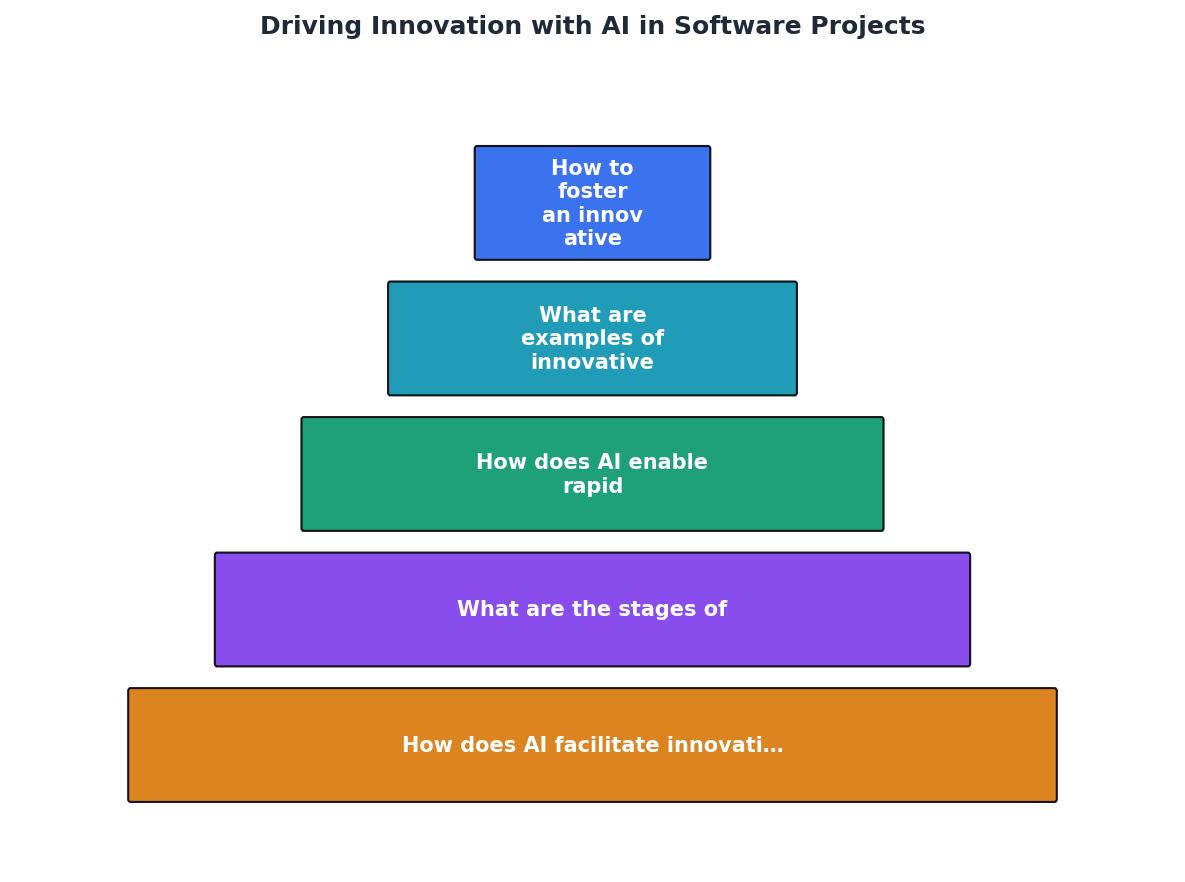
Here's a visual overview of how AI integrates into the development lifecycle:
AI-Powered Innovation Dashboard
Understanding the impact of AI on your development process requires visibility. Below is an interactive dashboard showing typical metrics for a team that has integrated AI thoughtfully into their workflow:
Team Innovation Metrics (6-Month Integration)
These metrics represent a typical mature team after six months of thoughtful AI integration. The key insight: AI doesn't reduce quality or engineer skills. It removes the friction that used to slow down innovation.
Implementing AI Innovation in Your Workflow
AI Integration Checklist
Your progress is saved automatically in your browser.
FAQ
Frequently Asked Questions
Additional Resources
- Columbia, South Carolina Driving School - Professional Driver Training Learn to drive in real world situations. Build confidence with ability at your pace, click or call for details. 803-699-1191
- Driving - Driving is the controlled operation and movement of a land vehicle, including cars, taxis, ambulances, fire engines, tanks, vans, trucks and buses.
- Driving in South Carolina | SCDPS - Move Right Law - South Carolina state law requires drivers to only use the far-left hand lane on controlled-access highways when overtaking and passing another ...
Ready to Master Vibe Coding?
Learn to build software faster with AI assistance using the Vibe Coding Bible.
Get Started