Ensuring Efficient Resource Management in AI Coding
Every AI coding project burns through three things at once: compute cycles, storage, and money. Teams that ignore resource management ship fast for a month, then stall when the cloud bill triples and inference latency makes the product unusable. This guide breaks down concrete strategies for keeping compute, storage, and cost under control so your AI-assisted codebase stays both fast and financially sustainable.


Every AI coding project burns through three things at once: compute cycles, storage, and money. Teams that ignore resource management ship fast for a month, then stall when the cloud bill triples and inference latency makes the product unusable. This guide breaks down concrete strategies for keeping compute, storage, and cost under control so your AI-assisted codebase stays both fast and financially sustainable.
TL;DR:- Right-size compute instances and use spot/preemptible capacity to cut GPU costs by 40-70%.
- Implement tiered storage, caching layers, and model quantization to reduce both latency and monthly spend.
- Set hard budget alerts and per-project resource quotas before a single line of AI-generated code hits production.
Why Resource Management Matters
AI coding workflows consume resources differently than traditional development. A single prompt-heavy session with a large language model can burn through API credits that would fund a week of conventional CI/CD pipelines. Multiply that across a team of ten engineers, add GPU-backed inference endpoints, and the numbers get uncomfortable fast.
Studies from cloud providers consistently show that roughly 40% of provisioned compute in AI workloads goes unused. That is not a rounding error. It is a structural problem caused by over-provisioning "just in case" and never revisiting the allocation.
For engineering leads, the stakes go beyond the invoice. Resource mismanagement creates performance bottlenecks, slows deployment cycles, and introduces unpredictable latency that erodes user trust. Getting this right is a leadership responsibility, not an ops afterthought.
"The emergence of AI into the enterprise has been sudden, widespread and profound.">, AI & resource management: A new era of productivity
Optimize Compute Resources

Compute is usually the largest line item. Here are the strategies that actually move the needle:
Right-size instances weekly
Most teams pick an instance type during setup and never revisit it. Cloud dashboards (AWS Compute Optimizer, GCP Recommender, Azure Advisor) flag underutilized instances automatically. Schedule a 15-minute weekly review. Downsize anything running below 30% average CPU or GPU utilization.
Use spot and preemptible instances
For batch inference, fine-tuning jobs, and non-latency-sensitive workloads, spot instances cut costs by 60-90% compared to on-demand pricing. The tradeoff is potential interruption, so design jobs to checkpoint progress every few minutes. Tools like AWS Batch, GCP Preemptible VMs, and Azure Spot VMs handle the orchestration.
Autoscale inference endpoints
Static provisioning for inference is wasteful. Use Kubernetes Horizontal Pod Autoscaler (HPA) or managed services like AWS SageMaker Inference with auto-scaling policies. Set scale-to-zero for development and staging environments. There is no reason to keep a GPU warm at 3 AM for a dev endpoint nobody is hitting.
Quantize and distill models
A 70B parameter model running in FP32 demands serious hardware. Quantization (FP16, INT8, INT4 via GPTQ or AWQ) can cut memory requirements by 50-75% with minimal accuracy loss. Model distillation goes further: train a smaller model on the larger model's outputs. The result is a fraction of the compute cost per inference call.
Combining spot instances with quantized models routinely delivers 70% compute cost reduction compared to naive on-demand full-precision deployments.
Manage Data Storage Effectively
Storage costs creep up quietly. AI projects generate training data, model checkpoints, embeddings, logs, and intermediate artifacts. Without a strategy, you end up paying hot-storage prices for data nobody has touched in months.
Implement tiered storage
Every major cloud provider offers storage tiers:
- Hot tier (S3 Standard, GCS Standard): Frequently accessed data, active model weights, current embeddings.
- Warm tier (S3 Infrequent Access, GCS Nearline): Weekly backups, previous model versions, older training sets.
- Cold tier (S3 Glacier, GCS Coldline/Archive): Compliance archives, historical experiment logs.
Cache aggressively
For inference pipelines, cache repeated queries and their results. Redis or Memcached in front of your model endpoint eliminates redundant GPU cycles. If 20% of your queries are duplicates (common in production), caching alone cuts inference costs by 20%.
Deduplicate training data
Duplicate and near-duplicate samples inflate storage costs and degrade model quality. Tools like MinHash LSH or datasketch identify near-duplicates efficiently. Deduplication before training reduces both storage footprint and training time.
Cut Costs Without Cutting Corners

Cost reduction is not about spending less. It is about spending smarter. Here are the highest-impact levers:
Set budget alerts and hard caps
Every cloud provider supports billing alerts. Set them at 50%, 75%, and 90% of your monthly budget. Better yet, use budget actions (AWS) or programmatic budget caps (GCP) to automatically shut down non-critical workloads when spend exceeds a threshold. A runaway fine-tuning job at 2 AM should not be able to burn through next month's budget.
Use reserved capacity for predictable workloads
If you run inference endpoints 24/7, reserved instances or committed use discounts (1-year or 3-year) save 30-60% over on-demand. Only commit for workloads with stable, predictable demand. Everything else stays on-demand or spot.
Consolidate API calls
AI coding tools like Cursor, GitHub Copilot, and Claude generate API calls with every keystroke and prompt. At team scale, this adds up. Strategies that help:
- Batch prompts where possible instead of sending one-line requests.
- Cache completions locally for repeated patterns (many IDE plugins support this).
- Set token limits per request to prevent runaway completions.
- Route low-complexity tasks to smaller, cheaper models (GPT-4o-mini instead of GPT-4o, Claude Haiku instead of Sonnet).
Teams that implement intelligent model routing, sending simple tasks to cheaper models and reserving expensive models for complex reasoning, report up to 60% reduction in API spend.
Resource Optimization in Practice

Abstract advice only goes so far. Here is what optimization looks like in real teams:
Scenario 1: Startup inference pipeline. A 12-person team ran a customer-facing LLM feature on on-demand A100 instances. Monthly GPU bill: $14,000. After switching to spot instances with checkpointing for batch jobs, quantizing the serving model to INT8, and adding a Redis cache layer, the bill dropped to $4,200. Response latency improved by 35% because the quantized model fit entirely in GPU memory without swapping.
Scenario 2: Enterprise AI coding rollout. A 50-engineer organization adopted Copilot and Claude across all teams. Within two months, API costs hit $22,000/month with no visibility into which teams or projects drove the spend. The fix: per-team API keys with monthly quotas, a routing layer that sent autocomplete requests to a smaller model, and weekly cost dashboards visible to every team lead. Monthly spend stabilized at $8,500.
These are not hypothetical. They are the patterns that repeat across every AI-heavy engineering organization.
The Optimization Process
This diagram captures the core loop for keeping resources in check:
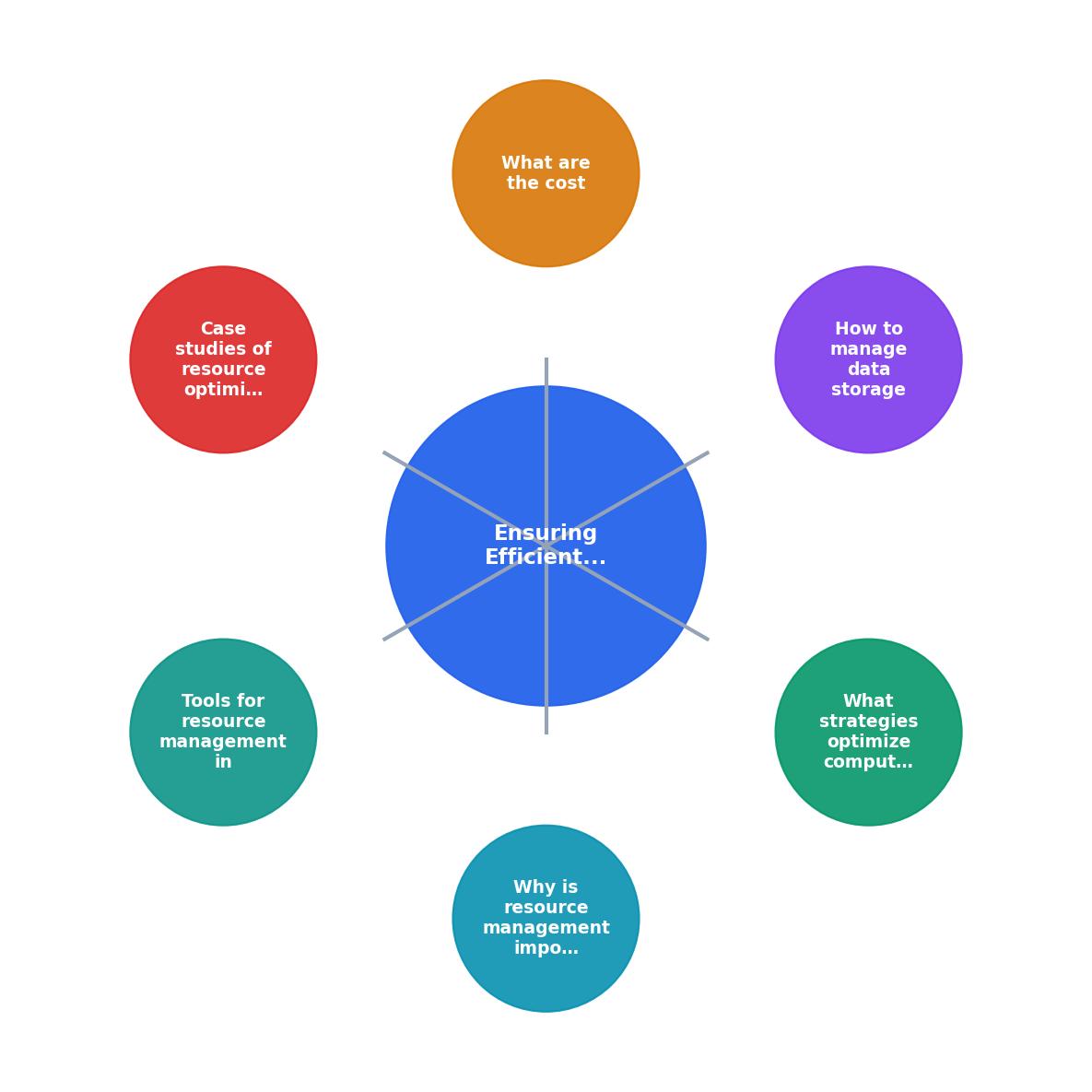
The steps are: Audit current usage, Identify waste and bottlenecks, Right-size instances and storage tiers, Automate scaling and lifecycle policies, Monitor continuously, and Iterate monthly. Skipping the Monitor step is how teams regress. Dashboards without regular review are decoration.
Tools for Resource Management
The following dashboard shows a typical resource management toolkit and how each tool maps to a specific optimization area. This is an example configuration for a mid-size AI coding team:
Resource Management Toolkit
Instance right-sizing recommendations
Auto-scale pods on CPU/GPU metrics
Auto-tier storage by access patterns
Cost estimates in pull requests
Real-time resource utilization dashboards
Kubernetes cost allocation per namespace
A few additional tools worth evaluating:
- Kubecost / OpenCost: Granular cost allocation per Kubernetes namespace, label, or team.
- Infracost: Shows cost impact of infrastructure changes directly in pull requests. Engineers see the dollar impact before merging.
- Weights & Biases: Tracks experiment resources (GPU hours, memory peaks) alongside model metrics. Useful for identifying wasteful training runs.
- vLLM: High-throughput inference engine with PagedAttention that dramatically improves GPU memory utilization for LLM serving.
- LiteLLM: Unified proxy for multiple LLM providers with built-in spend tracking and rate limiting per API key.
| Manual Resource Management | Automated Resource Management |
|---|---|
| Monthly cost reviews | Real-time budget alerts |
| Static instance sizing | Auto-scaling on demand |
| Single storage tier | Lifecycle-based tiering |
| One model for all tasks | Intelligent model routing |
| No per-team visibility | Per-team cost dashboards |
Resource Management Action Plan
Your progress is saved automatically in your browser.
FAQ
Frequently Asked Questions
Additional Resources
- AI & resource management: A new era of productivity - Machine learning algorithms can analyze the efficiency of resource utilization in real-time, identifying areas for improvement. This enables ...
- How AI will help doing Sustainable coding practice? - With AI: AI-driven resource management can achieve a 40-50% improvement. Data Processing: Without AI: Manual optimization of data processing ...
- How AI Optimizes Resource Allocation in Projects - AI simplifies project resource management by using data to make smarter decisions. It matches team skills, adjusts schedules, and predicts needs in real-time.
Ready to Master Vibe Coding?
Learn to build software faster with AI assistance using the Vibe Coding Bible.
Get Started