Essential Tools for Vibe Coding as a Non-Engineer
Non-engineers eager to dive into vibe coding often face a daunting array of tools and technologies. The good news? You don't need a computer science degree to start building impressive AI-driven applications. By leveraging user-friendly tools like Cursor and Claude, you can transform your innovative ideas into tangible products.

Non-engineers eager to dive into vibe coding often face a daunting array of tools and technologies. The good news? You don't need a computer science degree to start building impressive AI-driven applications. By leveraging user-friendly tools like Cursor and Claude, you can transform your innovative ideas into tangible products. This guide will walk you through the essential software and tips to select the right tools tailored to your needs.
Photo by Markus Spiske from Pexels
TL;DR: Non-engineers can effectively start vibe coding by using accessible tools like Cursor and Claude. This guide provides a comprehensive list of essential software and tips for selecting the right tools based on individual needs.
Gone are the days when only seasoned software engineers could create sophisticated applications. Today, a plethora of tools designed for non-engineers make vibe coding accessible and intuitive. These tools are not only easy to use but also incorporate effective AI features that can handle complex tasks. This article aims to demystify the vibe coding landscape, offering insights into the essential tools you need to get started and succeed.
Why Choose Vibe Coding Tools Designed for Non-Engineers?
Accessibility is key when it comes to vibe coding tools for non-engineers. The right tools eliminate the steep learning curve traditionally associated with software development. They empower individuals to focus on creativity and innovation rather than getting bogged down by technical complexities.
The Importance of Accessibility in Tools
Non-engineers often bring fresh perspectives and innovative ideas but may lack technical expertise. Tools like Cursor and Claude are designed to bridge this gap by offering intuitive interfaces and robust functionalities. They enable users to implement sophisticated features without needing to write a single line of code.
What Are the Top Recommended Tools for Vibe Coding?
When it comes to vibe coding, selecting the right tools can make all the difference. Here are some top recommendations:
1. Cursor
Cursor is a effective tool that simplifies the coding process by providing a visual interface for building applications. It allows users to drag and drop components, making it ideal for non-engineers who want to create complex applications without diving into code.
2. Claude
Claude is another essential tool that leverages AI to assist in coding tasks. It offers features like code suggestions and automated testing, which help streamline the development process and reduce errors.
3. Other Tools to Consider
- Copilot: An AI-powered code completion tool that helps you write code faster and with fewer errors.
- Lovable: A tool designed to create user-friendly interfaces with minimal effort.
- V0: Offers a simplified platform for building and deploying applications quickly.
How to Compare Features and Pricing of These Tools?
Choosing the right tool involves comparing features and pricing to ensure it meets your needs and budget.

Evaluating Tool Features
When evaluating tools, consider the following features:
- User Interface: Is it intuitive and easy to navigate?
- AI Capabilities: Does it offer AI assistance for coding and testing?
- Integration: Can it integrate with other tools you use?
- Support and Community: Is there a community or support system to help you when needed?
Pricing Considerations
- Free vs. Paid: Determine whether the free version meets your needs or if a paid version offers necessary additional features.
- Subscription Models: Consider whether a monthly or annual subscription model fits your budget.
How to Select the Right Tool for Your Project?
Selecting the right tool depends on your project requirements and personal preferences. Here's a guide to help you make an informed decision:

Tips Based on Project Requirements
- Project Complexity: For complex projects, choose tools with robust AI capabilities.
- Team Collaboration: If working in a team, opt for tools that offer collaboration features.
- Scalability: Consider whether the tool can scale as your project grows.
What Are the Best Practices for Using These Tools?
To maximize the benefits of vibe coding tools, follow these best practices:
- Start with a Clear Plan: Define your project goals and requirements before choosing a tool.
- Leverage AI Features: Use AI capabilities to automate repetitive tasks and focus on innovation.
- Engage with the Community: Join forums and community groups to learn from other users and share experiences.
How to Troubleshoot Common Tool-Related Issues?
Even the best tools can present challenges. Here’s how to troubleshoot common issues:
Solutions for Typical Problems
- Installation Errors: Check for system compatibility and follow installation guides.
- Feature Limitations: Explore forums or contact support for workarounds.
- Performance Issues: Ensure your system meets the tool's requirements and close unnecessary applications to free up resources.
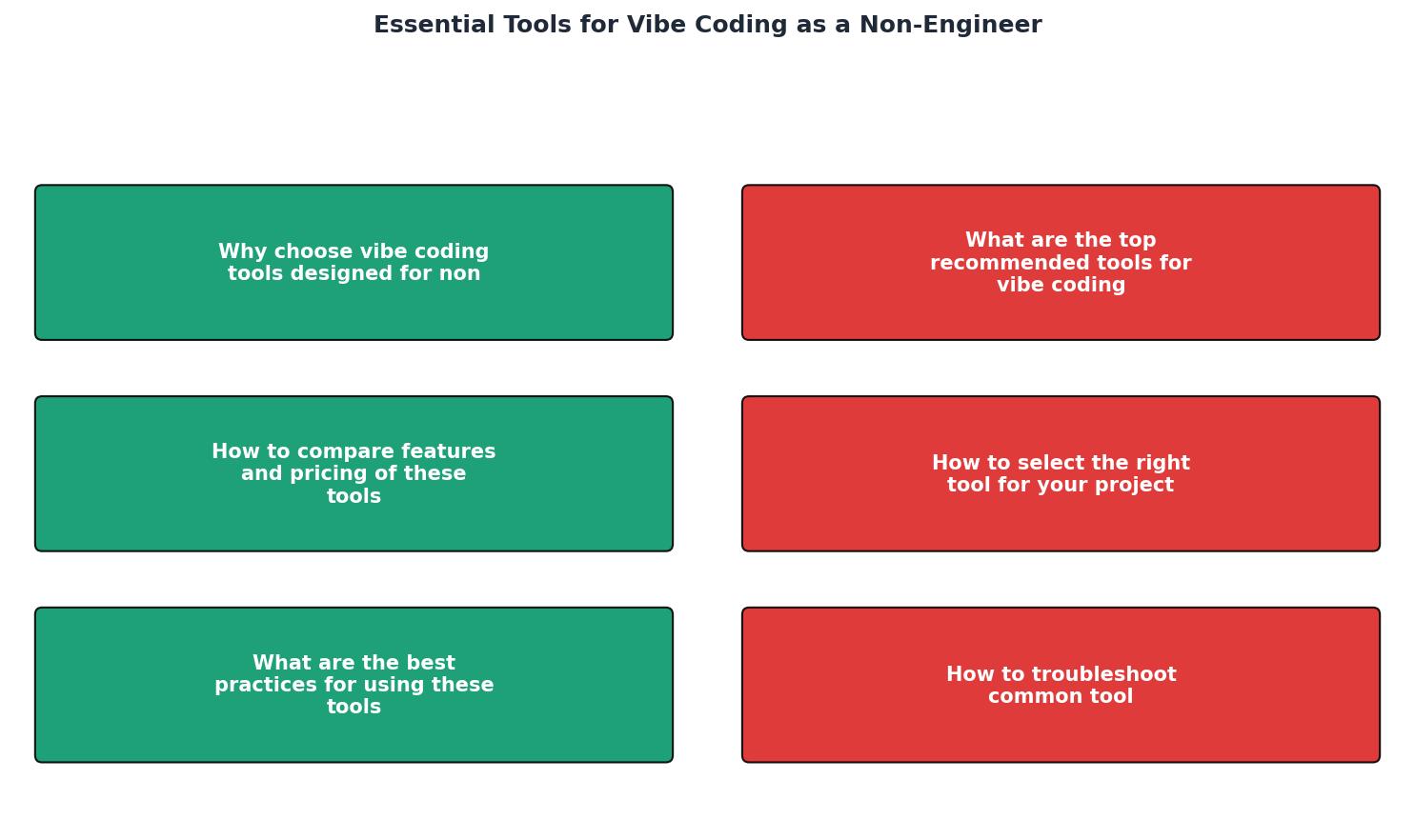
Tool Selection Guide
Your progress is saved automatically in your browser.
FAQ
Frequently Asked Questions
Have you tried any of these tools, or do you have other recommendations? Share your thoughts in the comments below!
Additional Resources
- Vibe Coding: 3 Tools for Non-Engineers to Get Started - 1. Google AI Studio https://lnkd.in/eJqnN5kd No setup, no repo, no opinions. Just learning how to describe intent without the model filling in ...
- Level up your vibe-coding: A non-engineer's guide to ... - At the entry level, you've got tools like Figma Make, Loveable, Replit and Bolt.new — great for quick prototypes or no-code style experiments
- I Tested 5 Vibe Coding Tools So You Don't Have To - I Tested 5 Vibe Coding Tools So You Don't Have To · 1. Cursor + Xcode: The Developer's Dream · 2. Lovable: Beauty with Broken Promises · 3. Replit: ...
Ready to Master Vibe Coding?
Learn to build software faster with AI assistance using the Vibe Coding Bible.
Get Started