

Most manufacturing facilities run on systems older than the developers who built them. These legacy factories have decades of institutional knowledge locked in equipment, databases, and workflows that no AI model has ever seen. Adding AI to that environment sounds modernizing in theory but turns into a nightmare without a clear plan. This guide cuts through the complexity and shows you exactly how to integrate AI into an existing factory floor without tearing everything out and starting over.
TL;DR:- Start by mapping your existing data sources and equipment communications, not by choosing an AI platform.
- Implement a middleware layer to translate between legacy systems and AI tools rather than replacing systems outright.
- Build data pipelines incrementally; do not attempt a factory-wide data overhaul in parallel with AI integration.
- Validate AI outputs against physical outcomes before automating any decision.
- Assign one person ownership of the integration project to prevent it from becoming invisible work.
Legacy factory integration is harder than greenfield AI projects because you're not building in a vacuum. You're threading a new technology into equipment from 2003, proprietary software from 2008, and institutional processes that nobody has bothered to document. The gap between what modern AI needs and what old factories can provide creates friction at every step. Yet thousands of factories have done it successfully by treating the problem as a data architecture challenge first and an AI challenge second.
The reality: most legacy factories do not actually need to replace anything. They need translation layers, data pipelines, and careful staging to let AI augment what already works.
Why this integration matters now
The economic case for factory AI is real. Downtime costs factories tens of thousands per hour. Quality defects sink profit margins. Supply chain inefficiencies compound across production runs. AI can address all of these, but only if it can actually access and act on the data.
Many system integrators will tell you to rip and replace. Ignore that advice. You have working equipment. You have trained operators. You have data trails decades deep. Throwing that away to build a shiny new system wastes money, disrupts production, and risks losing tribal knowledge that no training document captures.
The right approach respects what exists while adding AI where it solves concrete problems. That requires understanding both your legacy systems and what AI actually needs to function.
Common mistakes and misconceptions
Mistake 1: Assuming your data is ready.
Most factories believe their data is consistent and clean. It isn't. Equipment sends telemetry in different formats. Databases have fields that haven't been updated in years. Operators log shifts by hand in spreadsheets. You will spend 60-80% of your integration project cleaning and standardizing data. Plan for it.
Mistake 2: Trying to integrate everything at once.
The impulse is to build one giant system that connects production scheduling, equipment monitoring, quality control, and inventory in one unified AI brain. That fails because it creates a single point of failure, requires the entire organization to change practices simultaneously, and makes validation impossible.
Instead, pick one problem. Quality prediction or predictive maintenance work well as first projects because they are isolated and the value is clear.
Mistake 3: Underestimating equipment communication.
Older equipment does not speak JSON. Some machines still communicate over serial connections. Others require proprietary gateway software to expose their data. You need someone who understands your specific equipment landscape. Do not assume the AI platform will handle this.
Mistake 4: Skipping validation.
An AI model that looks good in testing can fail catastrophically on the factory floor. You need to run in parallel mode where AI recommendations are logged but not acted on, so you can compare AI predictions to real outcomes over weeks or months.
Step-by-step approach
Step 1: Map your systems
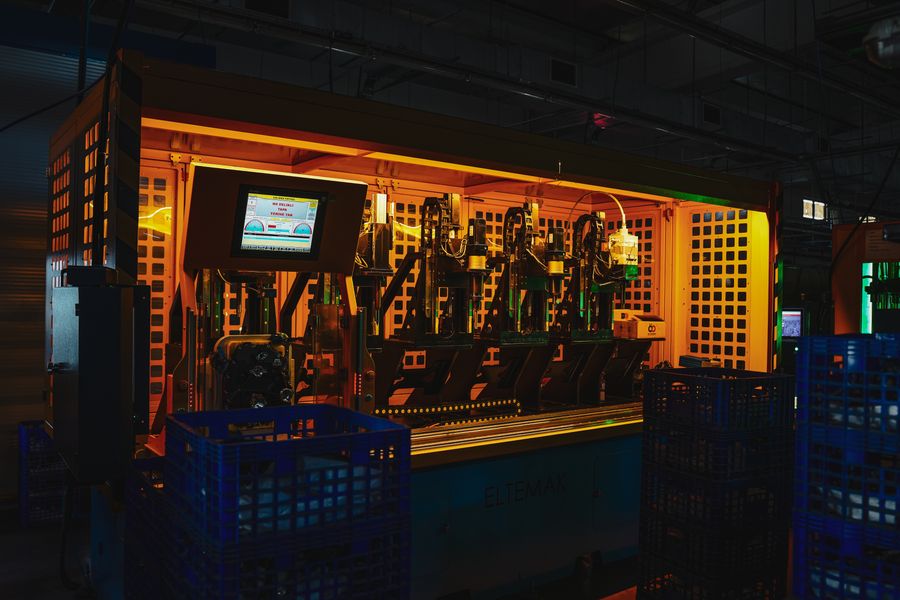
Before you touch an AI platform, document what you have. Create a simple inventory:
- List every data source (PLCs, SCADA systems, MES, databases, spreadsheets, manual logs)
- Document how each source communicates (MQTT, OPC-UA, serial, HTTP API, database table, CSV export)
- Identify who owns each system and who understands it
- Note the age, vendor, and current support status of critical systems
- Capture the data refresh rate for each source (real-time, hourly, daily, weekly)
Step 2: Choose a problem worth solving
AI integration costs money and time. Pick a problem with measurable value. Good candidates:
- Predictive maintenance: reduce downtime by predicting equipment failure before it happens
- Quality prediction: catch defects earlier in the production run
- Energy optimization: reduce power consumption during production
- Scheduling optimization: reduce changeover time or increase throughput
Step 3: Build your data pipeline
You need to move data from legacy systems into a place where AI can use it. This is where most projects stall.
Create a staging layer. This is not your final data warehouse. It is a temporary holding area where data from multiple sources gets normalized. Use a middleware tool like Apache NiFi, Talend, or a custom Python pipeline to:
- Extract data from each source on a schedule
- Transform it into a consistent format
- Store it in a database or data lake accessible to your AI tools
- Log errors and data quality issues
Step 4: Prepare and validate training data
The data in your staging layer is historical. You need to clean it, verify it, and organize it into something an AI model can learn from.
This step takes longer than engineers expect. You will find:
- Sensors that stopped working and nobody noticed
- Data entry errors spanning months
- Equipment downtime periods where data is invalid
- Definitions that changed ("product quality" meant different things in 2018 vs. 2024)
Split your data into training (70%), validation (15%), and holdout test (15%) sets. Keep these separate. The test set represents data the model has never seen, which is how you measure real performance.
Step 5: Implement middleware and connectors
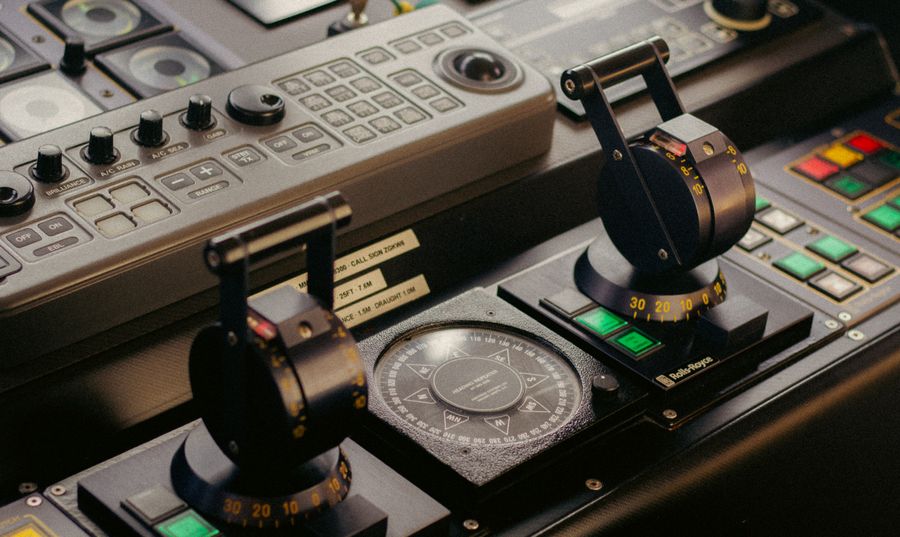
Your AI model will live somewhere. Your legacy systems will remain where they are. You need something in the middle that lets them talk.
Build or deploy:
- Data connectors to poll or subscribe to equipment data
- API endpoints that expose AI predictions to your existing systems
- Logging and monitoring to track what the AI is recommending and whether those recommendations are working
- Rollback mechanisms if something goes wrong, the system falls back to human decision-making
Step 6: Run in parallel mode first
Do not let the AI make decisions alone. Set it up so AI recommendations are logged and compared to human decisions for weeks or months.
During this phase:
- Operators or planners see AI recommendations but use their own judgment
- You log both the AI recommendation and the actual decision
- You compare outcomes to see where AI adds value
- You build confidence in the model
Step 7: Automate incrementally
Once you have weeks of parallel data showing the AI is performing well, start automating small decisions first.
Do not automate the biggest, most critical decision. Automate something low-stakes. Let the organization build confidence with AI handling routine tasks before you trust it with production-critical choices.
Log every AI decision. If something goes wrong, you need to understand what the model saw and why it decided what it did. This is your audit trail.
Tools and workflows that help
Data integration platforms
Apache NiFi or Talend handle data movement and transformation well. Both can pull from legacy systems and push to modern data lakes. Use them if you have many disparate sources.
For smaller projects, a Python script with scheduled tasks (using Airflow or Cron) works fine. The advantage of Python is that your engineers probably know it already.
Time-series databases
Legacy systems often output streams of sensor readings. Store these in a time-series database like InfluxDB, TimescaleDB, or Prometheus. These are built for high-velocity data and make it easy to query "what happened between 2 PM and 3 PM on Tuesday."
Model monitoring tools
Once your model is running, you need to watch for drift (when the real world changes so much that the model's assumptions break). Tools like Evidently, WhyLabs, or DataRobot surface this automatically.
Orchestration and workflow
If you have multiple steps (extract data, clean it, train the model, generate predictions, log results), use Apache Airflow or Prefect to orchestrate them. These prevent tasks from running out of order or missing steps.
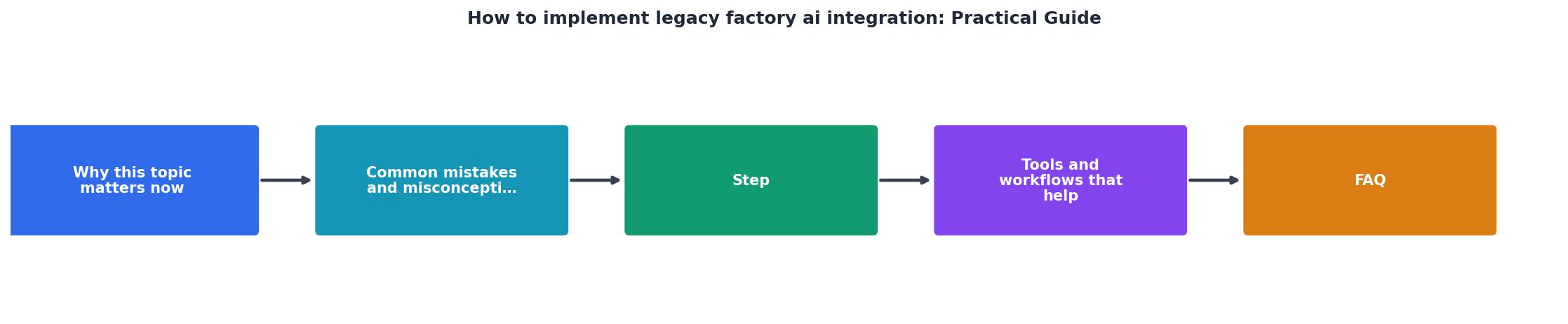
The process at a glance
Building a practical implementation
To see how this looks in practice, here is what a typical legacy factory integration involves. Imagine a mid-sized electronics manufacturer running equipment from three different eras.
The factory has an older PLC network controlling assembly lines, a 2015 MES (manufacturing execution system) managing production orders, and a custom database built in-house tracking inventory. None of these talk to each other. The factory wants to predict when machines will need maintenance before they fail.
The approach:
- Write a connector that polls the PLC network via OPC-UA every 5 minutes and extracts temperature, vibration, and cycle-time data
- Query the MES database to get maintenance history and equipment specifications
- Normalize both data streams into a Postgres database with consistent timestamps and units
- Build a model that predicts failure risk based on historical patterns (equipment that showed similar patterns eventually failed)
- Create an API endpoint that returns failure risk scores for each machine
- Display risk scores on a dashboard the maintenance team already uses, without forcing them to change their workflow
- Log the predictions and track which ones turned out to be correct
- Once the model is validated over 8-12 weeks, enable alerts when risk exceeds a threshold
"Many systems run on outdated hardware, rely on inflexible data models, or include software components that are no longer supported, all of which limit compatibility with AI technologies.">, A Practical Guide to Integrating AI Into Legacy Systems
Building your AI integration dashboard
To understand how all these components fit together, here is an interactive view of what a typical factory AI integration workspace looks like. This example represents a real manufacturing scenario where data flows from multiple legacy sources into a unified AI decision layer.
This dashboard shows the actual flow of a working factory integration. Data flows from multiple incompatible sources through a standardized transformation layer, gets processed by AI models, and outputs predictions back to operational systems. The metrics show realistic performance for a mid-sized facility.
Operational considerations
Ownership and accountability
Assign one person as the AI integration lead. This person owns the project end-to-end. They track progress, unblock bottlenecks, and answer the question "where are we?" at any moment. Without this single owner, the project becomes invisible work that everyone is supposed to do but nobody is actually responsible for.
Training and change management
Your operators and maintenance team will see new dashboards and workflows. Train them. Show them how the AI recommendations work and why they matter. Build confidence by starting with recommendations they already agree with, then gradually let them see where AI adds value.
People resist tools they do not understand. Spend time on this.
Monitoring and drift detection
Once the AI is running, monitor it. Track:
- How often does the AI make recommendations vs. how often humans would make them?
- Of the recommendations the AI made, how many were correct?
- Is the accuracy stable or degrading over time?
Documentation
Document what the model does, what data it uses, and why. If something goes wrong, you need to explain to auditors and operators what happened. Keep a record of model versions, when they were deployed, and what changes were made.
Factory AI Integration Readiness Checklist
Your progress is saved automatically in your browser.
FAQ
Frequently Asked Questions
Additional Resources
- A Practical Guide to Integrating AI Into Legacy Systems - Discover how to successfully integrate AI data with legacy systems to enhance operations and boost efficiency.
- AI Integration with Legacy Systems: A Practical Guide (2025) - Discover strategies for integrating AI into legacy systems. They start with strong data governance, data cleansing, and consolidation before ...
- Best Practices for AI Integration with Legacy Systems - Start by identifying systems of record - determine which legacy system owns specific data fields to avoid conflicts during synchronisation.
Ready to Master Vibe Coding?
Learn to build software faster with AI assistance using the Vibe Coding Bible.
Get Started