Recommended Version Control Systems for AI Coding
AI coding assistants generate code at a pace no human can match, but that speed creates a new problem: tracking what changed, why it changed, and whether the change actually works. Without a solid version control system tuned for AI-assisted workflows, you end up with a codebase full of mystery commits, untraceable regressions, and merge conflicts that eat your afternoon. This guide breaks down the version control systems that handle AI-generated code best and shows you exactly how to set them up.

AI coding assistants generate code at a pace no human can match, but that speed creates a new problem: tracking what changed, why it changed, and whether the change actually works. Without a solid version control system tuned for AI-assisted workflows, you end up with a codebase full of mystery commits, untraceable regressions, and merge conflicts that eat your afternoon. This guide breaks down the version control systems that handle AI-generated code best and shows you exactly how to set them up.
TL;DR:- Git dominates AI coding workflows with its branching model, staging area, and ecosystem of AI-aware tools.
- Subversion (SVN) still works for centralized teams managing large binary assets alongside AI-generated code.
- Mercurial offers a simpler distributed model but has a shrinking ecosystem.
- For most AI-assisted projects, Git with structured commit conventions and branch isolation is the clear winner.
Why version control matters more with AI
Every time an AI assistant rewrites a function, generates a test suite, or refactors a module, it produces a batch of changes that you did not type character by character. That disconnect between authorship and understanding is the core risk. Version control gives you the ability to inspect each change, revert bad generations, and maintain a clean history that your team can actually review.
Traditional version control already solved collaboration and history tracking. AI coding adds three new demands:
- High commit frequency - AI generates code in bursts, so you need cheap, fast commits.
- Branch isolation - Experimental AI output needs sandboxing before it touches
main. - Diff readability - AI-generated diffs can be large; your VCS needs to surface meaningful changes.
"Your development team now has a whole new set of sub-teams, and they're made of software.">, Medium
That quote captures the shift. AI agents act like additional contributors to your repository. Your version control system needs to handle them the same way it handles human developers: with accountability, traceability, and rollback capability.
Git for AI-generated code

Git is the default choice, and for good reason. Its distributed architecture, lightweight branching, and staging area make it ideal for the rapid iteration cycles that AI coding produces.
Branching and isolation
Create a dedicated branch for every AI-assisted task. Name it descriptively: ai/refactor-auth-module or ai/generate-api-tests. This keeps AI output isolated until a human reviews and approves it. Git branches cost almost nothing to create, so there is no overhead penalty.
Staging area as a review gate
Git's git add -p (patch mode) lets you selectively stage hunks from AI-generated changes. Instead of committing everything the AI produced, you pick the pieces that pass your review. This is the single most underused Git feature in AI workflows.
Commit conventions for AI code
Adopt a prefix convention so your history stays readable:
ai:for commits containing AI-generated codeai-review:for commits where a human modified AI outputai-revert:for rollbacks of AI-generated changes
Ecosystem advantages
Git integrates with every major AI coding tool: GitHub Copilot, Cursor, Aider, Continue, and Claude Code all assume Git as the underlying VCS. GitHub, GitLab, and Bitbucket provide pull request workflows, code review tools, and CI/CD pipelines that treat AI-generated PRs identically to human ones.
git diff --stat before committing AI output. If the diff touches more than 5 files or 200 lines, break it into smaller, reviewable commits.Subversion for centralized teams

Subversion (SVN) uses a centralized model: one server, one truth. It still has a place in specific scenarios.
When SVN makes sense
- Large binary assets alongside code (game studios, embedded firmware projects)
- Strict access control where directory-level permissions matter
- Legacy infrastructure where migration to Git is not yet approved
svn lock mechanism prevents concurrent edits on files that cannot be merged, which is useful when AI tools generate binary configuration files or compiled assets.
Limitations with AI workflows
SVN's branching is expensive compared to Git. Creating a branch copies the entire directory tree on the server. For AI coding, where you want to spin up and tear down experimental branches constantly, this overhead adds up. SVN also lacks a local staging area, so every commit goes directly to the central server.
If your team already runs SVN and the AI-generated code is a small portion of the project, SVN works fine. But if AI coding is central to your workflow, Git gives you more flexibility.
Mercurial as an alternative
Mercurial (Hg) is a distributed VCS like Git, designed with simplicity as a priority. Its command set is more consistent, and its learning curve is gentler.
Strengths
- Cleaner CLI with fewer footguns than Git
- Built-in large file support via
largefilesextension - Immutable history by default, which prevents accidental rewrites
The ecosystem problem
Mercurial lost significant ground when Bitbucket dropped Hg support in 2020. Most AI coding tools assume Git. Cursor, GitHub Copilot, and Aider do not natively support Mercurial repositories. You can use hg-git bridges, but that adds friction.
For a greenfield AI project, Mercurial is hard to recommend. For an existing Mercurial codebase where you are adding AI-assisted development, it still works, but expect to maintain bridge tooling.
Comparing the three systems
The following interactive comparison shows how Git, SVN, and Mercurial stack up across the features that matter most for AI-assisted development.
Git
Subversion
Mercurial
| Feature | Git | Subversion | Mercurial |
|---|---|---|---|
| Architecture | Distributed | Centralized | Distributed |
| Branch cost | Near-zero | Directory copy | Low |
| AI tool integration | Excellent | Limited | Minimal |
| Staging area | Yes (git add -p) | No | Via extensions |
| History rewriting | rebase, amend | Not supported | Discouraged |
| Hosting platforms | GitHub, GitLab, Bitbucket | Apache SVN, VisualSVN | Heptapod, self-hosted |
Setting up Git for AI projects

Here is a step-by-step process for configuring Git to handle AI-generated code cleanly.
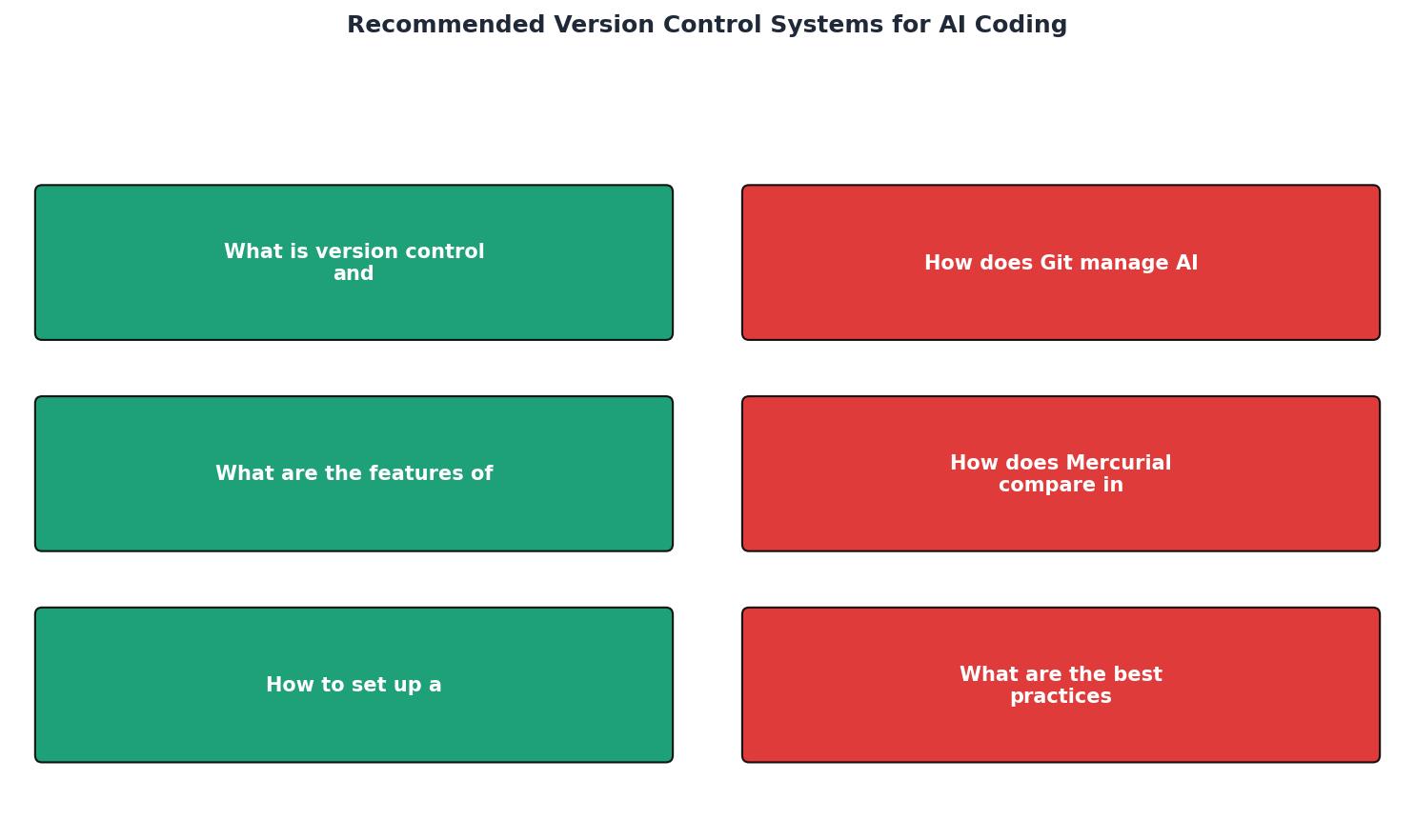
The diagram above shows the flow: Init repo, Configure .gitignore, Set commit hooks, Create AI branch, Generate code, Review diffs, Commit selectively, Open PR, Merge to main.
- Initialize the repository with
git initand connect it to a remote on GitHub or GitLab. - Configure
.gitignoreto exclude AI tool caches, prompt logs, and temporary generation files. Add patterns like.aider,.cursor/, and.ai-tmp. - Install commit hooks using Husky or pre-commit. Add a hook that validates commit message prefixes (
ai:,ai-review:,ai-revert:). - Create a branch naming convention documented in your
CONTRIBUTING.md. Example:ai/./ - Enable Git LFS if your AI workflow produces large model files, datasets, or binary outputs. Run
git lfs installand track relevant extensions. - Set up a PR template that includes a checkbox: "AI-generated code has been reviewed line-by-line."
- Configure branch protection rules on
mainrequiring at least one human approval before merge.
main. Always route AI output through a feature branch and a pull request. One bad generation merged to main can cascade through your CI pipeline.Best practices for code integrity
Keeping AI-generated code under control requires discipline beyond just picking the right VCS.
- Review every diff. Treat AI output like code from a junior developer who is fast but occasionally wrong. Read it line by line.
- Write tests before generating code. Give the AI a failing test, then let it generate the implementation. The test becomes your safety net.
- Use
git bisectaggressively. When a regression appears,git bisectpinpoints the exact commit. With AI-prefixed commits, you immediately know whether the bug came from AI or human code. - Squash AI experiment branches. Before merging, squash the 47 micro-commits from your AI session into 2-3 meaningful commits that tell a story.
- Audit with
git log --authoror custom trailers. Some teams addGenerated-by: cursortrailers to commits so they can filter and audit AI contributions separately.
Git Setup Checklist for AI Coding Projects
Your progress is saved automatically in your browser.
FAQ
Frequently Asked Questions
hg-git bridges for AI tool compatibility. For any new project where AI coding is a primary workflow, Git is the clear default.main. Combine this with ai: commit prefixes so reviewers can immediately identify which code was AI-generated.prompts/ directory alongside the code they generated, creating a traceable link between intent and output. Others treat prompts as ephemeral. If reproducibility matters to your project, versioning prompts is worth the small overhead. Use a separate directory and keep prompts in plain text or markdown files.What version control conventions has your team adopted for AI-generated code? Share your branch naming schemes and commit prefix patterns. For a deeper dive into professional AI coding workflows, check out the practices covered at vibecodingbible.org.
Additional Resources
- An AI world breaks your version control - Steve Jones - Version Control is great, from RCS, VCS, SCCS, Continuus, Subversion and these days git, the first thing I've done in every project ever, ...
- Version Control Best Practices for AI Code - Ranger - Version control guidance for AI projects: branching, commit conventions, large-file handling, model/data/prompt versioning, ...
- Version Control for AI Agents - Freestyle Blog - The best version control system for AI agents is still Git. Agents ... Freestyle Git is built for teams creating AI coding platforms ...
Ready to Master Vibe Coding?
Learn to build software faster with AI assistance using the Vibe Coding Bible.
Get Started