Implementing Version Management in AI-Assisted Projects
Version control stops being optional the moment AI enters your workflow. When an LLM generates code that lands in your repo, you need a system that tracks what changed, why it changed, and who or what caused the change. Without it, you inherit a codebase you cannot reliably understand, debug, or roll back, and your team fragments around contradictory versions of the truth.

Photo by Vito Goričan from Pexels
Version control stops being optional the moment AI enters your workflow. When an LLM generates code that lands in your repo, you need a system that tracks what changed, why it changed, and who or what caused the change. Without it, you inherit a codebase you cannot reliably understand, debug, or roll back, and your team fragments around contradictory versions of the truth.
TL;DR:- Implement version management in AI projects using feature branching, atomic commits with clear intent messages, and conflict resolution workflows that account for AI-generated code ambiguity.
- Use branching strategies like Git Flow or trunk-based development, enforce code review gates, and document AI-assisted changes with explicit context so teammates understand the reasoning.
- Common pitfalls include merging without review, vague commit messages that obscure intent, treating AI output as disposable, and failing to test merge results in the target environment.
Why version management matters for AI code

Traditional version control keeps track of what changed. In AI-assisted projects, you need to track why it changed and whether it makes sense. An AI model can generate syntactically correct code that contradicts your architecture, leaks data, or introduces a silent performance regression. Without version control discipline, that bad code silently merges into production.
The core issue: AI output is fast and prolific, but inconsistent. A developer using Claude or Copilot might generate three different implementations of the same feature, pick one, and commit it, all within minutes. Without explicit branching and review, the team has no visibility into which version was chosen or why. Six months later, debugging that code requires reverse-engineering the AI's original reasoning, which is lost.
Version management solves this by enforcing intent capture: every commit message, branch name, and code review comment becomes part of the historical record. When an AI writes code that behaves unexpectedly, you can trace back through that record and understand the assumptions built in.
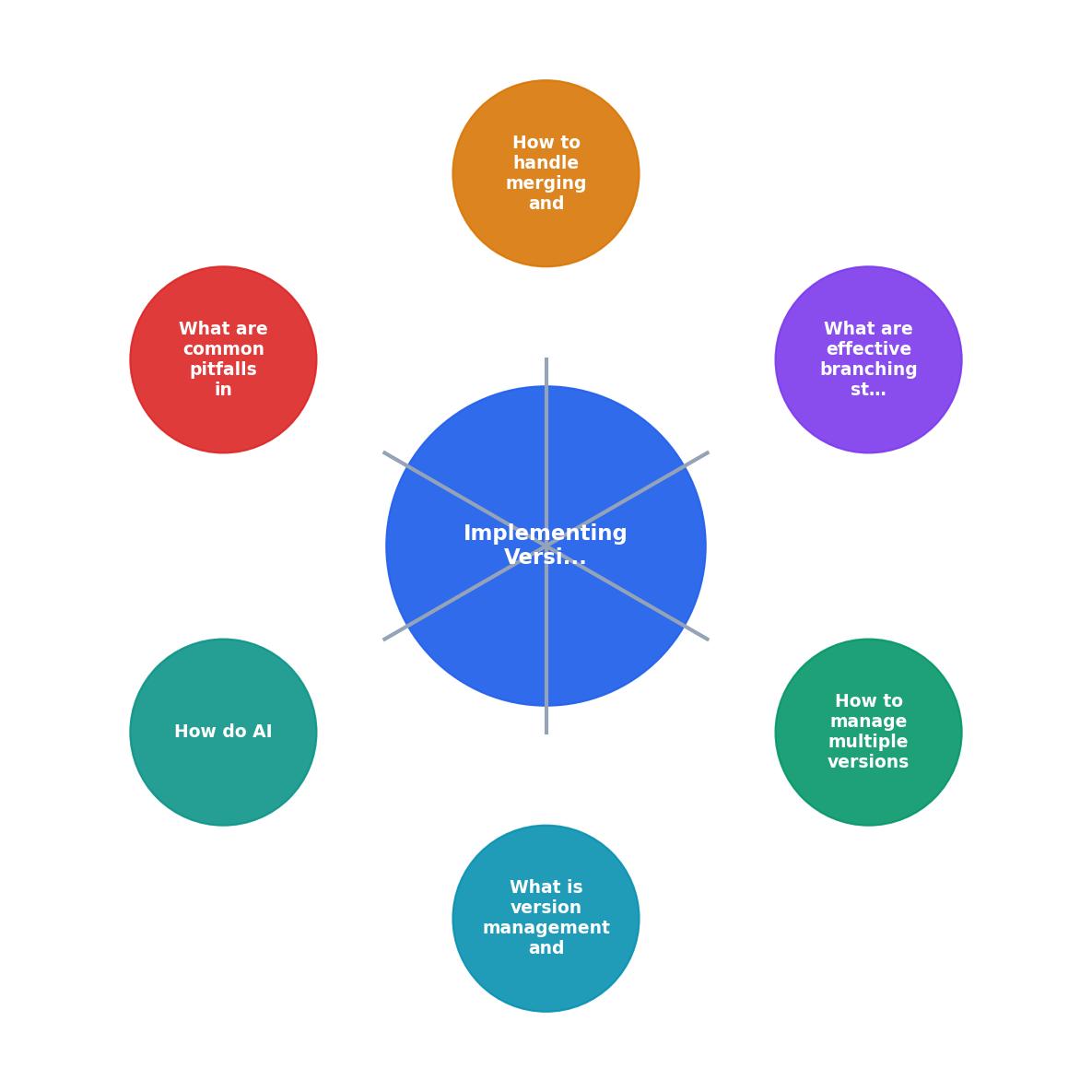
Managing multiple versions of AI-generated code
AI often produces multiple valid solutions to the same problem. You might ask Claude to "write a function that sorts a list of users by creation date" and get back three variants, one using a simple sort, one using a heap, one using a pandas pivot. All three work. But they differ in performance, readability, and maintainability.
The traditional approach, try one, delete the others, commit the winner, wastes knowledge. Instead, use feature branches to preserve alternatives without cluttering main.
Here's the workflow:
- Create a branch for the feature:
feature/user-sorting-v1 - Have the AI generate candidate implementations and commit them to separate sub-branches:
feature/user-sorting-v1-simple,feature/user-sorting-v1-heap,feature/user-sorting-v1-pandas - Write tests for each variant and run benchmarks
- Commit results to a dedicated branch:
feature/user-sorting-benchmark - Document findings in a commit message or PR description
- Merge the chosen variant; keep the experiment branches intact (do not delete) for reference
Document the trade-off in your commit message. This is where the expert quote applies:
"The point of a commit message is to capture intent, not merely summarize the diff… AI cannot infer intent.">, Version Control Best Practices for AI Code
Instead of "Add user sort function", write: "Add user sort using simple O(n log n) sort; rejected heap variant (benchmark branch: feature/user-sorting-benchmark) because memory overhead exceeded 50% for typical data sets."
Effective branching strategies for AI projects

Two branching strategies dominate AI-assisted development: Git Flow and trunk-based development. Each handles AI code differently.
Git Flow for larger teams
Git Flow uses multiple long-lived branches: main (production), develop (staging), and feature branches off develop. This suits teams with formal QA and release cycles.
For AI code, Git Flow adds one rule: all AI-generated code enters via feature branches only. Never commit AI output directly to develop or main. This forces a review gate before AI code touches shared branches.
Your flow looks like:
- Developer creates
feature/ai-search-optimization - AI generates code (search indexing, ranking algorithm, etc.)
- Developer commits with an explicit message: "AI-generated: search ranking using BM25; see PR #412 for reasoning"
- PR review includes: syntax check, intent verification, test coverage, performance benchmarks
- Approval merges to
develop; QA tests; release manager merges tomain
Trunk-based development for rapid iteration
Trunk-based development uses short-lived branches (often < 1 day) that feed into a single main branch. This suits startups and solo builders shipping continuously.
For AI code, trunk-based development requires aggressive testing at merge time. Because the main branch is production-ready, any merge must not break the build.
Your flow:
- Developer creates
ai/feature-flag-experiment(short, descriptive name) - AI generates feature flagged code (isolated behind a config toggle)
- Developer writes tests targeting the new flag
- Merge to main only after: all tests pass, flag is off by default, metrics pipeline is wired
- Enable flag gradually via feature flag service; monitor metrics; rollback if needed
Neither strategy is "better", choose based on your team size and release cadence. Smaller teams and indie hackers lean trunk-based. Larger organizations or regulated environments lean Git Flow.
Handling merges and conflict resolution

Merging AI-generated code introduces a unique class of conflicts: intent conflicts.
A traditional merge conflict occurs when two branches edit the same line: Developer A added logging on line 42, Developer B removed it. Git flags the conflict and asks you to choose. The resolution is mechanical.
An intent conflict is subtler. Developer A's AI-generated code implements authentication using JWT tokens. Developer B's AI-generated code implements the same feature using OAuth2. Both compile, both have tests, both are in separate branches. When you merge B into A's branch, there's no line conflict, Git sees them as edits to different files. But your codebase now has two competing auth implementations, and only one will be used at runtime. The other is technical debt.
Three-step merge process for AI code
- Run the merge locally; do not push immediately. Pull both branches, run
git mergelocally, execute the full test suite. If tests pass, you're not done, move to step 2.
- Verify intent alignment. Review the commit messages on both branches. Do they describe compatible goals? If one branch is "add JWT auth" and the other is "add OAuth2 auth", the tests might pass but the merge creates confusion. Document which feature is active and why.
- Code review before push. Post the merged code to a PR, even if it's just you reviewing yourself. A fresh read often catches intent conflicts that test suites miss. Once approved, push.
Handling conflicting AI outputs
If two AI-generated branches conflict directly (same file, overlapping edits), resolve manually but do not guess. Instead:
- Keep both versions in a temporary branch
- Write tests that specify which version should be used and under what conditions
- Have the AI generate a new implementation that satisfies both tests (or explains why it cannot)
- Merge the winning implementation with a commit message explaining the trade-off
Common pitfalls in version management
Mistakes compound in AI-assisted projects. A bad commit message today becomes a debugging nightmare next quarter.
Merging without review. Fast iteration is tempting, especially with AI. A developer generates a feature, it works locally, they merge directly to main to ship. No code review. Six weeks later, a subtle bug appears in production, a race condition the AI missed, or an edge case in error handling. You now have no record of who made the decision or why. Enforce: all AI-generated code requires review before merge. No exceptions.
Vague commit messages. "Update auth" or "Fix bug" tells you nothing about why the AI was invoked or what it generated. Commit messages for AI code should be explicit: "AI-generated: implement JWT refresh token rotation; rejected stateless approach (see PR #89) because session revocation would require a blacklist." This message tells reviewers exactly what the AI did and what alternatives existed.
Treating AI output as disposable. Some developers use AI to generate scaffolding, then overwrite it with manual code. That's fine. But if you discard the AI version without documenting why, you lose the chance to learn from the AI's approach. Instead, commit the AI version, document the change, and commit your manual version as a follow-up. Future developers can see both and understand the evolution.
Failing to test merge results. Tests pass on each branch separately. But after merge, a hidden interaction surfaces. Example: Branch A refactors a utility function signature. Branch B calls the function using the old signature. Tests pass on both branches (A's tests use the new signature, B's tests use the old one). After merge, B's code breaks. Prevention: always run the full test suite on the merged code in the target branch before approving.
Not documenting why AI was used. A commit says "Implement search indexing." Did an AI generate this, or did a human write it from scratch? If the AI generated it, which model? What prompt? Understanding the source helps teammates maintain and debug the code later. Add a commit tag: [AI: Claude 3.5, prompt: v2] to make it searchable.
How teams handle version management at scale
Large organizations and successful AI-first companies handle version management by automating the discipline and making it visible.
GitHub and GitLab teams use branch protection rules. Main branches require: at least 2 approvals, all tests pass, and no direct pushes. AI code goes through the same gates. Some teams add a third gate: an automated AI-code detector (using rules or heuristics) that flags AI-generated code and requires a security review before merge.
Anthropic and other AI-native teams use a commit tagging system: every commit tagged with [human], [ai], or [ai-assisted] depending on whether a human wrote it, an AI wrote it with a human watching, or a human wrote it with AI suggestions. This tag is searchable and makes blame/credit transparent.
Stripe (and similar fintech companies with strict compliance needs) treat all AI-generated code as external and run it through a separate security scanning phase before merge. They also maintain a "confidence score" in their merge system: AI-generated code must pass 100% of tests plus an additional security scan before merging to production-facing branches.
Smaller teams (startups, indie hackers) often use feature flags as their primary safety mechanism. AI generates a feature, it ships behind a flag off by default, the team monitors metrics, and only enables the flag after 48 hours of zero-alert stability. If anything breaks, rollback is a one-line config change.
Process for implementing version management in AI projects
The diagram shows the high-level flow: Create Branch → Generate / Write Code → Commit with Intent → Open PR → Review & Test → Merge → Deploy. Each step is non-negotiable for AI code. The loop back to "Generate / Write Code" represents iteration during review, if tests fail or intent is unclear, the developer refines the code and re-commits.
Version Management Checklist
This dashboard represents a mature AI-assisted team's version management setup. Every row is a control point. "Branch Protection" means no one can force-push or merge without review. "Code Review Gate" requires explicit human approval. "Test Coverage" tracks that code is adequately tested before merge. "AI Code Detection" (currently manual) flags which commits came from AI. "Merge Automation" means once all gates pass, the merge completes without human intervention, eliminating the "approve PR then forget to click merge" problem.
Steps for Effective Branching and Merging in AI Projects
Your progress is saved automatically in your browser.
FAQ
Frequently Asked Questions
.prompts/ directory in your repo or in a separate prompts.md file linked from your PR. When you generate code with "Implement a search indexing function using BM25 with index sharding for horizontal scaling", save that prompt in the repo. Future developers can understand the original intent and, if the code needs updating, can re-run the same prompt against a newer AI model to test whether newer models produce better implementations.Additional Resources
- Version Control Best Practices for AI Code - Ranger - Clear commit messages, structured branching, and careful artifact versioning are essential for maintaining quality and transparency.
- Capabilities: Version control - AI Version control systems like Git, Subversion, and Mercurial provide a logical means to organize files and coordinate their creation, ...
- Version Control in AI-Assisted App Development - Managing the fast-paced nature of AI-driven development requires thoughtful version control strategies to maintain stability and traceability.
Ready to Master Vibe Coding?
Learn to build software faster with AI assistance using the Vibe Coding Bible.
Get Started