Understanding Vibe Coding: Key Terms and Definitions
You opened a tutorial on building apps with AI, and by the third paragraph you hit a wall of jargon you have never seen before. Prompt engineering, agentic coding, hallucination, context window. Every term links to three more terms, and none of them existed five years ago. This glossary gives you the exact vocabulary you need to follow any vibe coding conversation, tutorial, or book without stopping to Google every other sentence.

You opened a tutorial on building apps with AI, and by the third paragraph you hit a wall of jargon you have never seen before. Prompt engineering, agentic coding, hallucination, context window. Every term links to three more terms, and none of them existed five years ago. This glossary gives you the exact vocabulary you need to follow any vibe coding conversation, tutorial, or book without stopping to Google every other sentence.
Photo by Nothing Ahead from Pexels
TL;DR:- Vibe coding means describing what you want in natural language and letting an AI model generate the code.
- This glossary covers 20+ terms you will encounter in your first month of AI-assisted development.
- Understanding the vocabulary removes the biggest barrier between "I have an idea" and "I shipped a working app."
Why vocabulary matters here
Vibe coding collapses the gap between thinking about software and producing software. But the gap between reading about vibe coding and doing vibe coding is often just vocabulary. When someone says "increase the context window" or "the model hallucinated a dependency," you need to know what that means before you can act on it. This reference is organized so you can scan it once, bookmark it, and come back whenever a term trips you up.
The definitions below are written for builders who ship products, not for researchers writing papers. Each term includes a plain-English definition and, where useful, a concrete example of how it shows up in practice.
What is vibe coding?

Vibe coding is a development approach where you describe the behavior you want in natural language and an AI model writes the code. The term was coined by Andrej Karpathy in early 2025. Instead of typing for loops and if statements yourself, you type something like "add a login page with email and password fields, validate the email format, and redirect to the dashboard on success." The AI generates the implementation. You review, test, and iterate.
This is not "no-code." The code exists, you can read it, and you are responsible for it. Vibe coding sits between traditional hand-coding and drag-and-drop builders. You get the flexibility of real code with the speed of describing what you want.
Essential terms in AI-assisted development

Here is the core glossary. Terms are grouped by category so related concepts sit together.
AI model fundamentals
- LLM (Large Language Model): The neural network that generates code and text. GPT-4o, Claude 3.5 Sonnet, and Gemini 2.5 Pro are all LLMs.
- Context window: The maximum amount of text (measured in tokens) the model can "see" at once. A 128k-token context window can hold roughly 300 pages of text. Exceed it and the model forgets earlier instructions.
- Token: The smallest unit of text the model processes. One token is roughly 3/4 of an English word. The word "development" is two tokens.
- Hallucination: When the model generates something that looks correct but is factually wrong. Example: it imports a library that does not exist, or invents an API endpoint your backend never defined.
- Temperature: A setting that controls randomness. Low temperature (0.0-0.3) produces predictable, deterministic output. High temperature (0.7-1.0) produces more creative but less reliable output.
Prompt and interaction terms
- Prompt: The instruction you give the AI. "Build a REST API for user registration" is a prompt.
- Prompt engineering: The practice of writing prompts that consistently produce the output you want. Specificity, examples, and constraints all improve results.
- System prompt: A hidden instruction that sets the AI's behavior for an entire session. Tools like Cursor and Windsurf use system prompts to tell the model "you are a coding assistant."
- Few-shot prompting: Including 2-3 examples in your prompt so the model understands the pattern you expect.
- Chain-of-thought: Asking the model to reason step by step before giving a final answer. This reduces errors on complex tasks.
Development workflow terms
- Agentic coding: An AI that does not just answer questions but takes actions: reads files, runs commands, creates branches, and executes tests autonomously. Cursor's Agent mode and Claude Code are examples.
- Code generation: The AI writing new code from a prompt.
- Code completion: The AI finishing a line or block you started typing. GitHub Copilot's inline suggestions are code completion.
- Scaffolding: Generating the initial structure of a project: folders, config files, boilerplate. Vibe coding tools excel at scaffolding.
- Iteration loop: The cycle of prompt, review, test, refine. Most vibe-coded features take 2-5 iterations to reach production quality.
"These terms cover roughly 90% of the vocabulary you will encounter in your first month.">, Vibe Coding Vocabulary, Every Term You Need to Know
Quality and safety terms
- Code review: Reading generated code to verify correctness, security, and maintainability. In vibe coding, you are the reviewer.
- Guardrails: Rules or automated checks that prevent the AI (or you) from shipping dangerous code. Linters, type checkers, and CI pipelines are guardrails.
- Production-grade software: Software that handles real users, real data, and real failures without breaking. It is tested, secured, monitored, and maintainable.
- Technical debt: Shortcuts in code that save time now but cost more to fix later. AI-generated code can accumulate technical debt fast if you accept every suggestion without review.
How vibe coding connects to production-grade software

Vibe coding gets you a working prototype fast. Production-grade software is what happens after the prototype. The gap between the two is where most AI-built projects fail. Here is the typical path:
- Prompt and scaffold the initial app
- Iterate on features using the AI
- Review every generated file for security holes and logic errors
- Add guardrails: automated tests, linting, CI/CD pipeline
- Deploy with monitoring and error tracking
- Maintain by managing technical debt over time
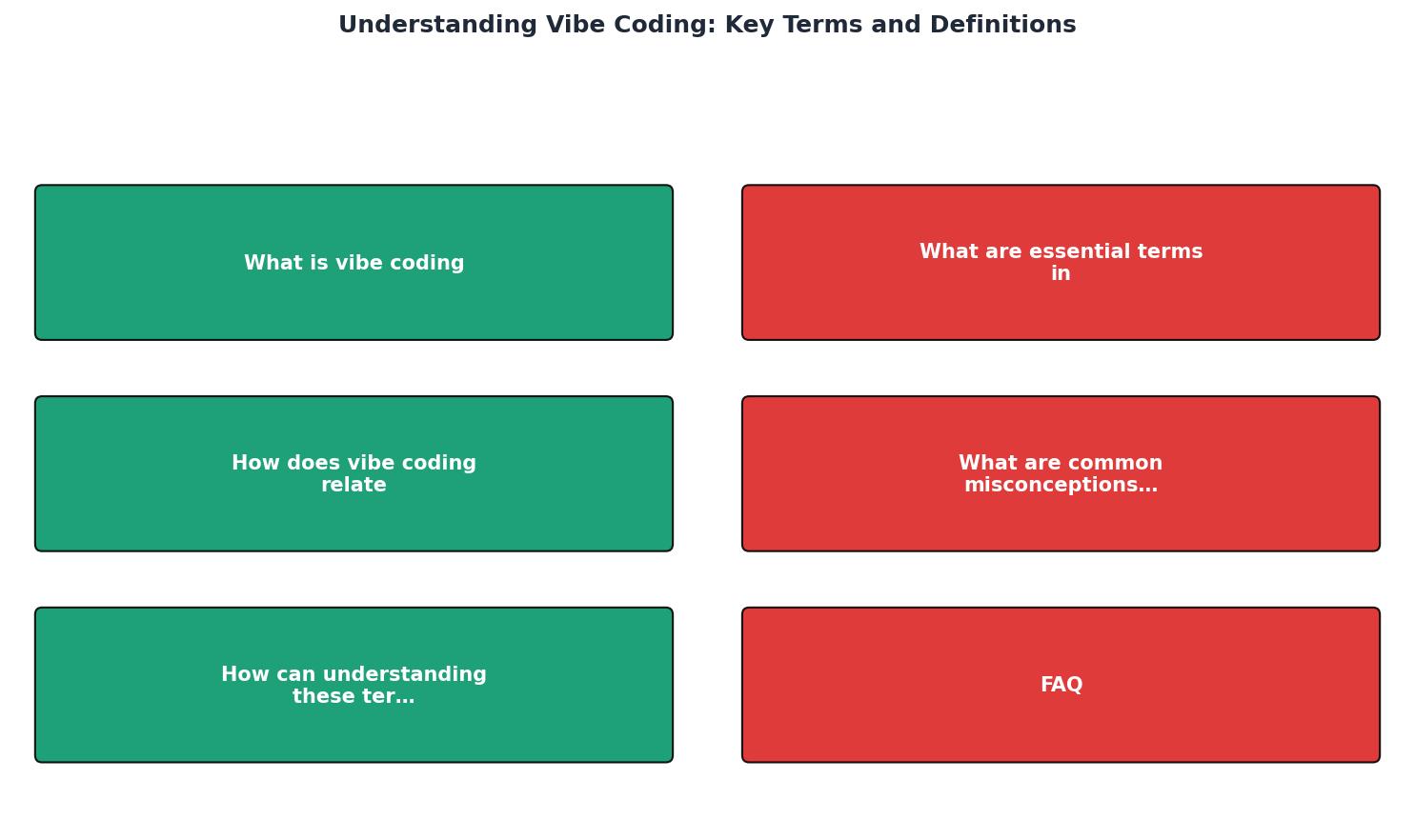
Each step in that diagram uses vocabulary from this glossary. "Scaffold" is step 1. "Guardrails" is step 4. "Technical debt" is what accumulates if you skip steps 3-6. Knowing the terms means you can follow any tutorial or book (including the Vibe Coding Bible at vibecodingbible.org) without getting lost.
Common misconceptions clarified
| Misconception | Reality |
|---|---|
| Vibe coding = no-code | Code exists and you own it |
| AI writes perfect code | AI hallucinates and makes logic errors regularly |
| Prompt engineering is just "asking nicely" | It requires structure, specificity, and iteration |
| Context window is unlimited | Every model has a hard token limit |
| Agentic coding is fully autonomous | You still review, approve, and direct the agent |
| Production-grade means "it works on my machine" | It means tested, secured, monitored, and maintainable |
The biggest misconception: that vibe coding removes the need to understand what the code does. It removes the need to write every line. It does not remove the need to think about what the code does, how it fails, and who it affects.
How knowing these terms helps you build
The following interactive card shows how vocabulary knowledge maps to practical outcomes at each stage of a vibe coding project.
Vocabulary → Action Map
When you recognize the term, you recognize the problem. When you recognize the problem, you can search for the solution. That is the entire value of a glossary: it turns confusion into a searchable question.
Vibe Coding Vocabulary Quick-Start Checklist
Your progress is saved automatically in your browser.
FAQ
Frequently Asked Questions
What term tripped you up the most when you started building with AI? Drop it in the comments and I will add a definition.
Additional Resources
- Vibe Coding Vocabulary, Every Term You Need to Know - New to vibe coding? This plain-English glossary covers every technical term you will encounter, from API and frontend to context window and ...
- "Vibe coding for beginners: A glossary to get you started" - So, if you aren't familiar with what GitHub is, what Supabase does, or what RLS means, this short glossary might help you organize a few key ...
- What is Vibe Coding? - “Vibe coding” is a new and loosely defined term in software development that refers to the practice of prompting AI tools to generate code ...
Ready to Master Vibe Coding?
Learn to build software faster with AI assistance using the Vibe Coding Bible.
Get Started