
Photo by cottonbro studio from Pexels
You've got an idea for a product. You know what you want to build, but you don't have years of CS degree training or a team of engineers backing you up. AI coding tools have changed the game, making it possible to ship real software without traditional engineering credentials. The catch: AI gets you 80% there, and then you need to understand enough to avoid the landmines. Learning vibe coding as a non-engineer means finding resources that bridge the gap between "I can prompt an AI" and "I understand why my app works the way it does."
TL;DR
- Non-engineers can learn vibe coding through structured online courses, hands-on tutorials, books, and active developer communities.
- The best learning path combines foundational knowledge (version control, databases, security basics) with practice-driven projects.
- Real-world communities and mentorship amplify learning speed; success stories from non-engineers shipping production apps prove the path is viable.
- Start with one focused resource, build small projects, then layer in advanced concepts as you ship.
What is vibe coding and why learn it as a non-engineer?
Vibe coding is using AI assistants (Cursor, Claude, Copilot, v0, Lovable) to write production software without being a full-time professional engineer. The term captures the speed and intuition of the process, but "vibe" doesn't mean reckless. Real vibe coding ships code that doesn't break at scale, handles edge cases, protects user data, and stays maintainable as the app grows.
For founders, designers, product managers, and domain experts, learning vibe coding unlocks the ability to test ideas quickly, validate markets, and ship MVPs without waiting for hiring cycles or venture funding. But shipping responsibly means understanding security basics, API design, database structure, and deployment workflows. Resources designed for non-engineers compress this knowledge into digestible, project-driven learning paths.

Best online courses for non-engineers
Platforms like Scrimba, Frontend Masters, and Udemy have courses explicitly designed for people learning to code without a background. Look for courses that blend video instruction with interactive coding environments so you can practice instantly.
Scrimba focuses on interactive video learning. You pause the video, edit code directly in the player, and continue. The hands-on nature sticks better than passive watching. Their React and Node.js courses work well for non-engineers because they skip jargon and show the "why" before the "what."
Frontend Masters offers paid courses from industry professionals. Their course "The Last Algorithms Course You'll Need" and web development paths give deeper dives into systems thinking, not just syntax. The production-quality videos and transcripts make it easier to revisit concepts.
Udemy has thousands of courses; quality varies widely. Filter by rating (4.5+ stars) and recent updates. Courses like "The Complete Web Developer Bootcamp" or topic-specific tracks on databases, APIs, and security give structured progression from zero to shipped.
Coursera offers university-backed programs. Auditing (free) gives you video access; paid certificates add accountability. IBM and Google cloud courses teach DevOps and deployment concepts that non-engineers often miss.
The trap: picking too many courses. Start with one, finish it, build a small project, then add the next. Jumping between five courses teaches nothing.
Tutorials and books that accelerate learning
Interactive tutorials beat long-form reading for initial learning. Sites like freeCodeCamp (YouTube) and Codecademy let you code in a sandboxed environment while following guided steps. Their Node.js and full-stack paths are free and thorough.
Scrimba's free tier includes short, focused lessons on JavaScript, React, and web fundamentals. The interactive model means you're coding from minute one, not reading theory.
Books deepen understanding after you've built something. you Preston-Werner's essays on Git workflows or Kent Beck's "Test Driven Development" become readable after you've wrestled with version control or watched a live app break. The book "Vibe Coding Bible" (vibecodingbible.org) bridges this exact gap: it teaches non-engineers the engineering discipline that keeps AI-assisted apps from collapsing in production.
"Install Node.js (using nvm) and make sure npm is working.">, Medium
YouTube channels like Traversy Media, The Net Ninja, and Academind teach in 10-30 minute chunks. Fast-forward through the setup, slow down on core concepts. This format works for busy founders who can't commit eight hours a week.
Community forums and learning networks
Learning alone is slower. Engaging with communities accelerates growth because you see others' mistakes, answer questions (teaching reinforces understanding), and discover tools and patterns the tutorials don't cover.

Discord communities focused on indie hacking and AI-assisted development are active 24/7. Servers like "Indie Hackers," "Levels," and "BuilderJourney" have channels for specific tools (Cursor, Lovable, v0) and questions-per-day. Post a question at 2 AM; someone answers by breakfast. The real value: you see how others solve problems and learn patterns faster than reading docs.
Reddit communities like r/learnprogramming, r/webdev, and r/vibe-coding (emerging) answer questions directly. Sort by recent; your question has likely been asked. Lurk first, learn patterns of how experienced devs explain concepts, then ask. The tone is usually helpful for genuine questions.
Stack Overflow is the encyclopedia of programming problems. Google errors and warnings; someone has asked about your exact issue. Answers are exhaustive sometimes to the point of overwhelm, but the top answer usually solves it fast.
GitHub Discussions in open-source projects often include beginner-friendly conversations. Projects like Astro, Next.js, and Supabase have welcoming communities. Following an issue as it gets solved teaches you real-world debugging.
Local meetups and hackathons connect you face-to-face. Meetup.com lists events; many are now hybrid or online. A Saturday hackathon pushes you to build in 6 hours what might take a week solo. You meet peers, see how they approach problems, and get accountability.
Real success stories from non-engineers
These aren't unicorn outliers. They're founders and operators who learned vibe coding through structured resources, shipped, and refined based on real user feedback. The pattern is consistent: pick one learning path, build a small project, ship it, then iterate. Each project teaches more than any tutorial can because you're solving real constraints, not exercises.
Recommended learning resources checklist

Here are the essential resources to get started:
Foundational online platforms:- Scrimba (interactive video, focuses on React and Node.js)
- freeCodeCamp (YouTube, free, structured full-stack paths)
- Frontend Masters (paid, deeper dives on architecture and production)
- Codecademy (beginner-friendly, interactive coding sandbox)
- Vibe Coding Bible (production-grade AI-assisted development)
- Eloquent JavaScript (free online, teaches JavaScript deeply)
- You Don't Know JS (free online series, JavaScript fundamentals)
- The Pragmatic Programmer (not code-specific, but critical thinking)
- Discord servers (Indie Hackers, BuilderJourney, Levels)
- GitHub Discussions (follow projects, see real issues solved)
- Stack Overflow (quick answers to specific errors)
- Reddit r/learnprogramming and r/webdev (peer advice)
- Local meetups and hackathons via Meetup.com
- MDN Web Docs (JavaScript, HTML, CSS reference; essential)
- Node.js official docs (backend fundamentals)
- React, Next.js, or Vue.js docs for your chosen framework
- Supabase or Firebase docs (databases made accessible)
Your learning roadmap
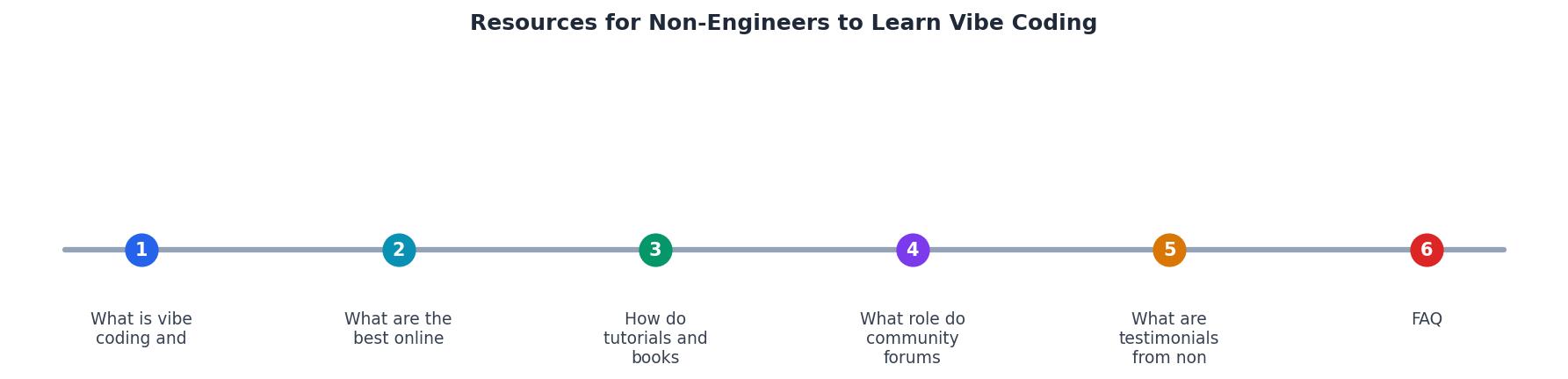
Non-Engineer Vibe Coding Learning Path
Your progress is saved automatically in your browser.
FAQ
Frequently Asked Questions
Additional Resources
- Level up your vibe-coding: A non-engineer's guide to ... - At the entry level, you've got tools like Figma Make, Loveable, Replit and Bolt.new — great for quick prototypes or no-code style experiments ...
- Vibe Coding: 3 Tools for Non-Engineers to Get Started - Vibe Coding: 3 Tools for Non-Engineers to Get Started ... Just learning how to describe intent without the model filling in the gaps creatively.
- Essential Tools for Vibe Coding as a Non-Engineer - TL;DR: Non-engineers can effectively start vibe coding by using accessible tools like Cursor and Claude. This guide provides a comprehensive ...